


Google Forms is one of the most widely used form tools worldwide. It is free, simple, and takes about three minutes to build a form and share a link. For collecting internal survey responses, registering attendees for a team event, or gathering feedback from a small group, it does the job.
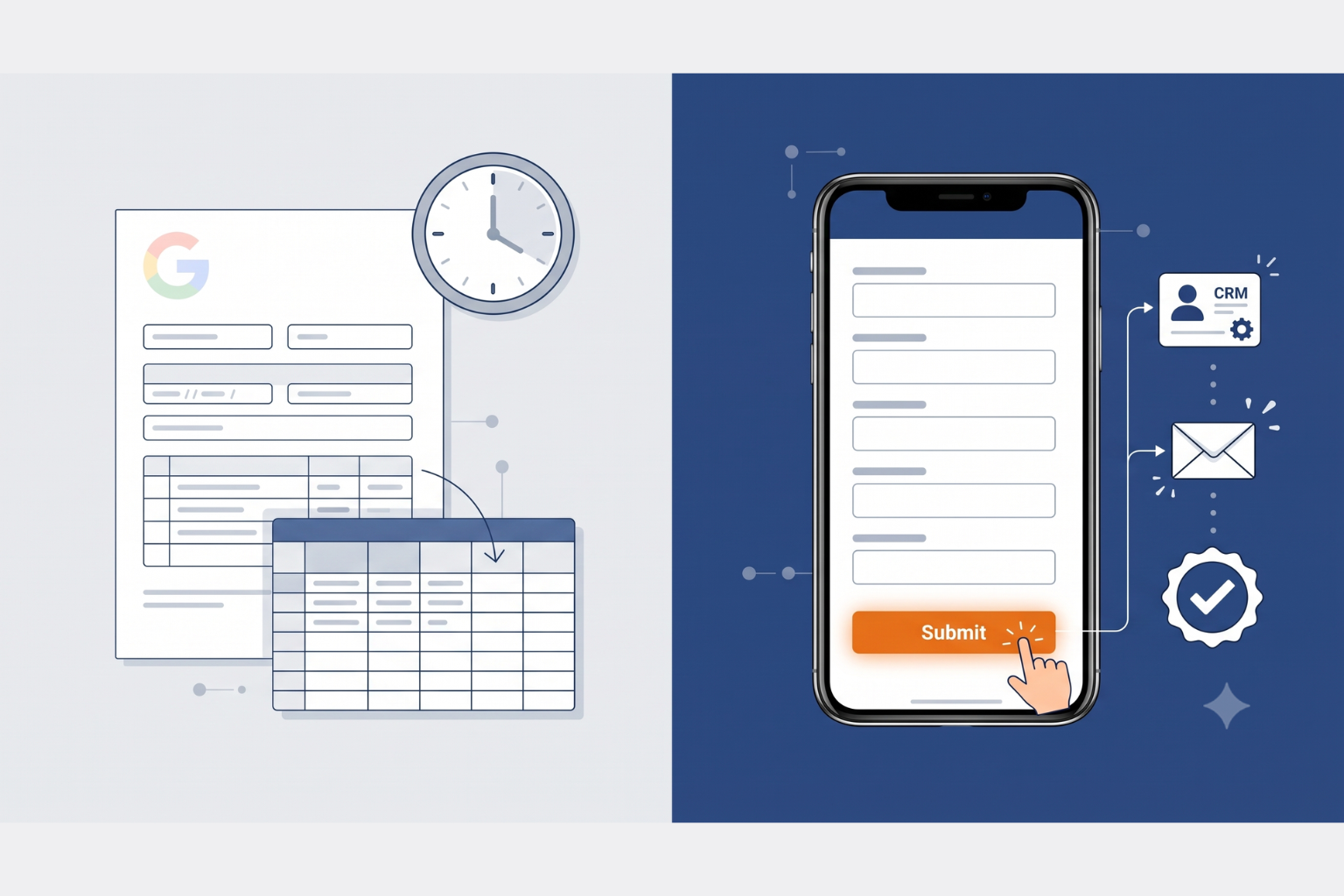
But here is what happens when a small business owner uses Google Forms for lead capture. A potential customer fills in the form. The response lands in a Google Sheet. And then nothing happens until someone on the team remembers to check the spreadsheet, finds the lead, and manually sends a reply two days later. By that point, the lead has already gone elsewhere.
Businesses that follow up within five minutes of a lead enquiring are nine times more likely to convert them. The average response time using manual processes is 47 hours. Google Forms has no mechanism to close that gap. -- DemandSage, 2026
The problem is not that Google Forms is bad at what it does. The problem is that it was never built to be a lead capture tool. It was built to collect data. What growing SMEs need is a tool that does both and then connects the captured data to the follow-up systems that turn a form submission into a customer.
This is the comparison that matters in 2026. Not which form tool is prettiest, but which one actually drives business outcomes after the submit button is clicked.
What Google Forms Does Well

To give Google Forms a fair assessment, it is worth being clear about where it genuinely excels. It is free at any scale. There are no submission limits, no pricing tiers, and no costs that grow as your volume grows. For a bootstrapped operation that needs a quick form without any budget, this matters.
It integrates natively with Google Sheets, which means responses populate a spreadsheet automatically. If your team lives in Google Workspace and you primarily need to collect and review structured data, the workflow is clean and familiar. The collaboration features are also strong. Multiple team members can edit a form simultaneously, and the version history tools are reliable.
For internal use cases, Google Forms is often the right answer. Internal surveys, event registrations for your own team, simple questionnaires where the data goes into a spreadsheet for analysis, and basic feedback collection all sit comfortably within what Google Forms handles well.
Where it falls short is everything that happens after submission in a commercial lead capture context.
Where Google Forms Falls Short for Growing SMEs
No automated follow-up
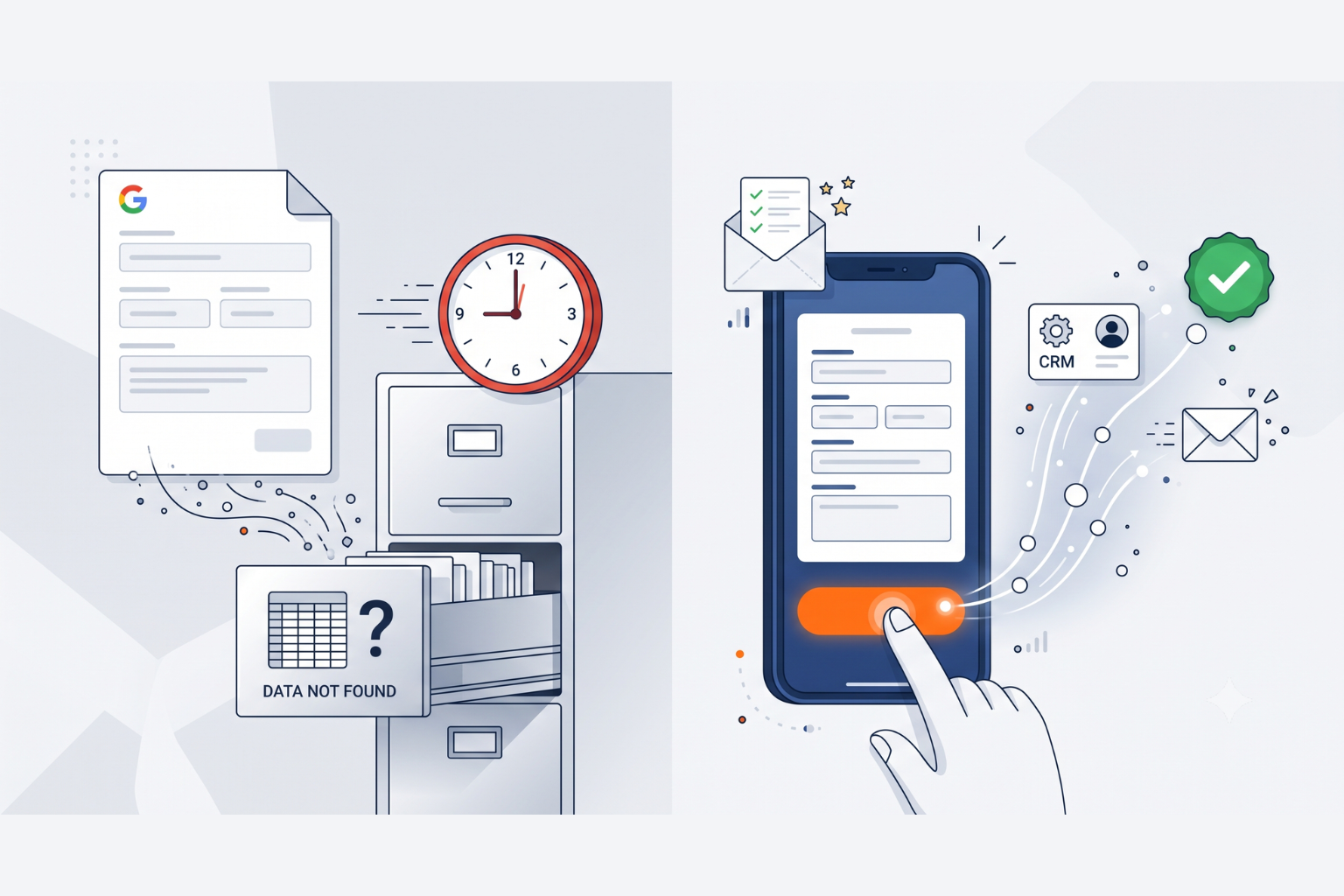
Google Forms has no built-in mechanism to send an automated response to the person who just submitted your form. To trigger a follow-up email, you need a third-party tool, a Zapier workflow, or a Google Apps Script built by someone who knows how to write one. For a small business owner who is not a developer, this is a meaningful barrier. And without an immediate follow-up, leads go cold while sitting in a spreadsheet.
No CRM integration without workarounds
Google Forms sends data to Google Sheets. It does not natively connect to HubSpot, ActiveCampaign, Salesforce, or most CRM platforms. Getting form data into your CRM requires a Zapier connection, which is a paid third-party service, a custom integration, or manual data entry. For SMEs trying to build a clean lead pipeline, this friction is a real operational cost.
No branding control
Every Google Form looks like a Google Form. You can add a header image and choose an accent colour, but the typography, the layout, the fonts, and the overall aesthetic are all Google's. For a business that has invested in a brand identity, sending customers a generic Google Form is a missed trust signal. A form that looks like it belongs to your business converts better than one that looks like it belongs to Google.
No multi-step forms
Google Forms displays all questions on a single scrollable page or across basic sections. It does not support true multi-step forms with a progress bar, step navigation, or the psychological commitment mechanics that make longer forms perform significantly better. Research consistently shows that multi-step forms achieve higher completion rates than equivalent single-page forms for the same number of questions.
No partial submission capture
When someone starts filling in a Google Form and then abandons it midway through, that data is lost. You never know who started enquiring. For a business running paid traffic to a form, every abandoned submission is money spent with no return. A smart form tool captures partial submissions so you can follow up even with people who did not complete the form.
No QR codes, landing pages, or eSignatures
Google Forms generates a shareable link. It does not generate a QR code. It does not include a landing page builder. It does not have an eSignature field. For a growing SME that needs to capture leads from print materials, send documents for signing, or build a complete offline-to-online funnel, Google Forms is one piece of a puzzle that requires multiple additional tools to complete.
CliqForms vs Google Forms: Full Feature Comparison
The table below compares Google Forms and CliqForms across the features that matter most for SME lead capture and business growth in 2026.
Why CliqForms Is the Smarter Google Forms Alternative for SMEs

CliqForms is built specifically for the use case where Google Forms falls short. Not internal data collection, but external lead capture, client onboarding, consent collection, and the full journey from a visitor filling in a form to a lead appearing in your CRM and receiving an automatic follow-up.
1. Smart conditional logic that qualifies as it captures
CliqForms' smart conditional logic goes well beyond showing or hiding a question based on a previous answer. It supports multi-branch logic, dynamic form endings based on how someone responded, skip patterns that keep the form short for every respondent regardless of their path, and different thank-you pages for different types of leads. A high-value enquiry sees a premium response. A general enquiry sees a standard one. All from the same form.
2. Instant lead delivery to your CRM and email tools
CliqForms connects to your existing tools via native webhooks, Zapier, Make, ContactState, and TrustedForm. The moment a form is submitted, the lead data fires to your CRM, triggers an email sequence in Mailchimp or ActiveCampaign, or sends a Slack alert to your sales team. No manual checking of a spreadsheet. No delay between submission and follow-up. The lead is in your system before the person has closed their phone.
3. Full brand control from form to confirmation
Every CliqForms form uses your colours, your fonts, your logo, and your language. The submission confirmation screen carries your brand. The email notification your team receives carries your brand. To a client or prospect, the form feels like a seamless extension of your website, not a third-party tool. This matters for conversion rates, and it matters for trust.
4. QR codes, landing pages, and eSignatures in one platform
CliqForms includes a QR code generator that links directly to any form. It includes an AI-powered landing page builder so you can create a complete lead capture page without a developer. And it includes CliqSign, a built-in eSignature platform, so you can collect legally binding signatures on any document directly from a form, with no account required from the signer.
This means a business that previously needed Google Forms for data collection, a separate QR code tool, a landing page builder, and a standalone eSignature platform can replace all four with CliqForms. One platform. One dashboard. One place where every lead and every signed document is stored.
5. Partial submissions so no lead is ever lost
CliqForms captures partial submissions, meaning that even when someone starts filling in your form and abandons it before hitting submit, their details are captured and available in your dashboard. For businesses running paid traffic to a form, this can recover a meaningful percentage of leads that would otherwise be invisible.
6. Conversion analytics that tell you what is actually happening
CliqForms tracks view rate, start rate, completion rate, and field-level drop-off data for every form. You can see exactly where people abandon your form, which questions cause friction, and how your conversion rate changes over time. Google Forms tells you how many responses you received. CliqForms tells you why you are not getting more.
What Is the Best Alternative to Google Forms for Your Business?
The honest answer depends on what you need a form to do. If you need to collect internal data, run a quick team survey, or gather structured feedback with no automation requirements, Google Forms is perfectly adequate, and the free price point is genuinely attractive.
If you need to capture leads from external visitors, connect those leads to a CRM or email tool automatically, build trust with a branded experience, recover abandoned submissions, generate QR codes for offline campaigns, collect signatures on documents, or understand why your form is converting at the rate it is, Google Forms will not get you there without a significant stack of additional tools.
CliqForms was rated the best all-in-one lead generation tool for small businesses in 2026, specifically because it delivers form builders, landing pages, QR codes, eSignatures, and analytics in one platform without requiring an enterprise budget or technical setup. -- CliqForms Best Lead Generation Tools for Small Businesses, 2026
For growing SMEs, the question is not whether Google Forms is free. The question is what the cost of not following up on leads actually is. A form that sends data nowhere is not saving you money. It is costing you the revenue those leads could have generated.
Frequently Asked Questions
What is the best free Google Forms alternative?
CliqForms is free to start with no credit card required. Unlike Google Forms, it includes conditional logic, branding control, webhook and Zapier integration, partial submission capture, QR code generation, an AI-powered landing page builder, and CliqSign for eSignatures. For SMEs that need more than a basic data collection tool, CliqForms is the most complete free starting point available.
Can CliqForms replace Google Forms completely?
For most SME use cases, yes. CliqForms handles everything Google Forms does for external-facing forms and adds the CRM integration, automation, branding, QR codes, landing pages, and eSignature capability that Google Forms does not provide. For internal Google Workspace surveys where the data needs to live in Google Sheets specifically, Google Forms may still be the most practical choice.
Does CliqForms integrate with Google tools?
CliqForms connects to thousands of tools via Zapier and webhooks, which includes Google Sheets, Google Drive, and Gmail. Form submissions can be routed to a Google Sheet automatically if that is where your team manages data. The difference is that CliqForms can also simultaneously send the same submission to your CRM, trigger an email sequence, and alert your sales team, which Google Forms cannot do natively.
Is CliqForms better than Google Forms for lead generation?
Yes, substantially. Google Forms collects data and sends it to a spreadsheet. CliqForms captures leads, triggers automated follow-up, delivers data to your CRM in real time, captures partial submissions, tracks conversion analytics, and generates QR codes and landing pages to drive more submissions in the first place. For lead generation specifically, the two tools are not comparable in capability.
What makes a smart form different from a regular form?
A smart form adapts based on what the respondent tells it. It uses conditional logic to show relevant questions and hide irrelevant ones, keeping the form short for every respondent. It captures partial submissions so abandoned forms are not lost. It connects to downstream tools automatically, so leads are acted on without manual intervention. And it tracks performance data so you can improve conversion rates over time. CliqForms is a smart form builder. Google Forms is a regular form builder.
Key Takeaways
- Google Forms is a capable data collection tool for internal use cases but was not built for commercial lead capture, CRM integration, or automated follow-up.
- The average business using manual processes responds to leads in 47 hours. Businesses that respond within five minutes are nine times more likely to convert. Google Forms cannot close this gap without significant additional tooling.
- CliqForms replaces Google Forms and the additional tools most SMEs bolt onto it, including QR code generators, landing page builders, eSignature platforms, and Zapier workflows, in a single platform.
- Partial submission capture, conversion analytics, and full brand control are features that directly affect lead generation revenue and are absent from Google Forms.
- For growing SMEs, the right question is not which form tool is cheapest. It is which tool actually turns submissions into customers.
Make the Switch
Every day a lead sits in a Google Sheet without follow-up is a day that lead is being won by a competitor who has a better system. CliqForms gives you that system, free to start, with no technical setup required.
Build your first smart form today and connect it to the tools that turn submissions into customers.
.png)




.png)