



You need a signature. Maybe it is a client approval, a service agreement, a consent form before a job starts, or a booking confirmation you need on record. You search for eSignature software and end up staring at a pricing page for a platform that costs more per month than your phone bill, requires a 14-step setup, and assumes you are running a law firm.
This happens because the eSignature market is largely built for enterprise. But most businesses asking the question do not need an enterprise answer. They need to collect a signature, keep a record, and get on with the job.
Understanding the difference between what an eSignature actually is, what a form-level eSign field does, and when a full platform becomes necessary will save you money, time, and a lot of unnecessary complexity.
What Is an eSignature?
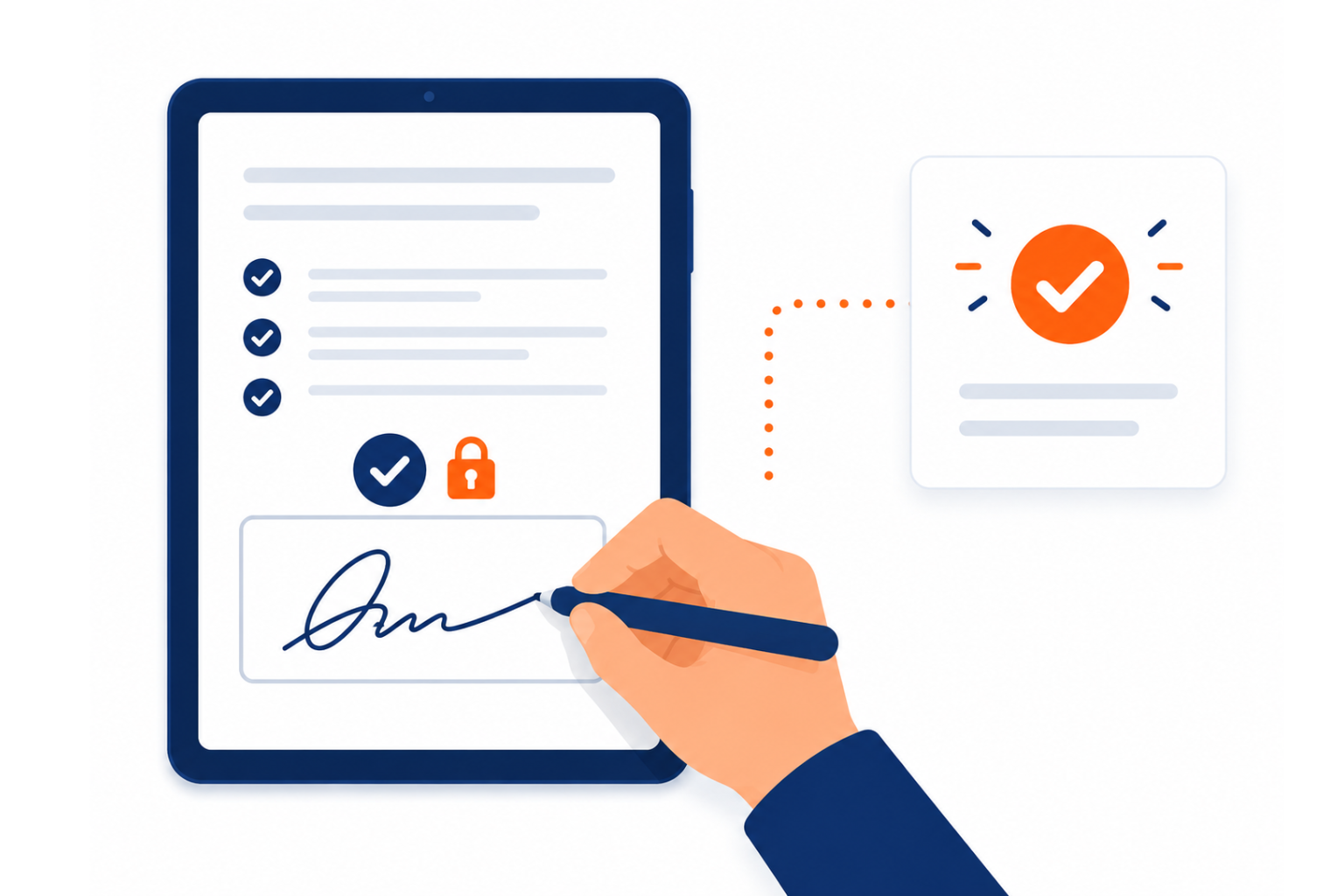
An electronic signature, commonly called an e-signature, is any digital method a person uses to indicate their agreement to a document or form. That can be as simple as typing their name, drawing a signature with a finger on a touchscreen, clicking an Accept button, or signing on a dedicated platform that generates a certificate of completion.
What makes an e-signature legally valid is not the technology used but the intent behind it. Under frameworks like the Electronic Transactions Act in Australia, the E-SIGN Act in the United States, and eIDAS in Europe, an electronic signature is legally binding when the signatory intended to sign, and the method used to capture that intent is reliable.
This matters because it means a signature field embedded in an electronic form is just as legally valid as a signature collected through a dedicated enterprise platform, provided the conditions of consent and intent are met. The technology is not what makes it legal. The process is.
95% of businesses have either deployed eSignature technology or have active implementation plans. SMEs represent the fastest-growing adoption segment, growing at 28.75% year on year. The barrier is rarely legal or technical. It is knowing which tool fits the job. -- Verdocs, 2026
The Two Categories of eSign Solutions
When businesses look for e-signature tools, they typically encounter two very different categories of product, often described with similar language but serving very different purposes.
The eSignature Form Field
A form-field eSignature is a signature-capture mechanism built into a form or data collection flow. The person filling in the form arrives at a signature field, signs using their finger, stylus, or mouse, and submits. The submission is timestamped, the consent is recorded, and the form owner receives a complete record.
This is the right solution for the vast majority of consent flows, intake forms, bookings, single-party approvals, and service agreements where one person needs to confirm their agreement as part of a broader form submission.
CliqForms includes a native eSignature field through CliqSign. It works inside any form you build, requires no account from the signer, and delivers a full submission record with timestamp and consent data the moment someone signs and submits. A service business, for example, can send a job approval form with a CliqSign field at the end—the client signs on their phone before work begins, and the signed record is automatically stored in the submission dashboard.
The Full eSignature App Suite
A standalone eSignature platform is a dedicated application built specifically for document signing workflows. You upload a document, place signature fields, assign multiple signers, send via the platform, and receive a completed document with a full certificate of completion and detailed audit trail.
Platforms like DocuSign, Adobe Sign, and their competitors are built for this use case. They are powerful, compliant, and well-suited to complex workflows involving multiple parties, legal documents, regulated industries, or situations where a full document certificate is required.
They are also expensive per envelope, require setup and training, and are significantly more than most SMEs need for their everyday consent and approval flows.
How to Know Which One Your Business Needs Right Now
The honest answer is that most growing businesses need both at different stages and for different purposes. The mistake is assuming you need the heavy solution from day one, or conversely, staying on a lightweight tool when your workflows have outgrown it.
Here is how to read the situation clearly.
Start with an e-signature form field when...
You are capturing consent or approval as part of a form submission. A client booking form that ends with a terms acceptance and signature. A new customer intake that includes a service agreement sign-off. A delivery confirmation. A health consent form before an appointment. These are all single-party, form-level consent flows. They do not need a platform. They need a well-built form with a reliable signature field and a timestamped submission record.
Cost is also a factor. Full eSignature platforms charge per envelope or per user. If you are sending 50 consent forms a month, the cost compounds quickly. A form-field eSignature included in your existing CliqForms plan has no per-envelope fee.
With CliqSign inside CliqForms, a tradie can send a scope-of-work form with a signature field before starting a job. A clinic can collect patient consent digitally before an appointment. A consultant can get a project brief signed as part of their onboarding form. All of this happens in one submission, with no separate platform required.
Move to a full eSignature platform when...
Your workflows involve multiple signers who need to act in sequence. A contract that needs to be signed by your client, then countersigned by your director, then witnessed. A multi-party legal agreement. A regulated document that requires a certificate of completion with a full audit trail for compliance purposes.
If your industry requires a specific level of signature assurance, advanced authentication, or regulatory certification, a dedicated platform is the right tool. These are genuine enterprise requirements, and the platforms built for them exist for good reason.
The key question to ask is not which product looks more professional. It is whether your specific signing workflow requires the capabilities a full platform provides or whether a well-built electronic form with a signature field does the same job at a fraction of the complexity and cost.
Feature Comparison: eSign Form Field vs. Full App Suite
The table below compares the two options across the factors that matter most for a growing SME. Use this to decide for your current stage, not the stage you hope to be at in five years.
Where CliqForms Fits in This Picture
CliqForms is not a standalone eSignature platform. It is a smart form builder with CliqSign built in—meaning you can add a legally binding signature field to any form you build. A real estate agent collecting a rental application can include a tenancy agreement sign-off in the same form. A gym can collect membership terms consent with a signature at sign-up. A freelancer can send a project proposal form that ends with a CliqSign field for client approval.
What that means in practice is that you can build a form in CliqForms, add a signature field, and have a complete signed submission record in your dashboard without any additional software, per-envelope fees, or training overhead. The signer needs no account. The signature is captured on any device. The submission record includes a timestamp, the signer's IP, and their consent data.
For businesses that are ready for a full multi-party document signing workflow, CliqForms connects to the tools that handle that via Zapier, webhooks, and direct integrations. The form handles intake and qualification. The connected platform handles the formal signing.
The two can coexist. And for most growing SMEs, starting with CliqForms and scaling into a dedicated platform when the workflow genuinely demands it is a far more sensible path than paying for enterprise software from day one.
Frequently Asked Questions
What is an eSignature, and is it legally binding?
An electronic signature is a digital representation of a person's intent to agree to a document or form. Under Australian, US, UK, and EU electronic transaction laws, an eSignature is legally binding provided the signatory intended to sign and the method used to capture that intent is reliable. A signature field in an electronic form meets this standard. You do not need a dedicated platform for your e-signature to be legally valid.
What are electronic forms, and how do they relate to eSignatures?
Electronic forms are digital equivalents of paper forms—they collect structured information from respondents online. When a signature field is added to an electronic form, the form becomes a combined data collection and consent capture tool. The respondent fills in the form and signs in a single flow, and the business receives a complete, timestamped record of both the data and the signature. This is the most common and practical use case for eSignatures in growing SMEs.
Do I need to pay per envelope for e-signatures?
Not if you use a form-field approach. Dedicated eSignature platforms typically charge per envelope or per user, which adds up quickly at volume. If your signing use case is capturing consent or approval as part of a form submission, a tool like CliqForms includes the signature field in your existing plan with no per-transaction cost.
When should a small business upgrade to a full eSignature platform?
When your signing workflows require multiple parties signing in sequence, formal document certificates for compliance, advanced identity verification, or regulated industry sign-off are requirements. If you are collecting single-party consent, booking approvals, or form-level signatures, a dedicated platform is more than you need at this stage.
Can the same business use both a form-field e-signature and a full platform?
Yes, and many do. A common approach is to use CliqForms for intake, consent, and approval forms—where a signature field within the form is sufficient—and a dedicated platform for formal contracts and multi-party legal documents. CliqForms integrates with downstream tools via Zapier and webhooks, so the two can work together within a single business workflow.
Key Takeaways
- An e-signature is legally binding when the intent to sign is clear, regardless of whether it is captured in a form field or through a dedicated platform.
- Form-field eSignatures are the right fit for consent flows, intake forms, booking approvals, and single-party agreements. They are fast to set up, mobile-friendly, and require no account from the signer.
- Full eSignature platforms are the right fit for multi-party contracts, regulated documents, and workflows requiring a formal certificate of completion.
- Most growing SMEs start with a form-field approach and scale into a full platform only when their workflows genuinely require it.
- CliqForms includes native eSignature capability through CliqSign at no per-envelope cost, with Zapier and webhook integrations that connect to full platforms when the time comes.
The Right Tool for Where You Are Right Now
The eSignature market will tell you that you need a platform. What you actually need is a signature on the document in front of you, a record you can rely on, and a process that does not create friction for your customers.
For most growing businesses, that starts with a smart electronic form with a reliable signature field. When your workflows grow beyond that, the path to a full platform is clear. But there is no reason to pay for complexity you do not yet need.
CliqForms gives you the starting point that most SMEs actually need, with the integrations to scale when you are ready.




.png)