


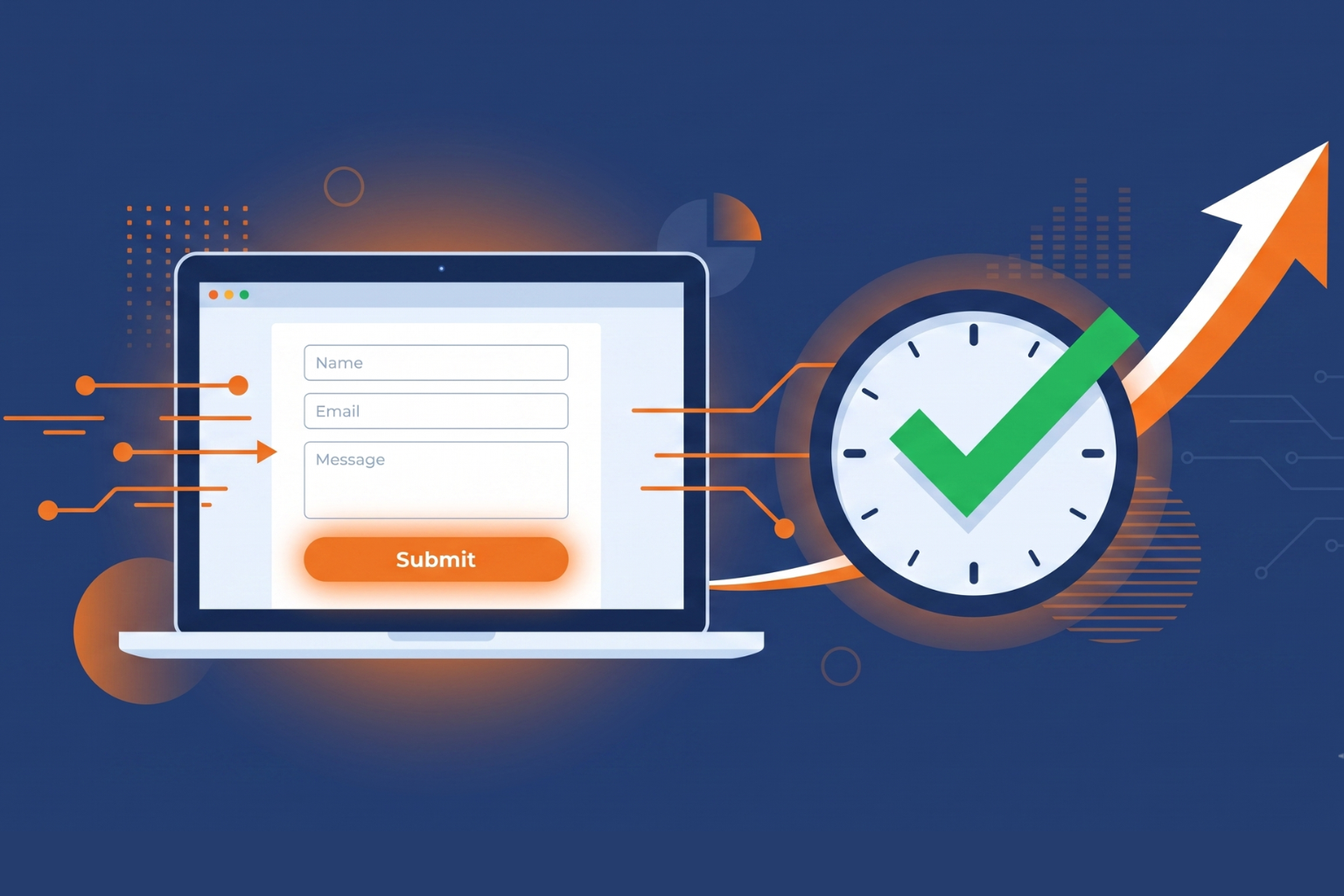
A potential customer visits your website. They fill in your contact form. And then nothing. No instant reply, no acknowledgement, no follow-up until two days later when your inbox reminder finally pings. By then, they've already signed with someone else.
This is one of the most common and costly problems SMEs face. It's not a leads problem; it's a follow-up problem. And the frustrating thing is that the leads were there. You just weren't fast enough.
Businesses that follow up within 5 minutes of a lead's inquiring are 9 times more likely to convert them. Yet 41% of businesses admit they don't have an efficient lead follow-up process in place. — DemandSage / InBeat Agency
The solution isn't hiring someone to watch your inbox around the clock. It's lead automation, a connected workflow that captures every inquiry the moment it arrives and triggers the right follow-up actions automatically while you get on with running your business.
This guide walks you through exactly how to build that workflow, starting with the most important piece: your form.
Why Manual Follow-Up Is Costing You, Customers
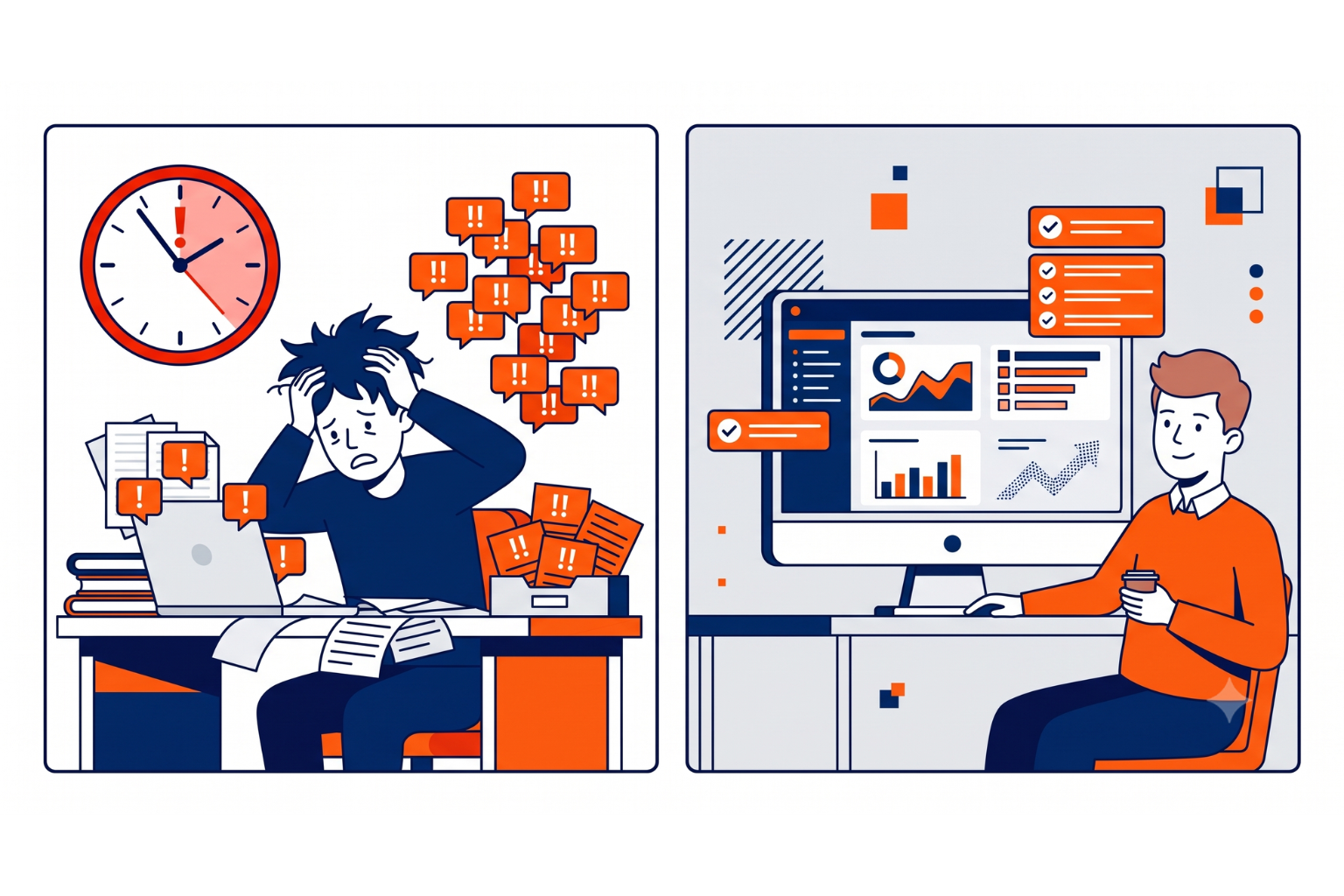
Most small business owners genuinely intend to follow up with every lead. The problem is that good intentions don't survive a busy day. A lead comes in at 11 am while you're in a meeting. You plan to reply after lunch. By 3 pm, three other things have come up. By the next morning, it's been 24 hours.
35–50% of sales go to the vendor that responds first. That's not a small edge; it's the difference between winning the business and never hearing from that person again.
Manual follow-up also introduces inconsistency. Some leads get a personalized reply within the hour. Others wait days. And some fall through the cracks entirely—they never followed up at all.
Lead automation solves this by removing human delay from the equation. The moment someone submits a form, a pre-built workflow takes over — sending acknowledgements, notifying your team, and feeding the lead into your system — without you lifting a finger.
The Three-Layer Lead Automation Workflow
Lead automation isn't one tool. It's a connected stack of three layers, and each one has a specific job:
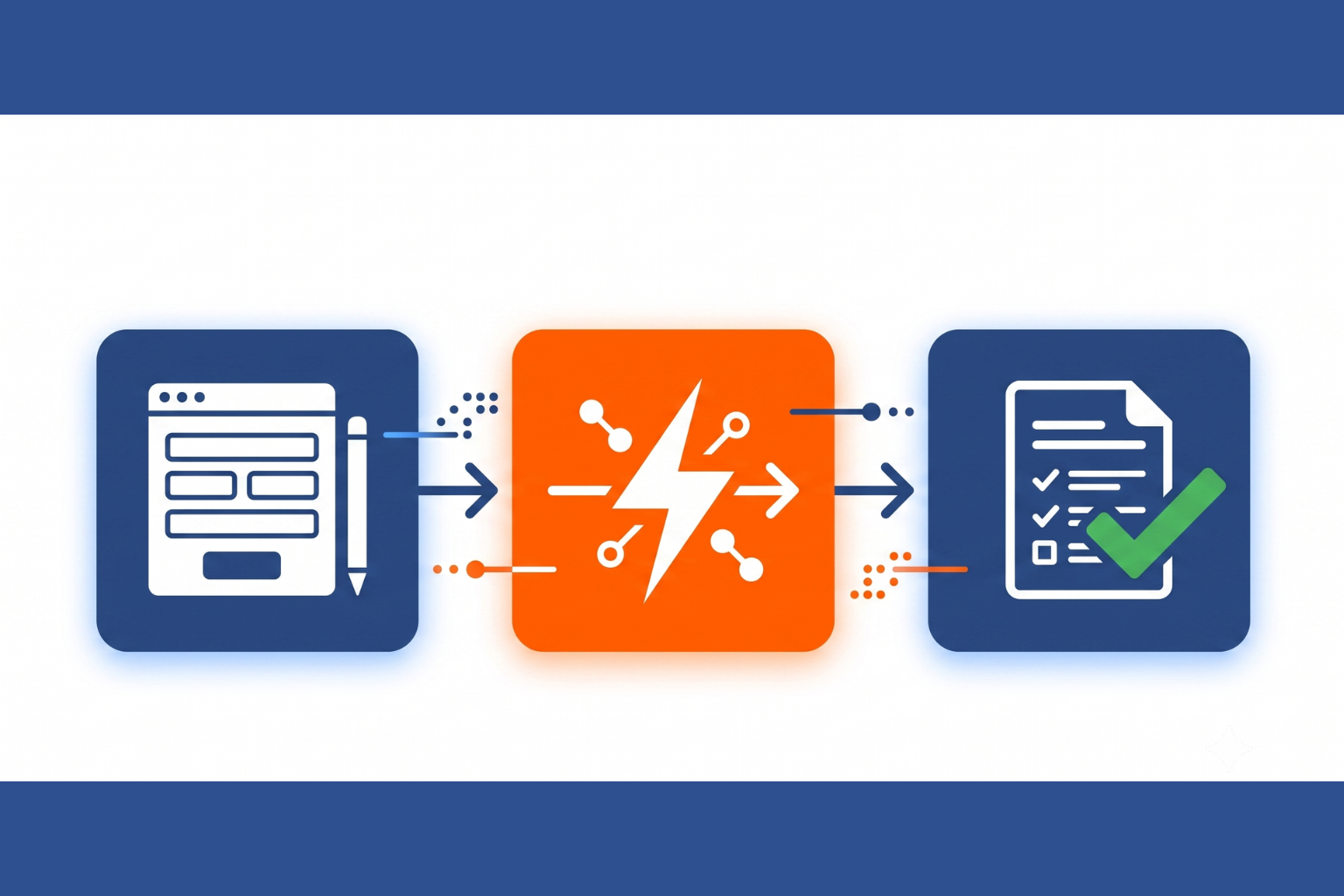
Layer 1: Capture — Your Smart Form
This is where everything begins. Your form is the entry point into your lead automation system. If it captures incomplete, inaccurate, or poorly structured data, the automation downstream falls apart.
A well-built lead capture form does three things: it collects the right information (not too much, not too little), it qualifies the lead at the point of entry, and it passes clean, structured data to the next layer the instant someone hits submit.
This is where CliqForms comes in.
Layer 2: Connect — Zapier, Make, or Webhooks
The moment a CliqForms submission lands, it triggers a connection to the tools that power your follow-up. CliqForms supports native webhooks, Zapier, and Make — meaning the lead data is passed instantly and automatically to wherever your workflow lives.
This is the bridge between capture and action. It's invisible to the lead, but it's what makes the whole system run without manual intervention.
Layer 3: Close — Your CRM or Email Tool
This is where the actual follow-up happens. Once lead data flows through from CliqForms via Zapier or a webhook, your CRM, Mailchimp, ActiveCampaign, or email sequence tool takes over—sending an immediate acknowledgment, notifying your sales team, or triggering a nurture sequence.
Together, these three layers create a complete, hands-free lead workflow: capture, connect, and close.
How CliqForms Powers the Capture Layer
CliqForms is built for the first and most critical layer of lead automation. Here's what it brings to the workflow:
1. Instant data delivery via webhooks and Zapier. The moment a form is submitted, CliqForms fires the lead data to your connected tools in real time. No delay, no manual export, no CSV download. Your CRM or email tool receives the lead the instant it's captured.
2. Smart conditional logic. Show or hide fields based on what the visitor has already answered. This keeps forms short and relevant and ensures the data passed downstream is clean and qualified, not padded with blanks.
3. Conditional thank-you pages. Rather than routing leads to different team members (which happens in your CRM), CliqForms can show different confirmation screens based on how a form was answered—so a high-value inquiry sees a "We'll call you within the hour" message, while a general inquiry sees a standard response.
4. TrustedForm and ContactState integrations. For businesses where lead compliance and quality matter, these native integrations verify consent and source data at the point of capture — before anything flows downstream.
5. Multi-step forms with progress indicators. Longer qualification forms don't have to feel long. Multi-step layouts with progress bars keep leads moving through the form—and the richer data they provide gives your CRM more to work with when personalizing follow-up.
CliqForms is the trigger that starts the chain. Clean data in, automated follow-up out. That's how you capture, connect, and close.
Setting Up Your Lead Automation Workflow: Step by Step
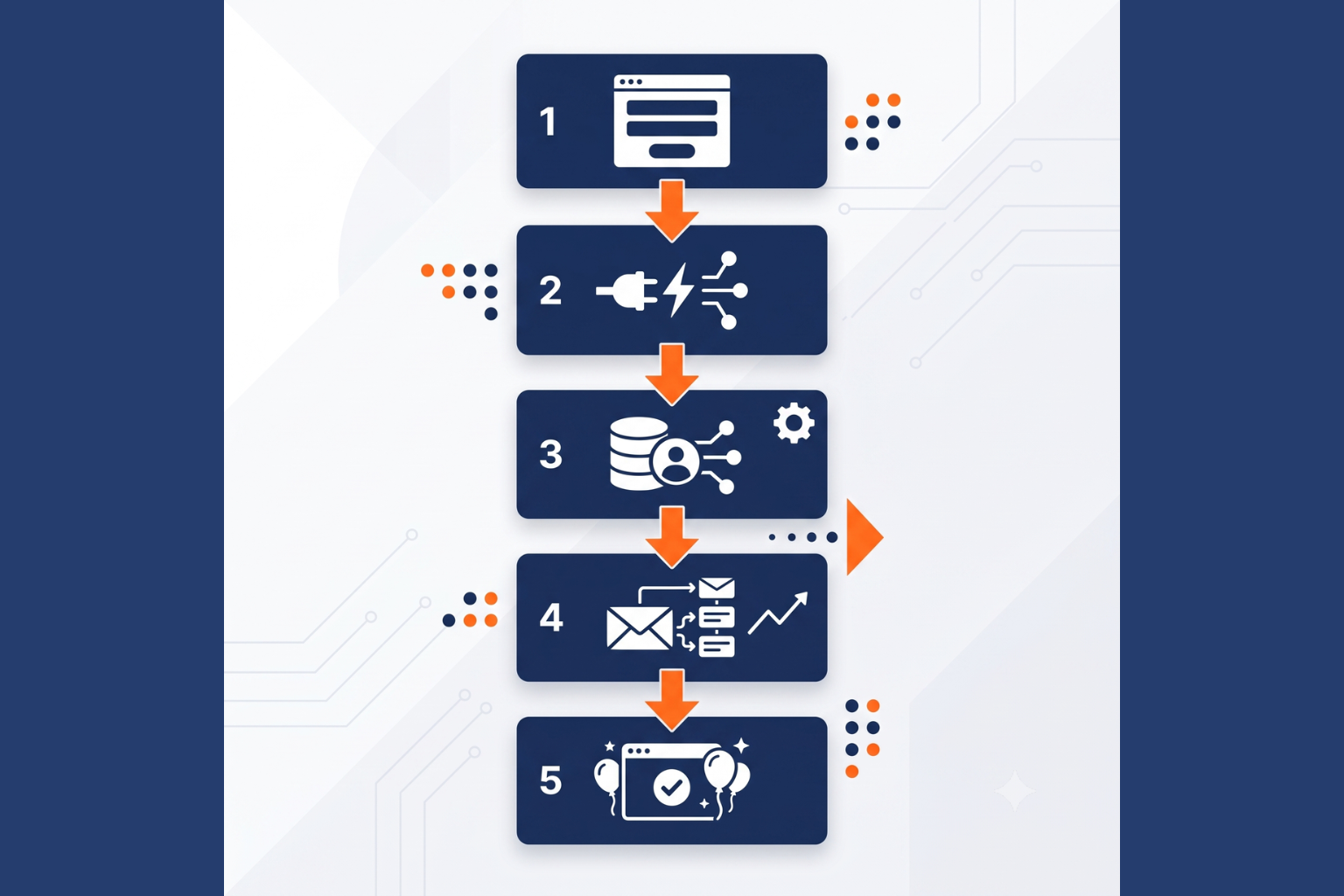
Step 1: Build your form in CliqForms
Start with only the fields you genuinely need to qualify a lead and trigger the right follow-up. Think about what information your CRM needs to route or score a lead—name, email, inquiry type, and budget range—and build around that. Use conditional logic to keep the form short for simple inquiries and more detailed for high-value ones.
Step 2: Connect CliqForms to Zapier or your webhook
In CliqForms, set up a webhook or Zapier integration pointing to your follow-up tool. This connection fires the moment a form is submitted, passing every field of data to the next step in your workflow with no manual input required.
Step 3: Set up your automated follow-up in your CRM or email tool
This is where the follow-up actually happens. In Zapier, you can trigger an immediate email reply to the lead, add them to an ActiveCampaign or Mailchimp sequence, create a contact record in your CRM, or send a Slack or SMS alert to your sales team via Twilio.
A simple starting sequence might look like:
- Instant: Automated email to the lead acknowledging their enquiry and setting a response timeframe
- Instant: Internal Slack or email alert to the relevant team member
- Day 1: Follow-up email from your CRM if no reply has been logged
- Day 3: Second follow-up or a different content offer (case study, free resource)
- Day 7: Final check-in or polite close of the sequence
Step 4: Set the right conditional thank-you page in CliqForms
While your CRM handles routing and sequences, use CliqForms' conditional endings to show the right message immediately post-submission. High-value leads should see a clear expectation: "Our team will call you within 2 business hours." General inquiries might see a standard 1-business-day response promise. This manages expectations from the very first touchpoint.
Step 5: Test the whole workflow before going live
Submit a test entry through your form and follow it all the way through the stack—does the data appear in your CRM? Did the acknowledgement email send? Did the internal alert fire? A five-minute test now prevents leads from falling through the cracks later.
Frequently Asked Questions About Lead Automation

What is lead automation?
Lead automation is the use of connected software tools to capture, acknowledge, and follow up with leads automatically, without manual intervention. When a potential customer fills in a form, an automated workflow instantly sends them a confirmation, alerts your team, adds their details to your CRM, and triggers a follow-up sequence all without anyone in your business needing to action it manually.
Why is fast follow-up so important for lead conversion?
Speed is one of the most significant factors in whether a lead converts. Research consistently shows that businesses responding within 5 minutes of an inquiry are up to 9 times more likely to convert the lead than those that respond hours later. This is because most people inquiring with multiple businesses will simply go with whoever gets back to them first, even if the others might have been a better fit.
Do I need a CRM to automate lead follow-up?
Not necessarily, but it helps. If you're starting, a basic Zapier workflow that sends an automatic email reply and an internal notification is enough to ensure no lead goes cold. As you grow, connecting to a CRM like HubSpot or ActiveCampaign allows you to build more sophisticated nurture sequences, lead scoring, and reporting. Cliqforms supports all of these via webhooks and Zapier, so you can start simple and scale up.
Can CliqForms send follow-up emails automatically?
CliqForms handles the capture layer — collecting and instantly passing lead data to connected tools. The automated follow-up email is then sent by the connected tool: Zapier, Mailchimp, ActiveCampaign, HubSpot, or a similar platform. This means your follow-up emails can be as simple or sophisticated as your chosen tool allows, without any limitations from the form side.
What tools does CliqForms integrate with for lead automation?
CliqForms supports native webhooks, Zapier, Make, ContactState, and TrustedForm. Via Zapier alone, this opens connections to thousands of tools — including HubSpot, Mailchimp, ActiveCampaign, Salesforce, Slack, Gmail, Twilio, and virtually any CRM or email marketing platform.
Key Takeaways
If you take nothing else from this guide, these are the points that matter most:
i) Speed is everything. Businesses that follow up within 5 minutes are 9x more likely to convert a lead. Automation makes that speed consistent.
ii) Lead automation is a three-layer system: capture (your form), connect (webhooks/Zapier), and close (your CRM or email tool).
iii) CliqForms owns the capture layer—delivering clean, instant lead data to whatever tools power your follow-up.
iv) You don't need an enterprise budget to automate. A CliqForms form + a Zapier workflow + a basic email tool is enough to start.
v) Conditional thank-you pages in CliqForms let you set expectations immediately—before your first follow-up email even sends.
vi) Test your full workflow before going live. Five minutes of testing prevents weeks of lost leads.
vii) Automation doesn't replace the human relationship—it just makes sure no lead ever goes cold before the relationship has a chance to start.
Stop Losing Leads to Slow Follow-Up
The leads are there. Your form is capturing them. The only question is whether your system is fast enough to convert them before someone else does.
Lead automation closes that gap permanently. And it starts with a smart form that captures cleanly and connects instantly the moment someone hits submit.
CliqForms is built to be that starting point. Capture every lead. Connect to the tools that follow up for you. And close more business without the manual work.




.png)