


.png)
You built a contact form. You put it on your website. You waited. And almost nobody filled it in.
You're not alone. According to industry data, the average contact form converts just 1–3% of visitors, meaning up to 97 out of every 100 people who land on your page leave without reaching out. Even among people who actually start filling out a form, only 38% complete it.
So what separates a form that sits there gathering dust from one that consistently turns visitors into customers? It comes down to deliberate design, smart psychology, and the right tools.
This guide walks you through exactly how to build high-converting forms — the kind that reduce friction, build trust, and turn casual visitors into qualified leads.
Why Most Contact Forms Fail (And What It's Costing You)
Before fixing your form, it helps to understand why the average one fails so badly.
The most common culprits:
a) Too many fields — Every extra field you add reduces completion rates. Research shows reducing fields from 11 to 4 can triple conversions.
b) Asking for sensitive information too soon — Requiring a phone number alone can drop submissions by over 50%.
c) Poor mobile experience — Over half your visitors are on mobile. Tiny input fields and hard-to-tap buttons send them straight to a competitor.
d) No trust signals — A form without a privacy note, branding, or reassurance feels risky to fill in.
e) Vague or generic CTAs — "Submit" tells visitors nothing. It creates hesitation rather than action.
f) No confirmation or next steps — After clicking submit, a blank or generic "thank you" leaves visitors wondering if anything actually happened.
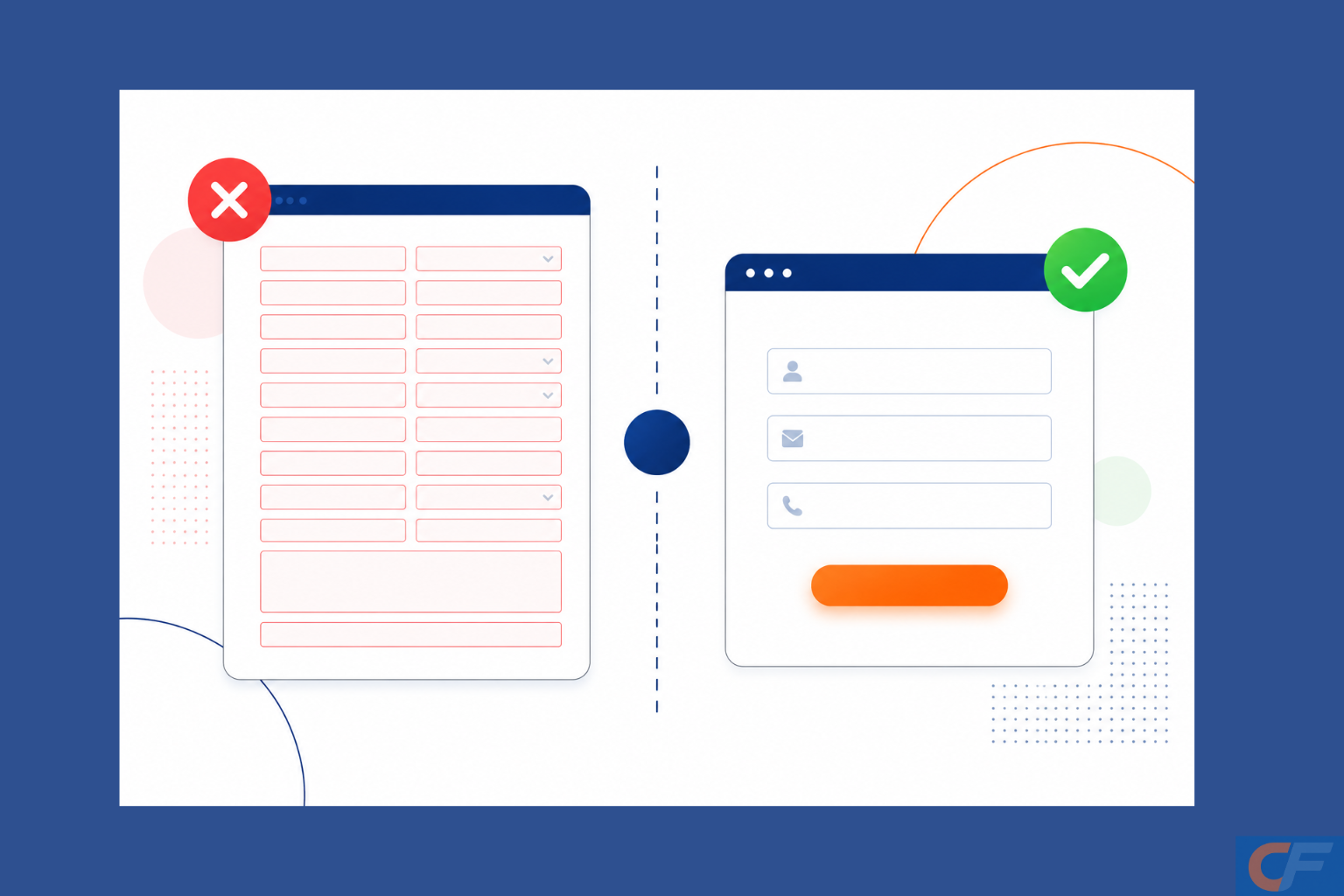
"The view-to-conversion rate for a standard contact form is a lowly 9%." — Zuko Analytics, 2025
Every one of these problems is fixable. Here's how.
7 Proven Strategies to Build High-Converting Forms
1. Ask Only for What You Actually Need
Simplicity is the single biggest lever you can pull on for form conversion. Every field you add is a question you're forcing your visitor to answer before they've decided to trust you yet.
Start with the minimum: name, email, and one qualifying question. You can gather more information later in the relationship, once trust is established.
Expedia famously removed one "Company Name" field from their booking form and added millions in annual revenue. Unbounce removed an optional phone number field and saw a 79% jump in conversions.
2. Use Smart Conditional Logic
Not every visitor is the same, so why should your form treat them identically? Conditional logic lets you show or hide fields based on what the visitor has already answered.
Someone who selects "I want a quote" should see budget fields. Someone who selects "Just exploring" should not. This keeps forms short, relevant, and far less intimidating and signals to the visitor that you understand their specific situation.
Expedia famously removed one "Company Name" field from their booking form and added millions in annual revenue. Unbounce removed an optional phone number field and saw a 79% jump in conversions.
3. Break Long Forms Into Steps
Multi-step forms dramatically outperform single-page forms for more complex inquiries. Why? Because they leverage the psychological principle of commitment and consistency, once someone has answered the first question, they're far more likely to finish.
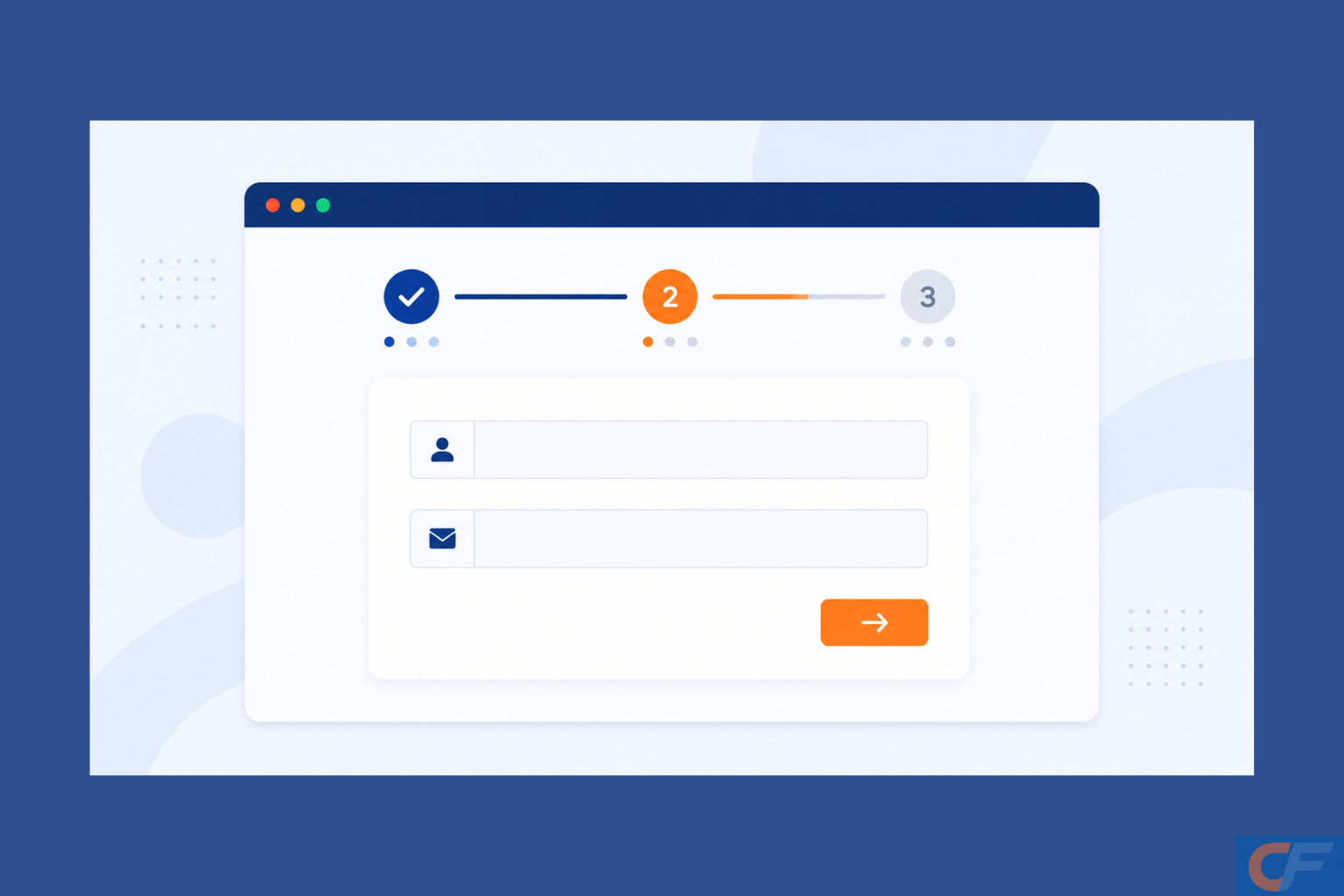
A good rule of thumb: if your form needs more than four fields, break it into steps. Use a progress indicator so visitors know how close they are to the end. This alone can increase completion rates significantly.
4. Write a CTA That Earns the Click
Your submit button is not a formality; it's the moment of conversion. Generic labels like "Submit" or "Send" underperform because they communicate nothing about what happens next.
Replace them with action-oriented, benefit-led copy:
i) "Get My Free Quote"
ii) "Start My Free Trial"
iii) "Book My Strategy Call"
iv) "Send My Message"
Personalized CTAs — ones that speak directly to what the visitor gets — consistently outperform generic alternatives by a significant margin.
5. Build Trust Directly Into the Form
Visitors hesitate at forms because forms ask for personal information. Your job is to remove that hesitation before they even notice it.
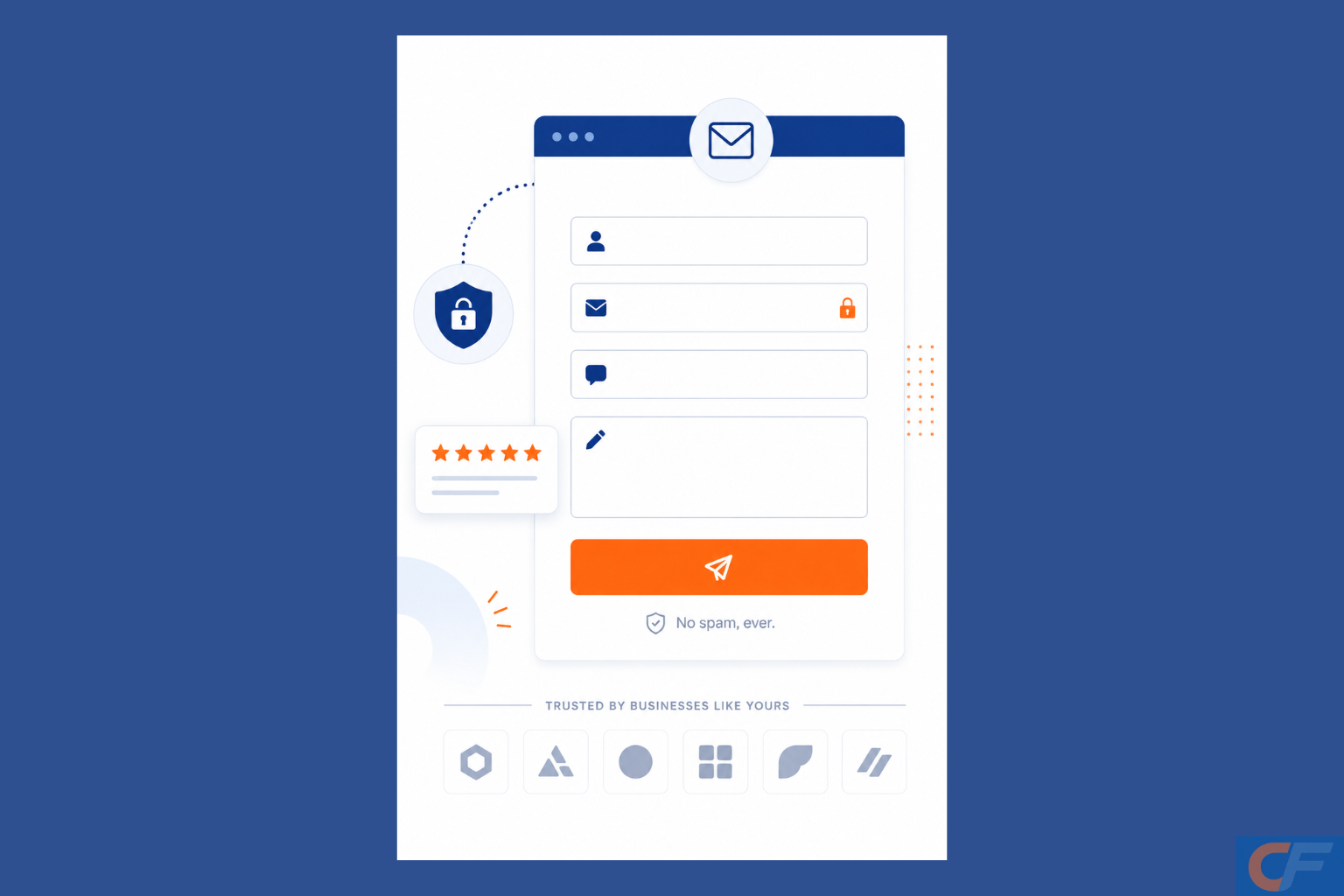
Trust signals to incorporate:
a) A short privacy line beneath the email field: "We'll never share your details. No spam."
b) Security badges or SSL indicators if collecting payment or sensitive data.
c) Social proof near the form: a testimonial snippet, a client logo row, or a star rating.
d) Your brand's colors and logo, a form that looks like it belongs to your site, feel safer than a generic white box.
6. Optimize Ruthlessly for Mobile
More than half of all web traffic is mobile. Yet most forms are still designed for desktop first — and it shows. Small input fields, dropdown menus that are difficult to tap, and layouts that require horizontal scrolling all destroy mobile conversion rates.
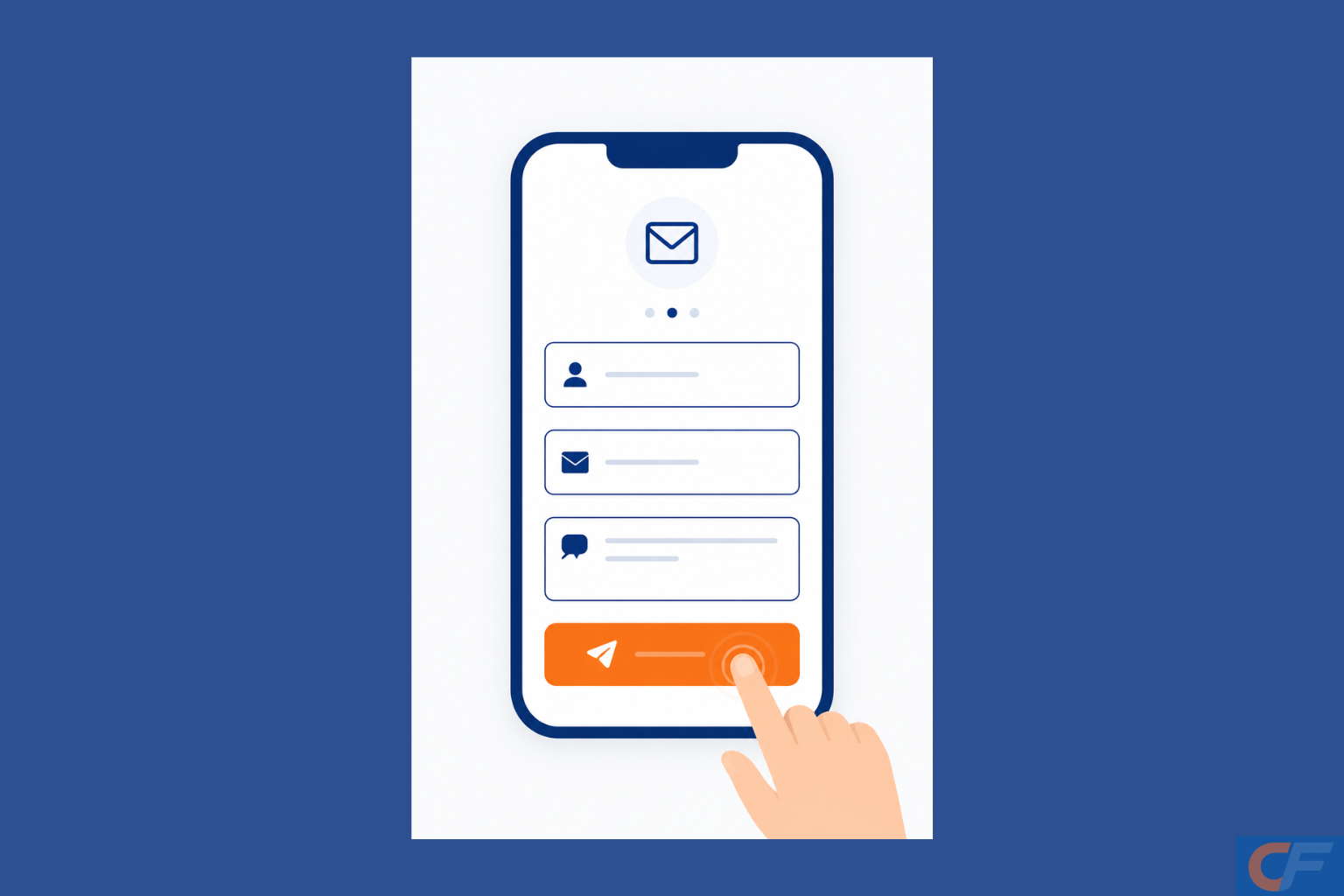
Mobile form best practices:
i) Use large, finger-friendly tap targets for buttons and checkboxes.
ii) Use the correct keyboard type for each field (email keyboard for email, number pad for phone).
iii) Test your form on an actual phone, not just a browser emulator.
iv) Further minimize the number of fields on mobile.
7. Set Clear Expectations After Submission
The form confirmation screen is one of the most underused conversion tools available. A generic "Thank you for your message" leaves visitors uncertain and your brand forgettable.
Instead, tell them exactly what happens next:
a) "We'll be in touch within 1 business day."
b) "Check your inbox — your free guide is on its way."
c) "One of our team members will call you tomorrow morning."
This reduces anxiety, sets expectations, and begins building the relationship before you've even replied.
How CliqForms Makes High-Converting Forms Easy
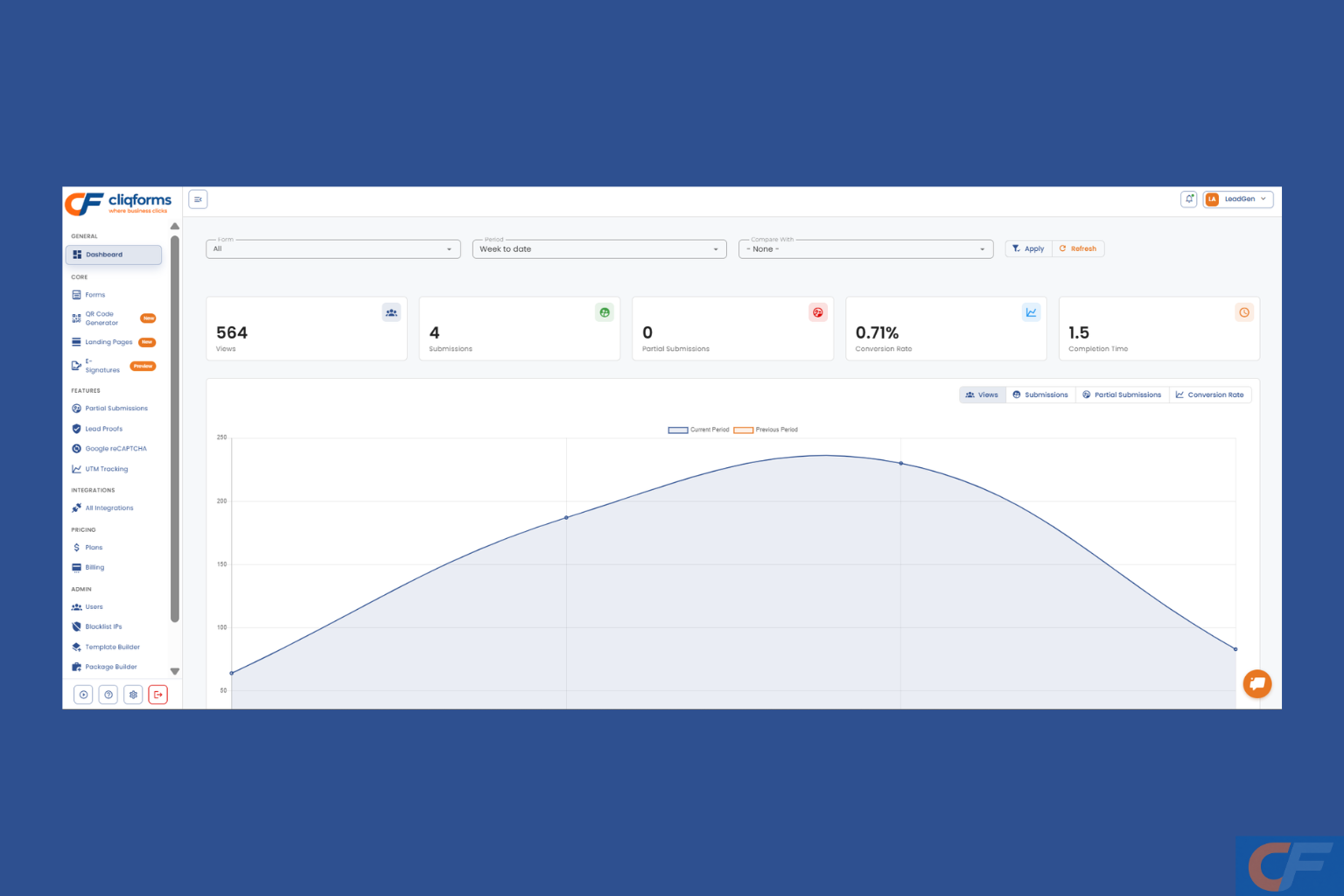
Knowing the principles is one thing. Having the right tool to execute them is another.
CliqForms is built specifically for businesses that want forms to work harder, not just collect data but actively drive inquiries and conversions. Here's how Cliqforms puts every strategy in this guide into practice:
1. Smart conditional logic built in — Show or hide fields dynamically based on visitor answers, so every respondent sees only what's relevant to them.
2. Multi-step form builder — Break longer forms into guided steps with a progress bar, reducing abandonment and increasing completion.
3. Full brand customization—Bring your colors, fonts, and logo into every form so it looks native to your site and builds immediate trust.
4. Mobile-first responsive design — Every CliqForms form renders beautifully on any screen size, with no extra configuration required.
5. Custom thank-you screens and redirects — Set tailored confirmation messages or redirect to a dedicated page so every submission moves the relationship forward.
6. Conversion analytics — Track view rates, start rates, and completion rates so you can identify exactly where visitors drop off and fix it.
7. E-signature support — For businesses that need more than a simple inquiry form, CliqForms supports e-signatures, turning a form into a complete contract or agreement workflow.
Whether you're a solo operator who just wants to stop losing inquiries or a growing team that needs lead qualification and routing built into your forms, CliqForms gives you the smart form infrastructure to make it happen without needing a developer.
Frequently Asked Questions About Converting Forms
What is a good form conversion rate?
Most contact forms convert between 1% and 5% of visitors. Well-optimized forms using multi-step layouts, minimal fields, and strong CTAs can achieve rates of 10–20% or higher depending on the offer and audience. If your form is below 2%, it's worth a systematic audit.
How many fields should a contact form have?
For general inquiry forms, three to four fields are the sweet spot: name, email, and one open or qualifying question. Every additional field reduces completion rates. If you need more information, use a multi-step approach to spread the questions out — visitors are much more likely to complete a form they've already started.
Does form design really affect conversions?
Yes — significantly. Trust signals, mobile responsiveness, branding, field labels, and button copy all directly influence whether someone completes a form. A form that looks generic or untrustworthy, or that doesn't work well on a phone, will lose a large proportion of visitors regardless of how good your underlying offer is.
What's the best CTA button text for a contact form?
Avoid "submit" and "send." Use benefit-led, action-oriented copy that tells the visitor exactly what they're getting: "Get My Free Quote," "Book a Call," "Send My Enquiry," or "Start My Free Trial." Personalized CTAs consistently outperform generic ones.
The Bottom Line
Your contact form is often the last thing standing between a visitor and a conversation with your business. If it's generic, friction-filled, or poorly designed for mobile, you're handing leads to competitors who've put the work in.
The good news: the gap between an ignored form and a high-converting one is rarely about budget or technical complexity. It's about applying the right principles — fewer fields, smarter logic, clearer CTAs, and genuine trust signals — consistently.
CliqForms is designed to make all of that easy, without the need for a developer or a design agency. Build your first high-converting form today and see the difference a smart form can make.




.png)