


Quick Answer — What Is a Lead Capture Form?
A lead capture form is a short online form designed to collect a visitor's contact details, typically name and email, in exchange for something of value, such as a quote, resource, or free trial. The best lead capture forms ask for only essential information, load quickly on mobile, and connect directly to your CRM or email tool so no lead is ever lost.
Your Website Has Visitors. Where Are the Leads?
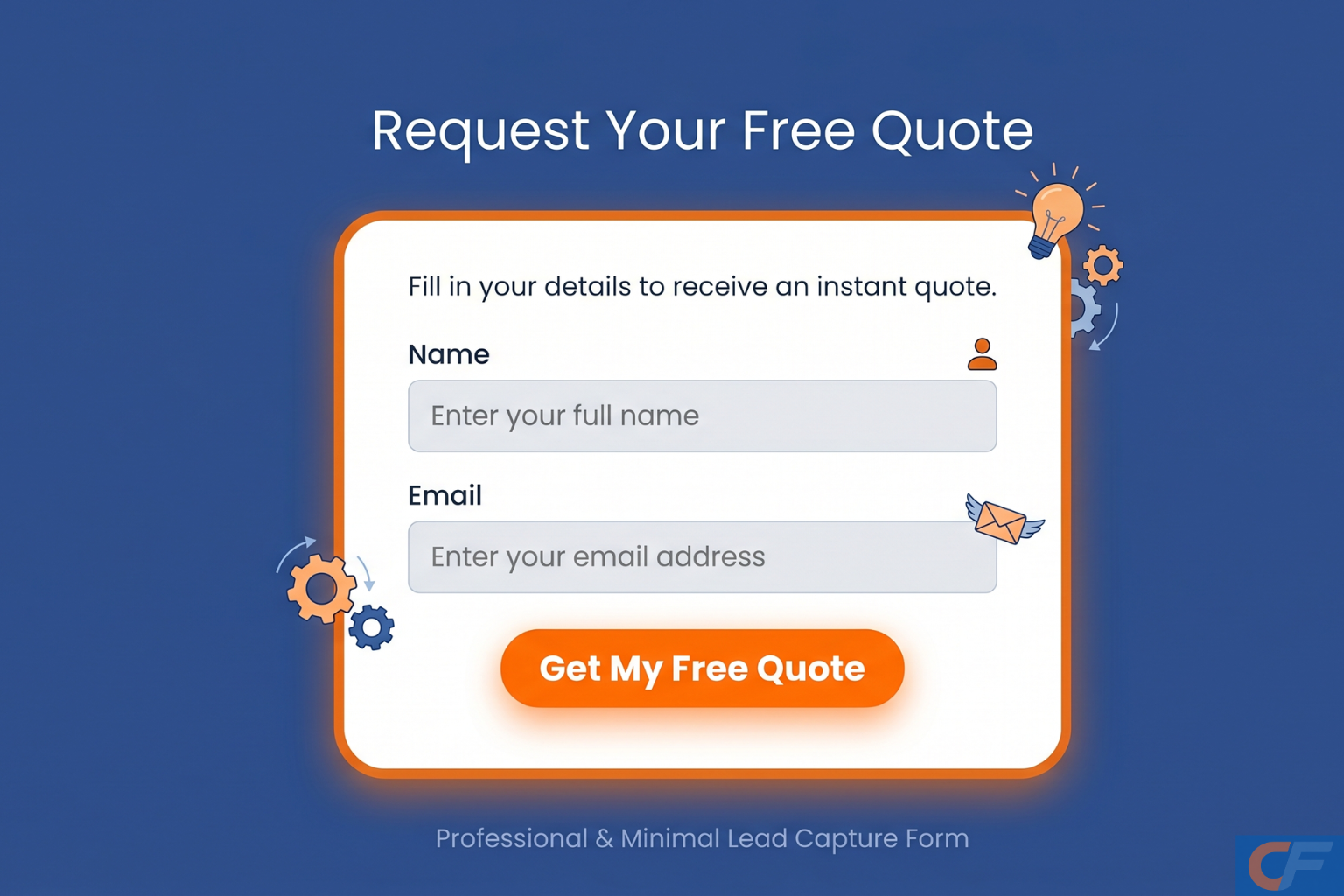
If you're getting traffic to your website but your contact form sits empty week after week, you're not alone, and it's rarely a traffic problem.
It's usually a lead capture form problem.
Most small business websites have a form somewhere, but it's often an afterthought. Too many fields, no clear reason to fill it in, buried at the bottom of a page, or simply not built to capture and qualify the right information.
The good news: fixing this doesn't require a developer, a redesign, or weeks of work. It requires understanding what a lead capture form actually is, what makes one convert, and how to build one properly.
That's exactly what this guide covers.
What Is a Lead Capture Form?
A lead capture form is a form on your website (or landing page) whose sole purpose is to collect contact information from a visitor, usually in exchange for something: a quote, a discount, a downloadable resource, a free trial, or simply the promise of a follow-up.
Unlike a general contact form, a good lead capture form is built with one specific goal in mind. It asks only for what's needed to take the next step, and nothing more.
The data collected typically includes:
a) Name — so your follow-up feels personal
b) Email or phone — so you can actually reach them
c) One or two qualifying details—such as what service they need, or their budget range
That's it. The moment a lead capture form starts asking for company history, multiple phone numbers, or unnecessary details, completion rates drop sharply.
Types of Lead Capture Forms
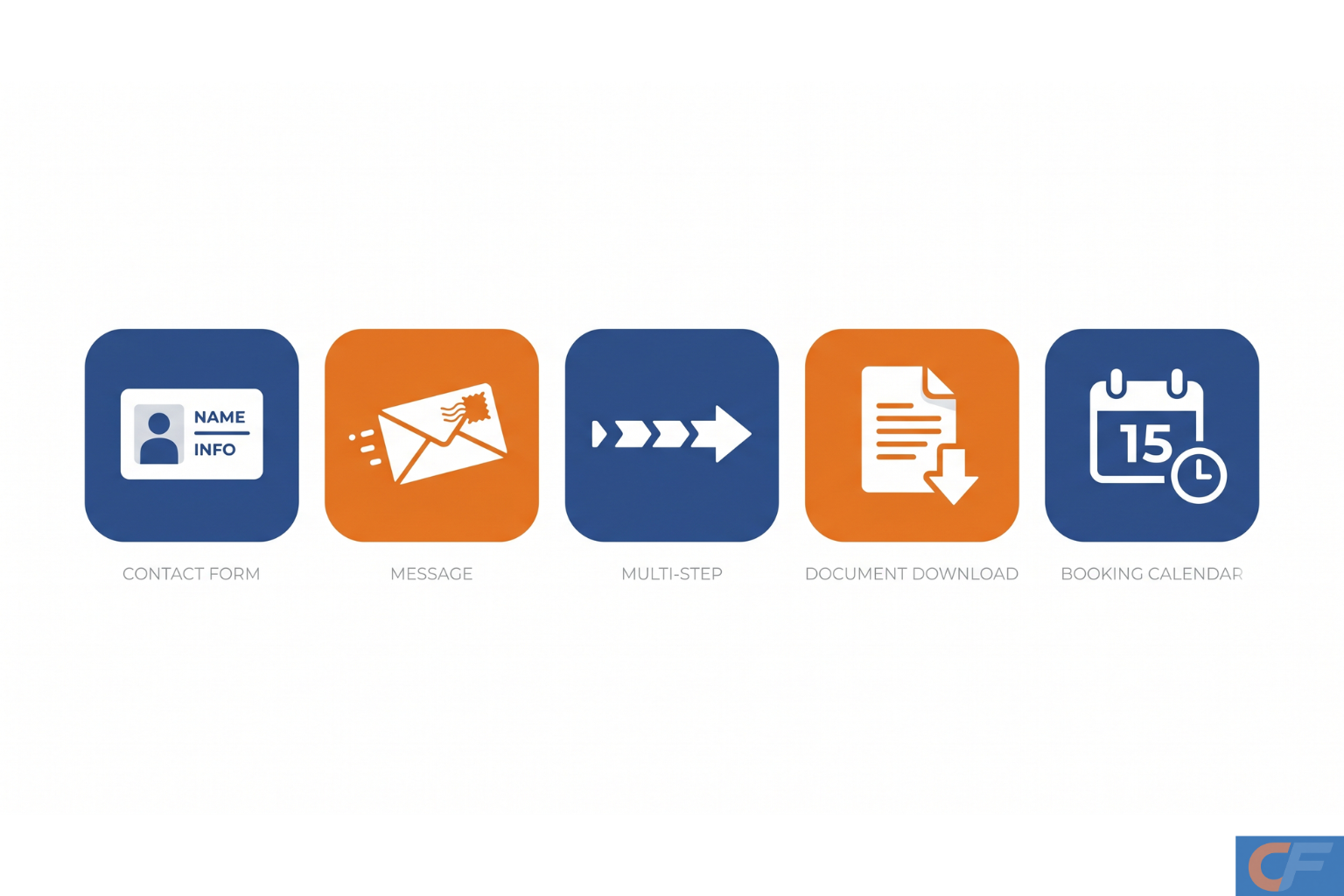
Not all lead capture forms look the same — the right type depends on what you're offering and where the visitor is in their journey.
What Makes a Lead Capture Form Actually Convert?
Plenty of websites have a form. Very few have one that converts well. Here's what separates the two:
Keep it short—fewer fields, more completions
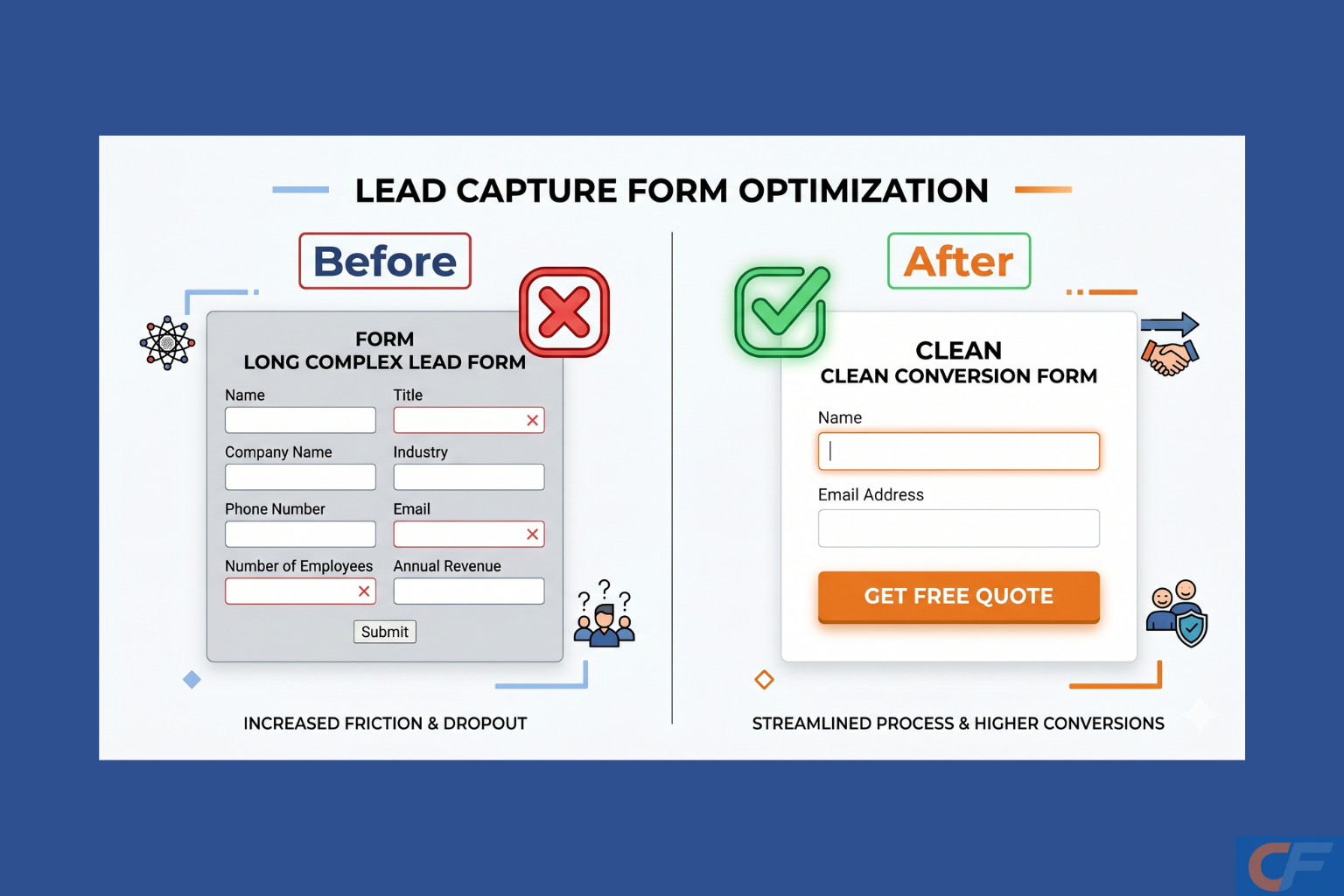
Every additional field reduces completion rates. If you only need a name and email to start the conversation, don't ask for anything else upfront. You can always gather more details later, once a relationship has started.
Make the value obvious
Why should someone fill this in? "Get a free quote" or "Download the guide" gives a visitor a clear reason. A form with no stated benefit—just a button that says "Submit"—gives people nothing to act on.
Design for mobile first
Over half of website traffic for most small businesses is mobile. If your form fields are too small to tap accurately, or the layout breaks on a phone screen, you are losing leads before they even start typing.
Capture partial information
Here's something most form builders don't do: if someone starts filling in a form but doesn't finish, that information is usually lost completely. A smart lead capture form can save partial entries, meaning even an incomplete submission becomes a usable lead.
Connect it to your existing tools
A lead capture form that just sends an email notification creates manual work. The best setups send captured leads directly into your CRM, spreadsheet, or email marketing tool automatically the moment someone submits.
How to Build a Lead Capture Form (Step by Step)
Here's exactly how to set one up—no code required:
1. Decide your goal. Are you generating quotes, bookings, newsletter sign-ups, or downloads? The goal determines which fields you actually need.
2. Choose your fields carefully. Start with your name and email address. Add one qualifying question only if it directly helps you follow up better (e.g., "What service are you interested in?").
3. Write a clear headline and CTA. Replace generic text like "Contact Us" with something specific—"Get Your Free Quote in 24 Hours" performs significantly better.
4. Enable partial lead capture. Make sure your form saves contact details even if someone doesn't complete every field — this alone can recover leads you'd otherwise lose entirely.
5. Connect it to your CRM or inbox. Set up an integration so every submission lands directly where you'll actually see and act on it.
6. Embed it where it matters. Place your form on high-traffic pages—your homepage, service pages, and any landing pages you're driving ads or QR codes to.
7. Test and refine. Check your completion rate after a few weeks. If it's low, the most common fix is simple: remove a field.
With CliqForms, every one of these steps happens inside one no-code platform. You can build the form, enable partial lead capture, connect it to your existing tools, and embed it on your site—all without touching a line of code.
Real Use Case: From Empty Inbox to Steady Leads
A small accountancy practice had a basic "Contact Us" form on their website—name, email, phone, message, and a dropdown for "How did you hear about us?" Five fields. Completion rate: under 2%.
They replaced it with a focused CliqForms lead capture form: "Get a Free 15-Minute Tax 'Review'—just name, email, and one question about business size." Partial lead capture was switched on, and submissions were connected directly to their CRM.
Within a month, form completions increased significantly, and—just as importantly—even visitors who didn't finish the form were captured as partial leads the team could follow up with directly.
Frequently Asked Questions
What is a lead capture form used for?
A lead capture form is used to collect contact information—typically a name and email address—from website visitors who are interested in a product, service, or resource. It's the first step in turning an anonymous visitor into a contactable lead.
What is the difference between a contact form and a lead capture form?
A contact form is general-purpose; anyone can use it for any reason. A lead capture form is built around a specific offer or goal, such as a free quote or downloadable guide, and is designed to maximize completions for that one purpose.
How many fields should a lead capture form have?
As few as possible. For most small businesses, name and email are enough to start a conversation. Adding one qualifying question is fine if it directly improves your follow-up—beyond that, each extra field reduces completion rates.
Can I recover leads who don't finish filling out a form?
Yes, with partial lead capture enabled in tools like CliqForms, contact details are saved as soon as they're entered, even if the visitor doesn't submit the full form. This means incomplete submissions still become usable leads.
Do I need coding skills to build a lead capture form?
No. No-code platforms like CliqForms let you build, customize, and embed a lead capture form using an easy-to-use interface; no developer or coding knowledge is required.
Final Thoughts
A lead capture form is one of the smallest elements on your website — and one of the most important. Get it right, and every visitor becomes a potential lead. Get it wrong, and even your best traffic goes nowhere.
The fix is rarely a redesign. It's usually a shorter form, a clearer reason to fill it in, and a system that makes sure no submission, complete or partial, ever falls through the cracks.
Start with one form. Make it focused. Make it fast. Make sure it's connected to where you'll actually see the leads.





.png)