
update - collect payments in your forms with the new payment type field

Published On:
April 29, 2026
Each form has its own lead section so that you can individually manage different campaigns or client forms.
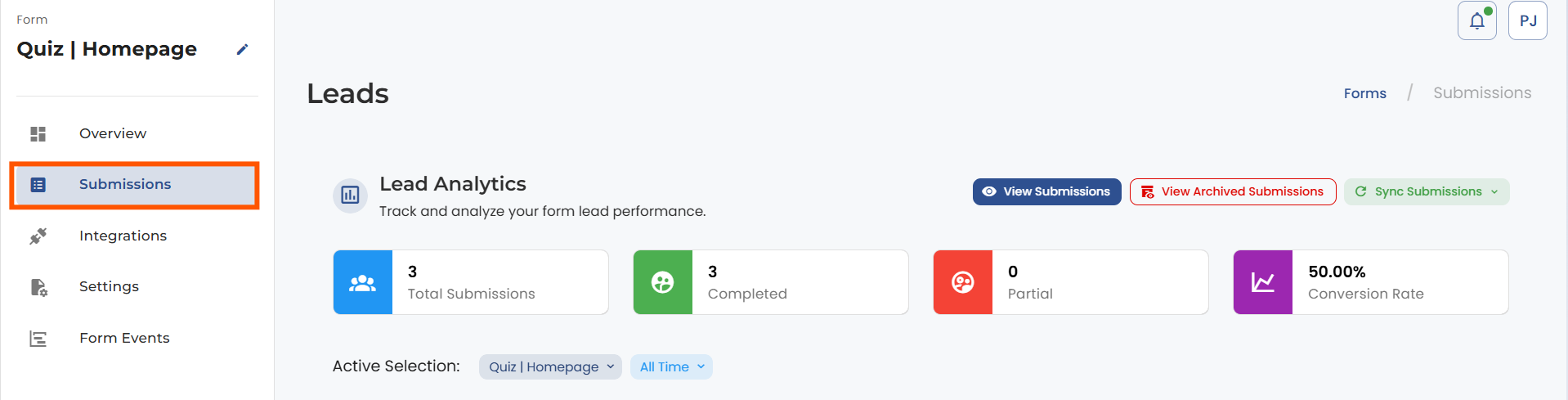
To find your leads, open up the form from the forms list and click on the submissions section.
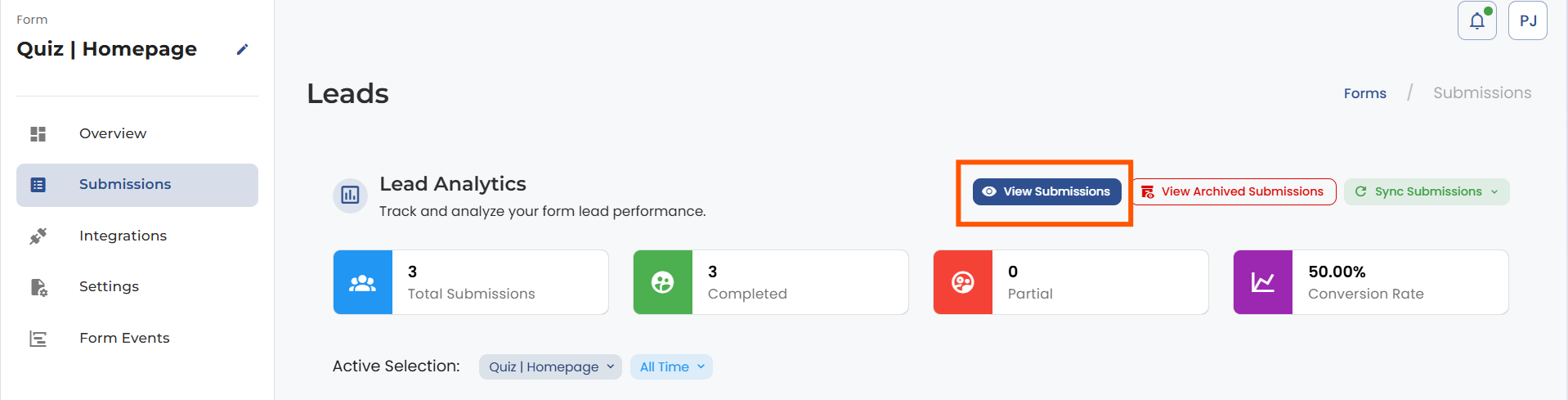
Click on the View Submission option.
Now your lead section opens, and you can analyze your lead data, remove leads, and download CSV and JSON files.



.png)
