
update - collect payments in your forms with the new payment type field

Published On:
April 28, 2026
We strongly believe in empowering digital marketers with tools that mitigate the influence of fake lead inquiries as well as low-quality lead capture.
1. Use Google reCAPTCHA:
Firstly, you can consider enabling Google ReCAPTCHA checks on your CliqForms form. Re-CAPTCHA is a feature that validates real inquiries vs. bot inquiries. You can enable this feature in the left-hand sidebar menu in CliqForms. Click on the Re-CAPTCHA menu item and then set up your Re-CAPTCHA key.
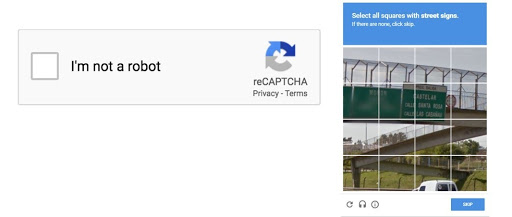
Check out this article to find out how to set up reCAPTCHA on your forms.
2. Geo-fencing feature:
CliqForms supports a feature that allows you to block the visibility of your forms in any country in the world, e.g. you could say that as a US-based company, you only want to show the form to users with a US or Canadian IP address, while blocking other countries.
If you are running an ad campaign targeted at the Middle East region, you can easily select those countries in Cliqforms and massively optimize the geographic targeting for lead inquiries. Though you can’t get a 100% guarantee for accuracy, as virtual IP addresses might be used by some people, it’s still extremely effective.
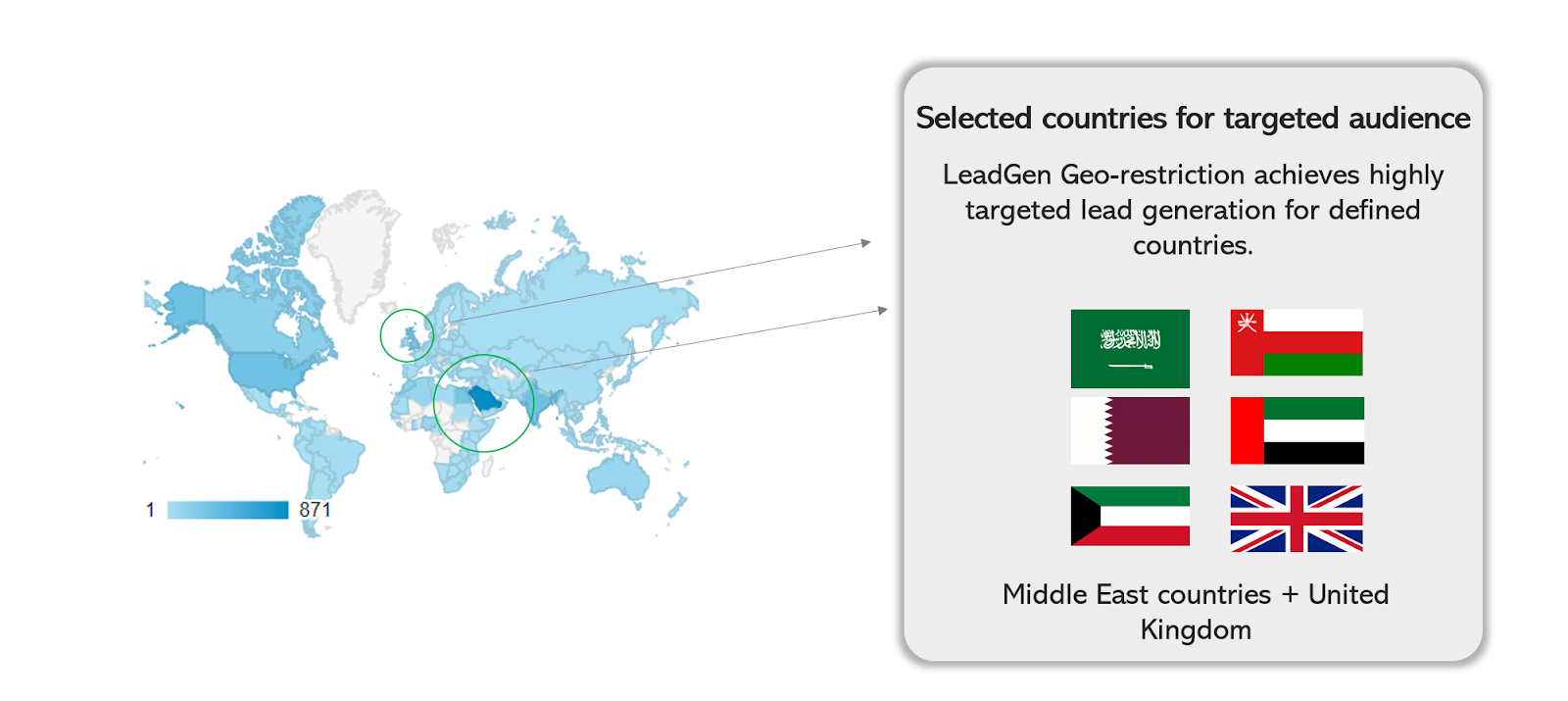
Find out more about the geofencing feature here:
3. Customizable form structure and use of required question fields:
It is a good idea to test different form variants to gauge which form type provides you with the best responses. Generally speaking, the longer the form, the lower the lead conversion rate. However, a longer, more complex form might help you generate more legitimate inquiries.
Cliqforms can provide you with all the different tools and question types to create custom forms. Running an AB test of two different form variants will help you get an understanding of which forms show the best results.
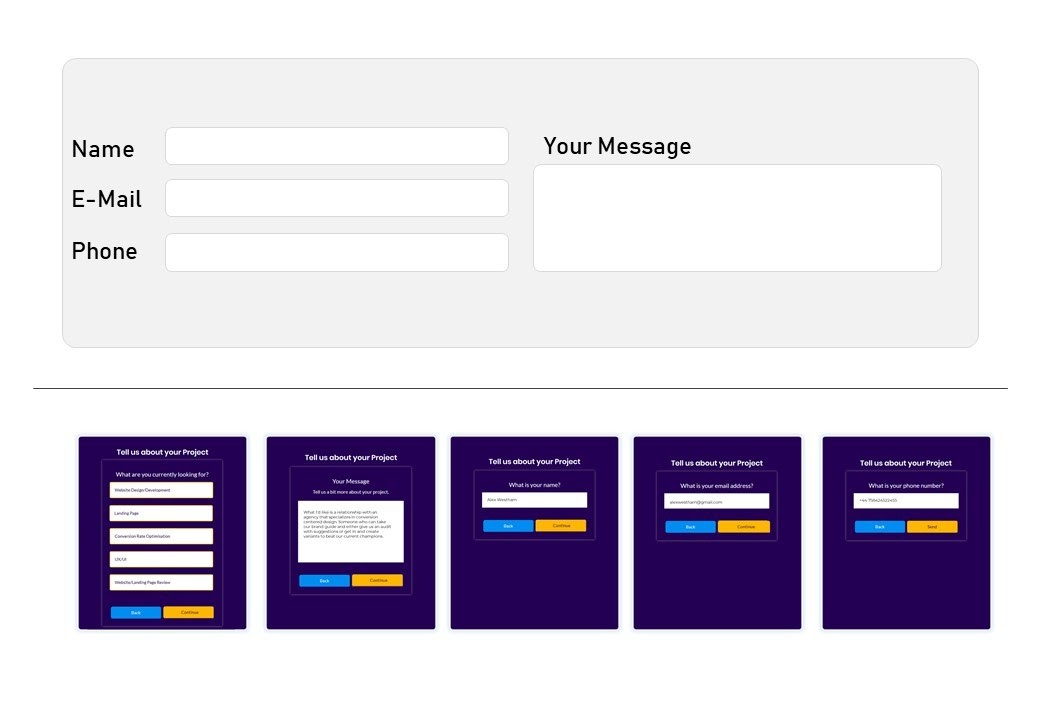
In the image above, you can see different ways to design a lead capture form. The upper one is quite basic and doesn’t include qualifying questions like “What service are you interested in?” Adding questions like this can help you increase the barrier for spam to come through.
Using a multi-step form lead capture, as shown with the form shown below, is an effective way to create inquiry forms rather than just using simple opt-in fields that bots can easily detect.
Furthermore, making questions required in multi-step forms, e.g., open text fields, can help to reduce spam inquiries and, at the same time, help you capture better quality leads.
4. Email and phone number validation:
Furthermore, CliqForms has email and phone validation features to ensure that only real email and phone number combinations get entered into lead capture forms by users.
We have more features planned to create an online lead capture form that will give you peace of mind and improve lead quality for your business. Stay tuned for AI-based lead conversion, lead quality optimization, and more.


.png)
