
update - collect payments in your forms with the new payment type field

Published On:
April 30, 2026
When creating visitor-based form endings, you can now target users based on where your form is embedded using two powerful options: source URL and source domain.
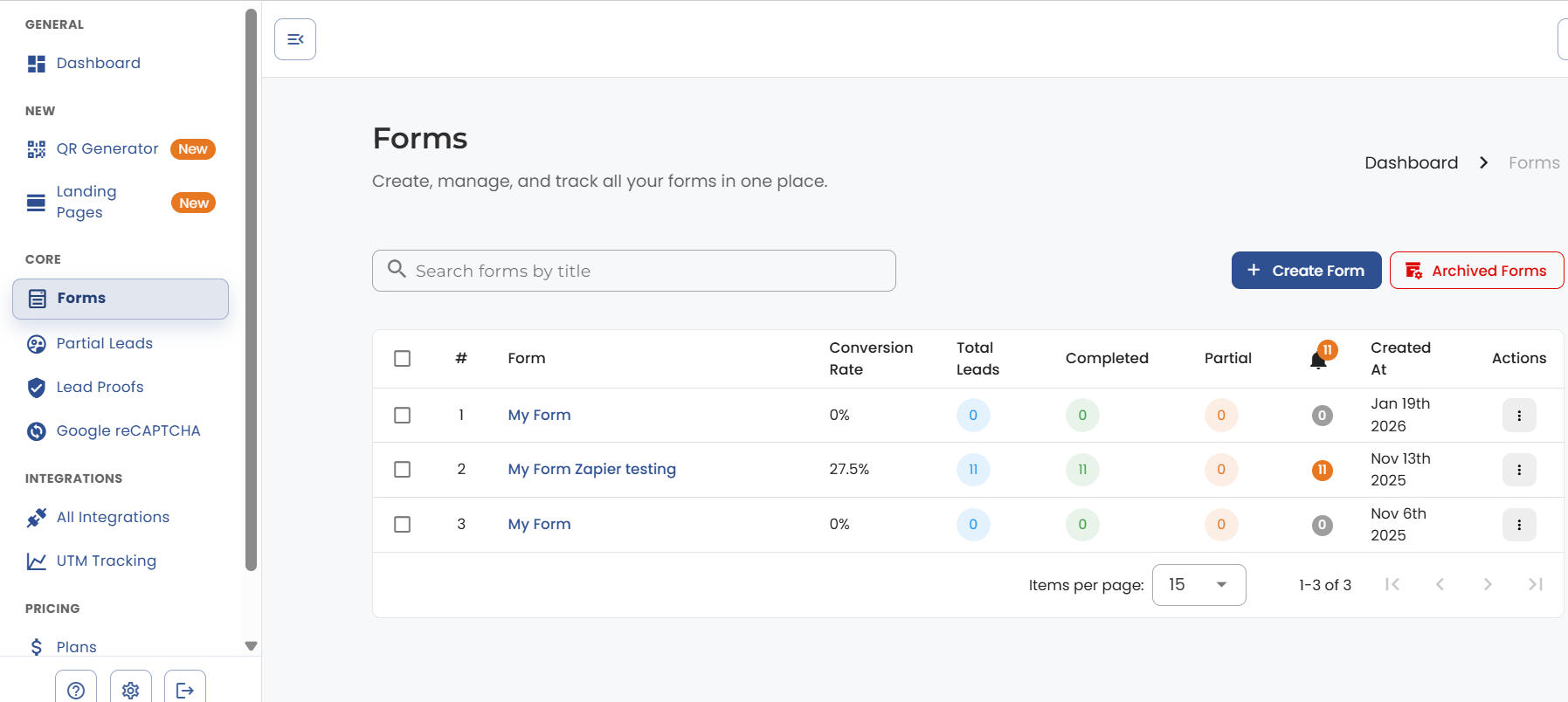
Go to the forms section in the navbar. Select a form that you have created.
Navigate to your form endings.
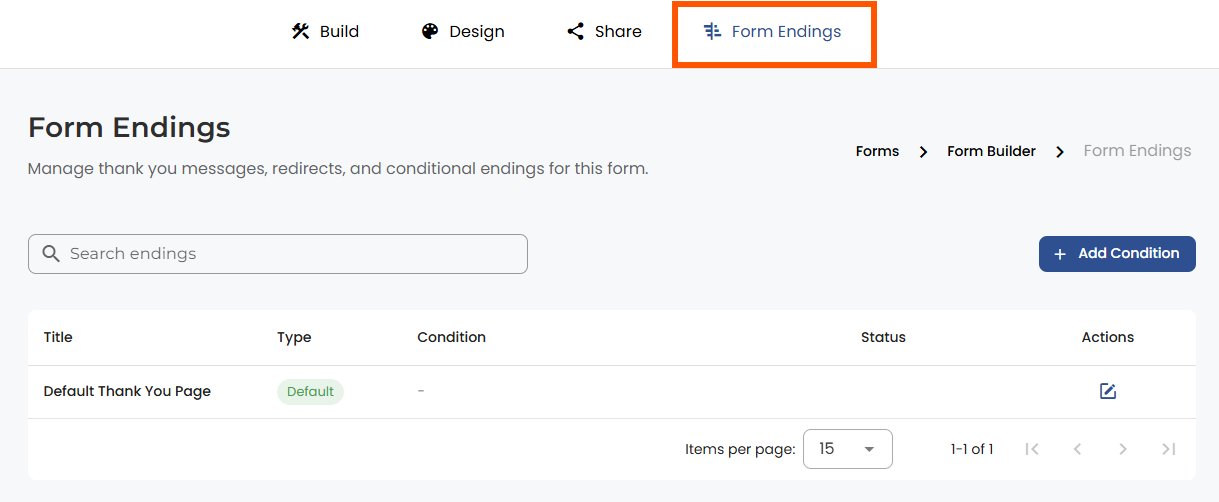
Select “Add Condition” for form endings. Currently, we support "answer-based" and "visitor-based."

Choose “Visitor Based” to access source-based targeting options.

Select either “Source URL” or “Source Domain” from the field dropdown
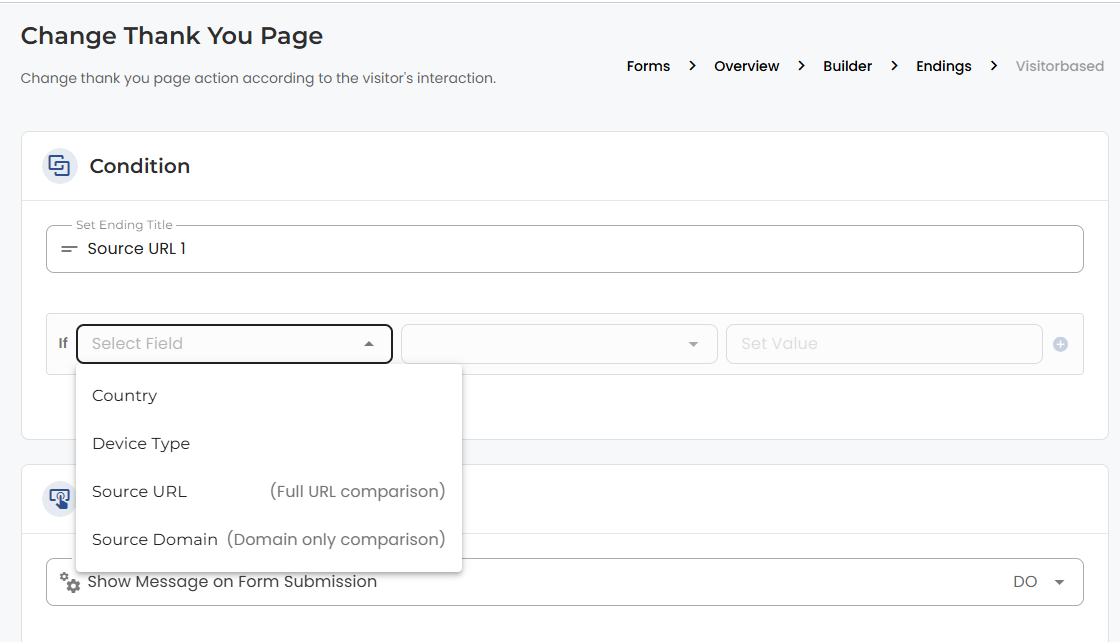
Set your condition (e.g., “Is Equal To,” “Is Not Equal To”).
Enter your target URL or domain (remember to include the protocol)
Save your configuration
Your form will now intelligently route users to different thank you pages based on their origin!
What it does: Matches the complete page URL where your form is embedded.
Best for: Page-level targeting and precise URL matching.
Example:
Use cases:
What it does: Matches only the domain (with protocol) where your form is embedded, ignoring paths and parameters.
Best for: Site-level targeting that ignores UTM parameters and specific pages.
Example:
Use cases:
Scenario
Source URL
Source Domain
SEM with UTM params
Changes with each campaign
✅ Stays consistent
Different pages, same site
Different for each page
✅ Same for the entire site
Subdomain tracking
Includes full subdomain path
Includes subdomain only
Condition: Source Domain “Is Equal To” https://client-website.com
This works regardless of UTM parameters like ?utm_source=google&utm_campaign=spring2024
Condition: Source URL “Is Equal To” https://client-website.com/pricing
This targets specific pages like pricing or product pages.
Condition: Source Domain “Is Equal To” https://partner-site.com
Condition: Source Domain “Is Equal To” https://main-site.com
Problem: Your form is on https://example.com/landing, but UTM parameters keep changing:
Solution: Use the source domain with the condition https://example.com to catch all variations with one rule instead of managing multiple URL conditions.
This feature allows you to use your LeadGen forms as the primary solution across different scenarios, giving you the flexibility to target both domain and page levels!


.png)
