
update - collect payments in your forms with the new payment type field

Published On:
April 28, 2026
Different skin types that you can use to request users' dates of birth.
We will go through four different skin types to ask for the date of birth using a Date type question:
This skin type uses three separate placeholders for Day, Month, and Year each. The placeholder text is editable for all three input boxes and users can easily understand the format to fill in the Date of Birth.
To use this skin type, add a Date type question and choose skin type as 3 Input Boxes.
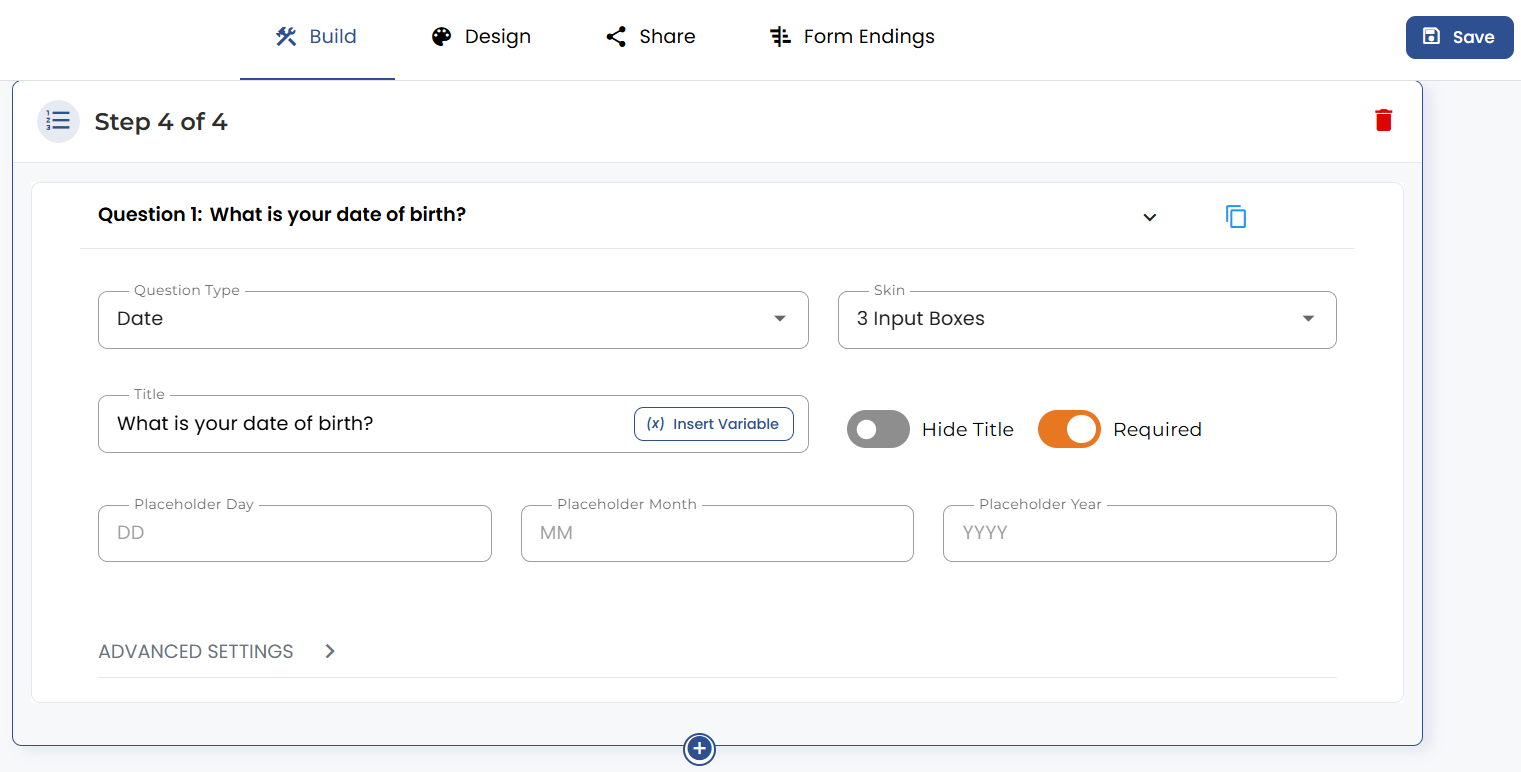
This skin type will be the default skin type for date type question.
This skin type uses a single input box to collect the Date of Birth of a user. The placeholder text is editable for the input box, and users can enter the date in the format DD/MM/YYYY.
To use 1 Input Box skin type, add a Date Type question and choose the skin type as 1 Input box.
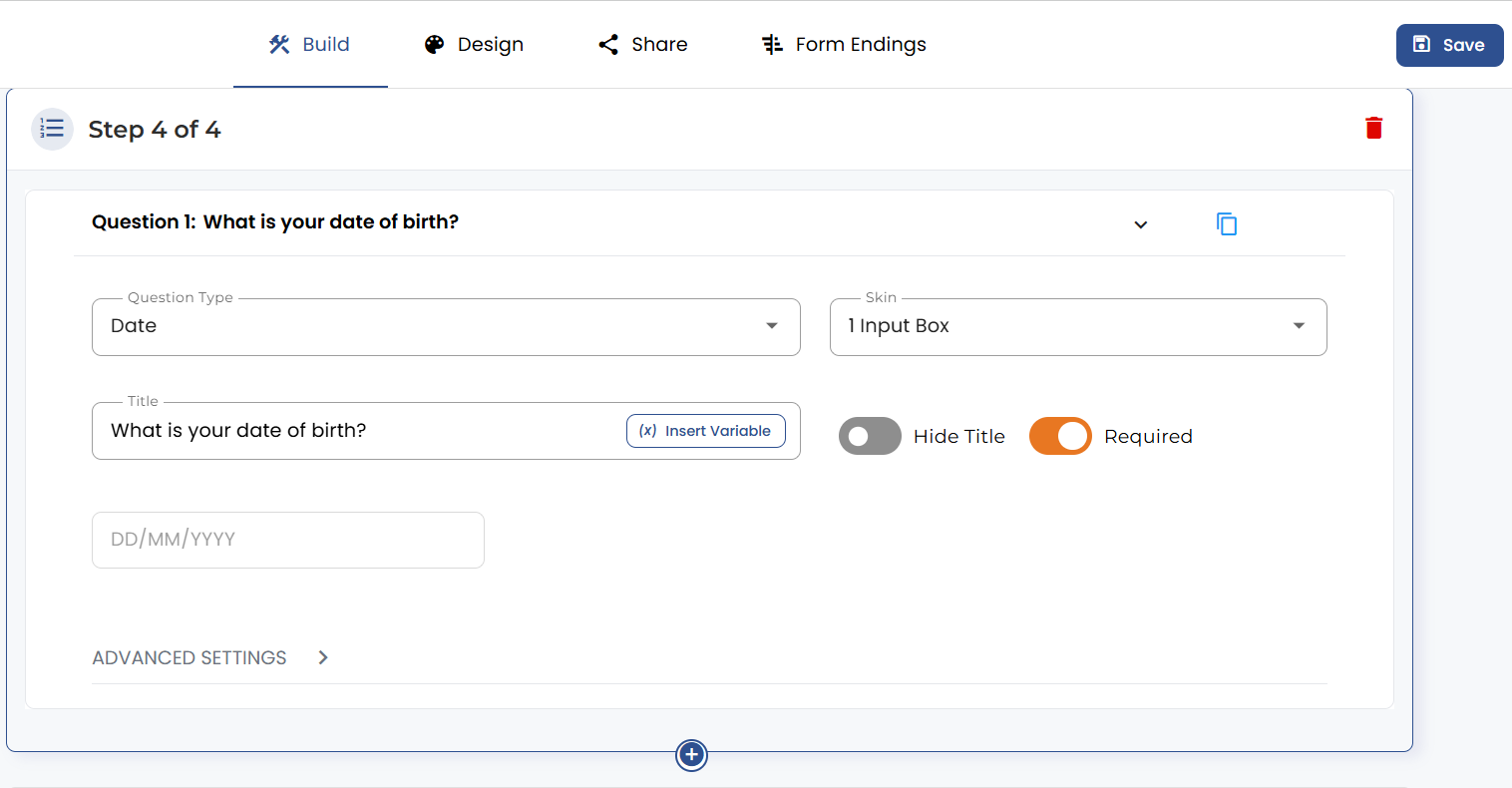
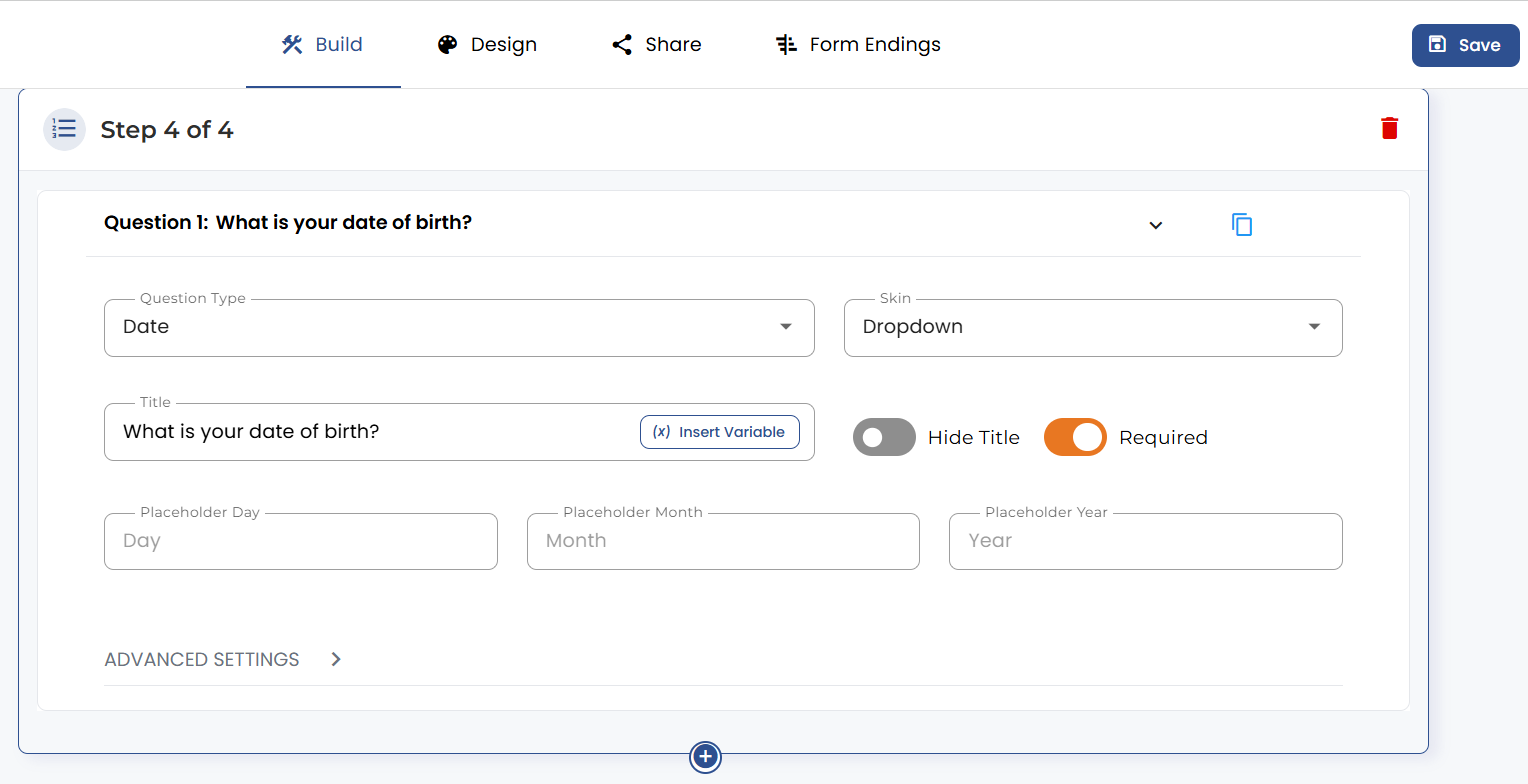
The dropdown skin type uses three input boxes for Day, Month, and year. The placeholder text is editable for all three input boxes. This skin provides the users with a predefined range for day, month, and year, each of which the users can choose the desired values. To use this skin type in your form, add a date type question and choose the skin type as a dropdown.
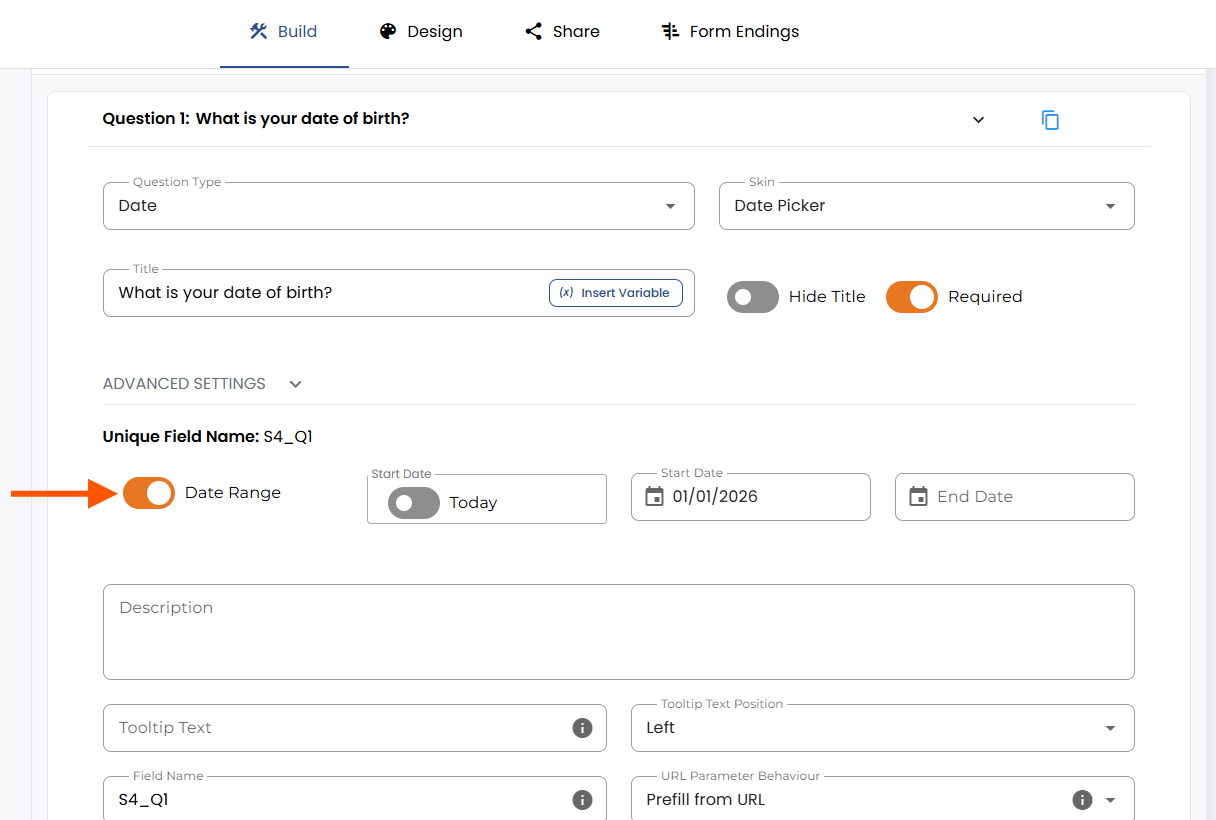
This skin type allows the user to select a date just as they would choose a date from a calendar.
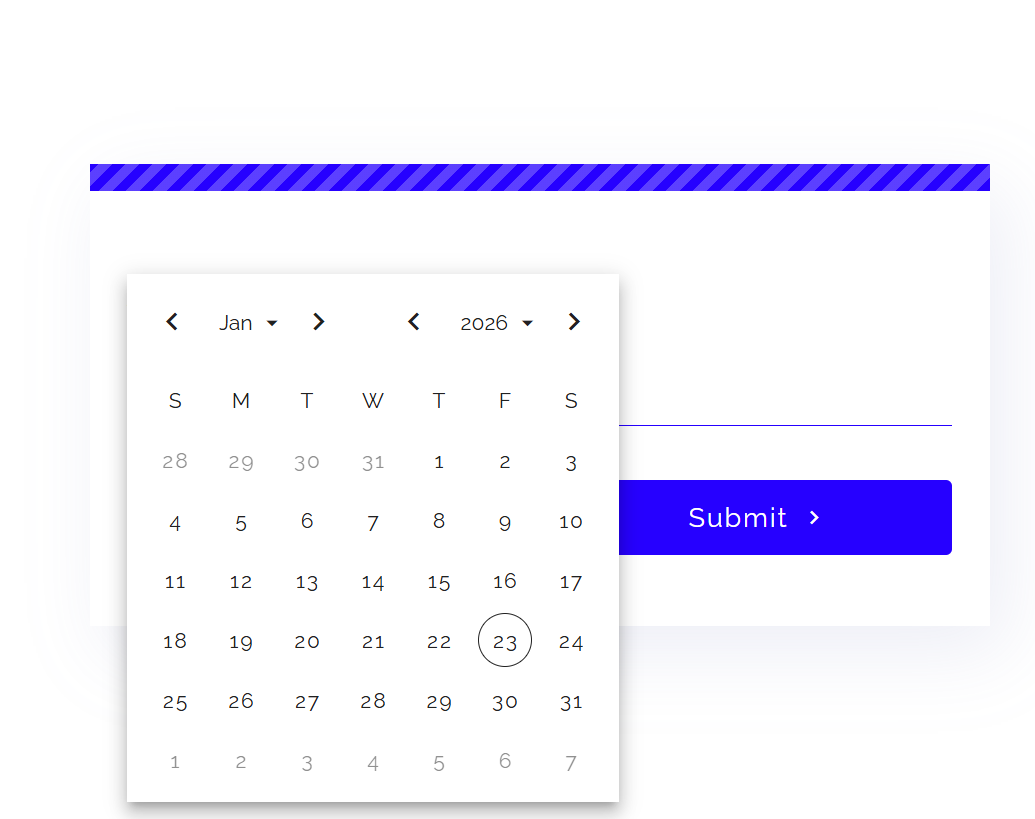
With the Date Range toggle enabled, you can set the start and end dates for users to choose from.
Alternatively, with the Current Day toggle turned on, you can set the current day as the Start Date.
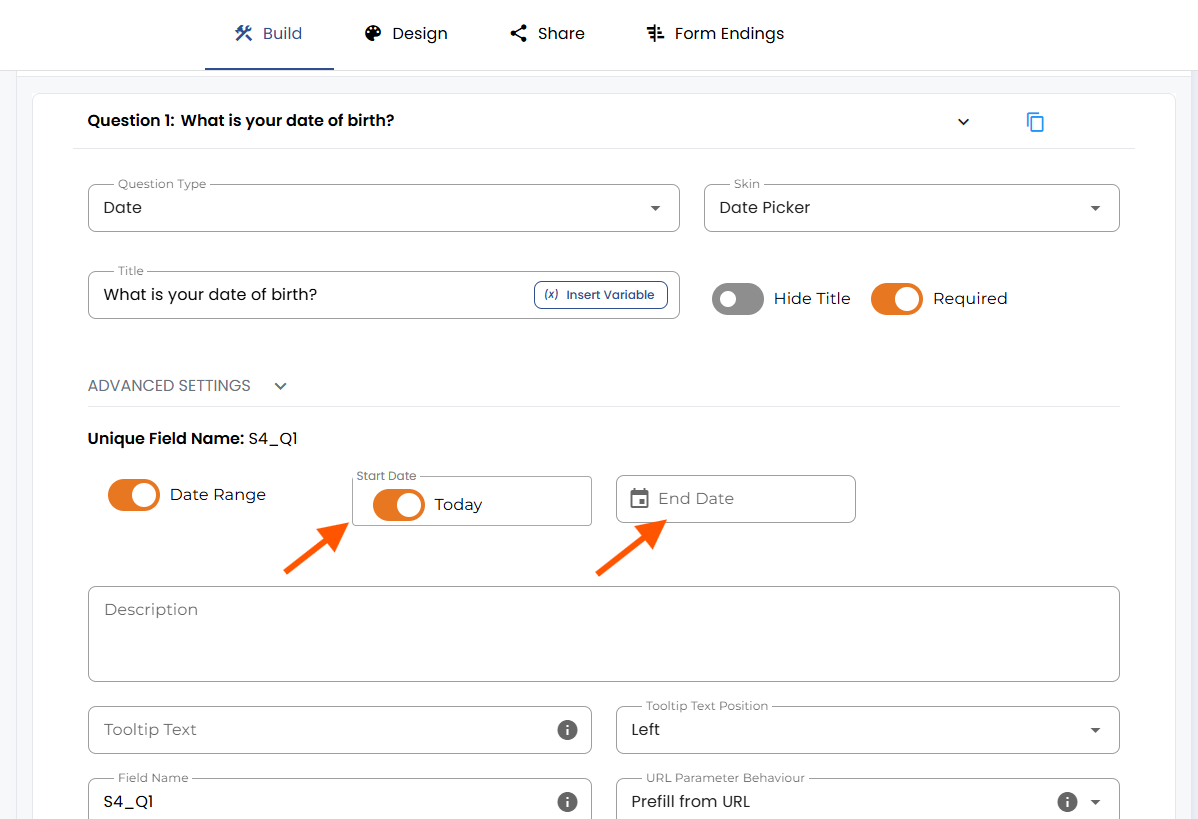
Enabling the current day setting disables the past dates.


.png)
