
update - collect payments in your forms with the new payment type field

Published On:
May 4, 2026
There are different types of skin for choice-based questions in CliqForms.
When asking a multiple-choice question in CliqForms forms (single select and multiple select), you can change the design of asking for choices.
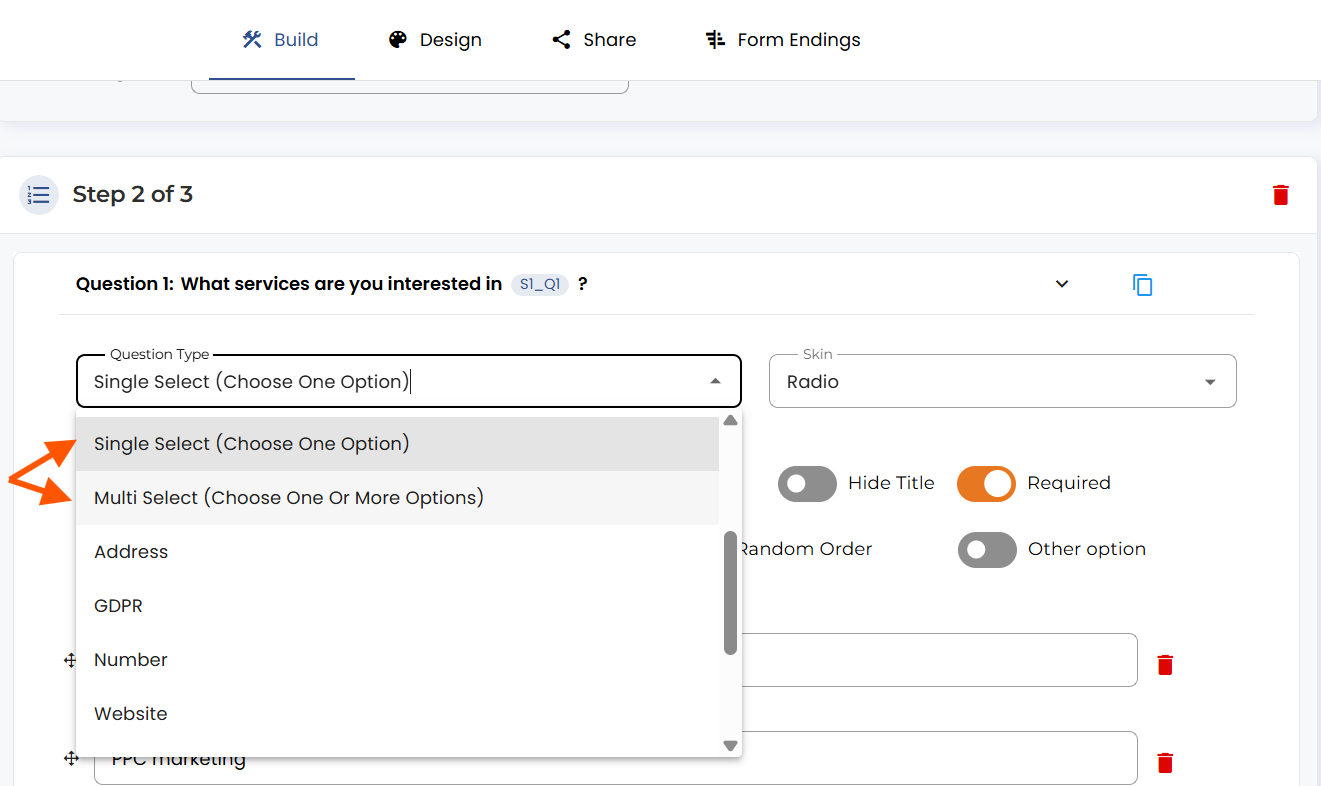
Under the “Skin” dropdown, you have multiple options that will define the question’s overall look.
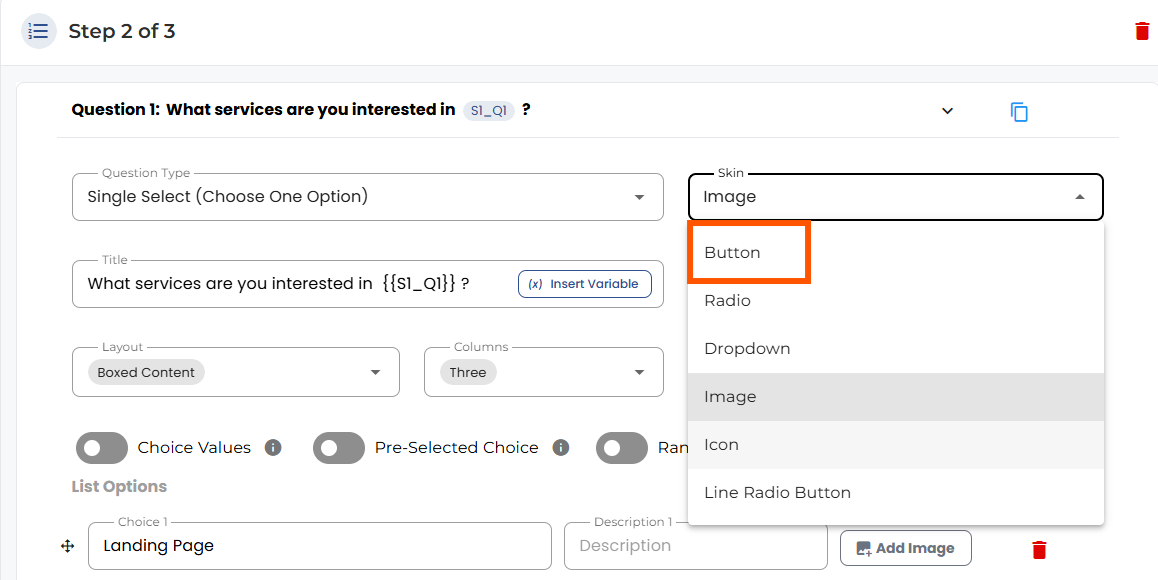
Button: Normal select buttons
Radio: Small circles to select (Only available in single select)
Checkbox: Rectangle boxes to select (Only in multi-select)
Dropdown: List of options
Image: Upload visual images as buttons
Icon: Show buttons with visuals from the icon library
Line Radio Button: Buttons with radios.


.png)
