
update - collect payments in your forms with the new payment type field

Published On:
May 10, 2026
Here in this guide, you will see how to upload images in the form by using textboxes that provide flexible options for adding text and visual content.
CliqForms forms can be customized with text elements that can include media files like images and GIFs.
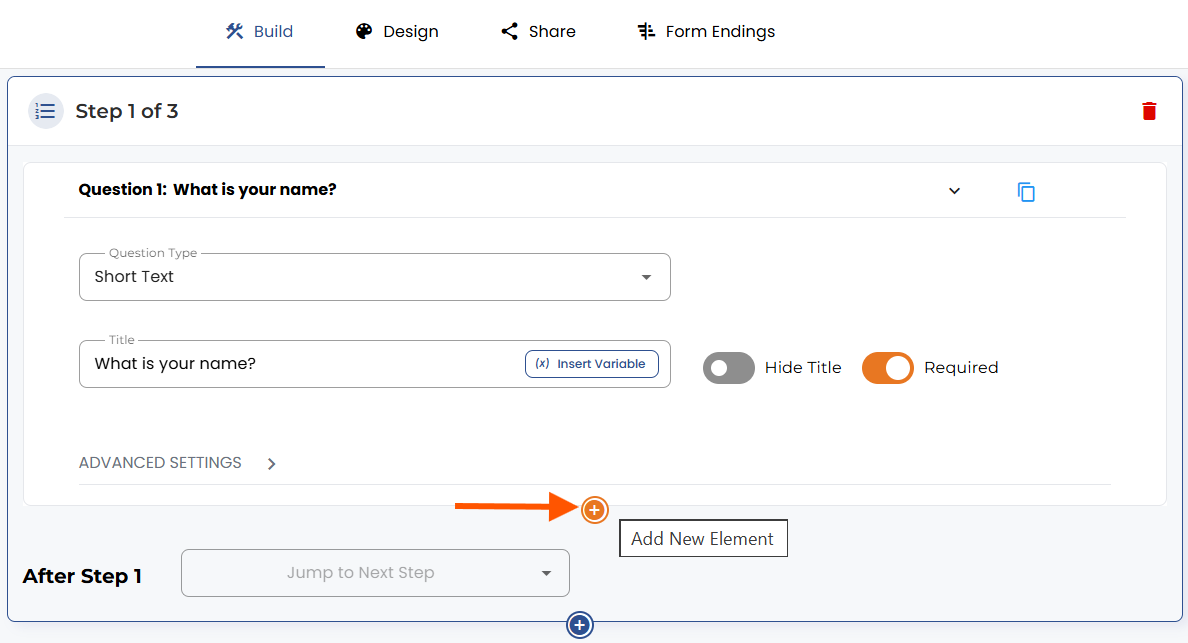
You can add textboxes by clicking on the orange “+” button below a question in a form.
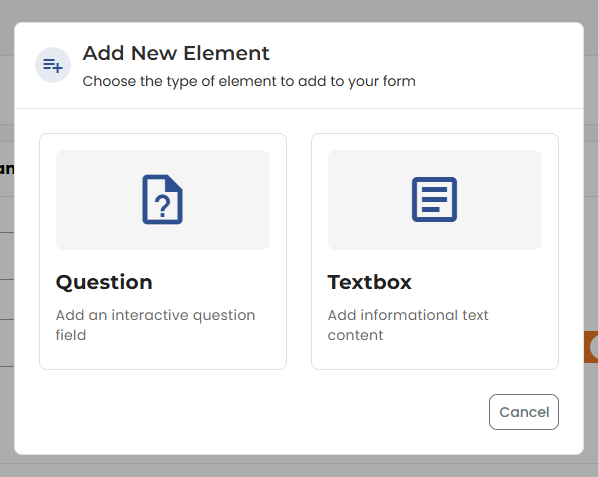
Then, click on “Add textbox element."
In the textbox editor, you can change text sizes, text appearance (bold, italic, and more), add images, and add links. To add an image in the textbox, simply click here:

You can then upload images in PNG, JPEG, and GIF files.
You can move the textbox up and down within your form step using the arrows (up, down) in the top right.


Hit “Save” to keep your changes.


.png)
