
update - collect payments in your forms with the new payment type field

Published On:
April 28, 2026
Set up the email notification and send your leads automatically to your sales team with instant lead notifications via email.
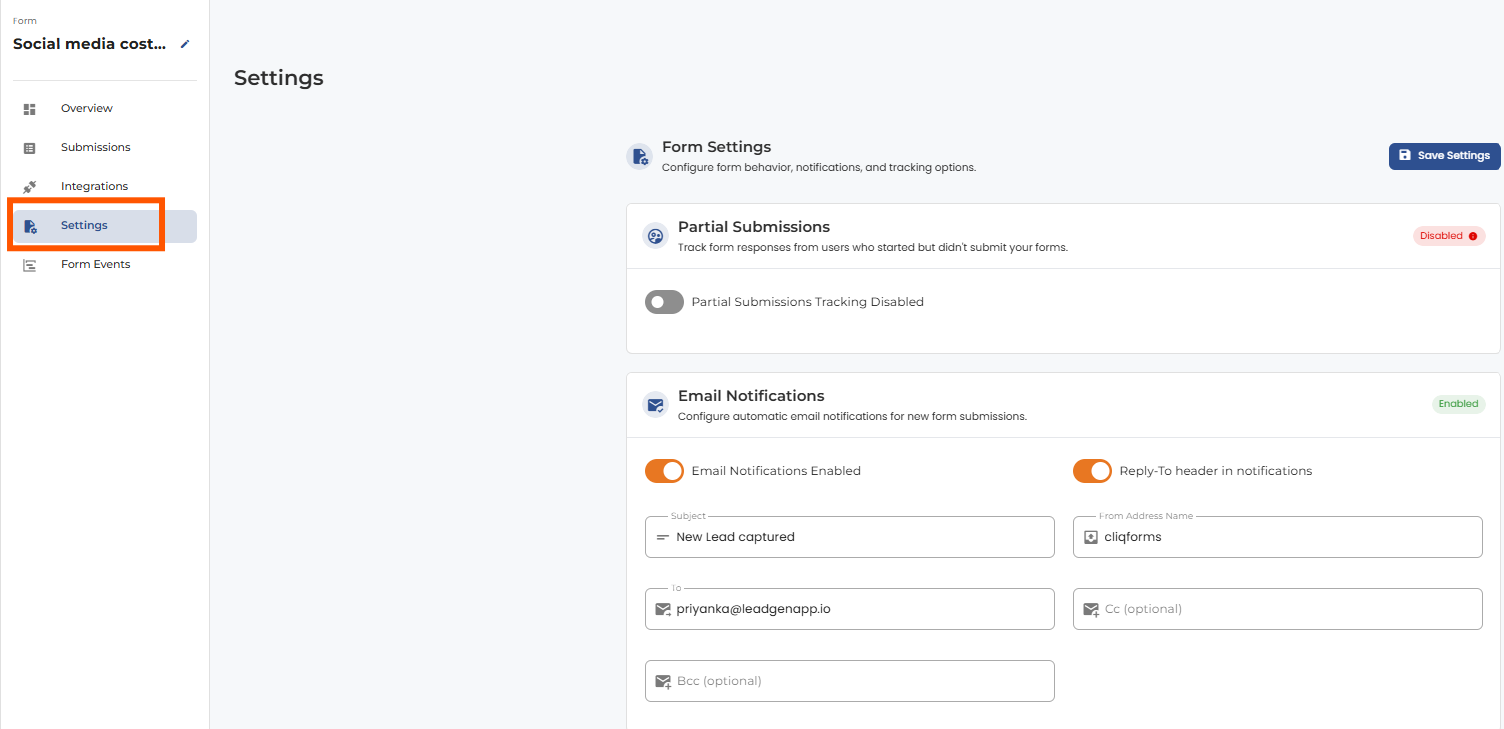
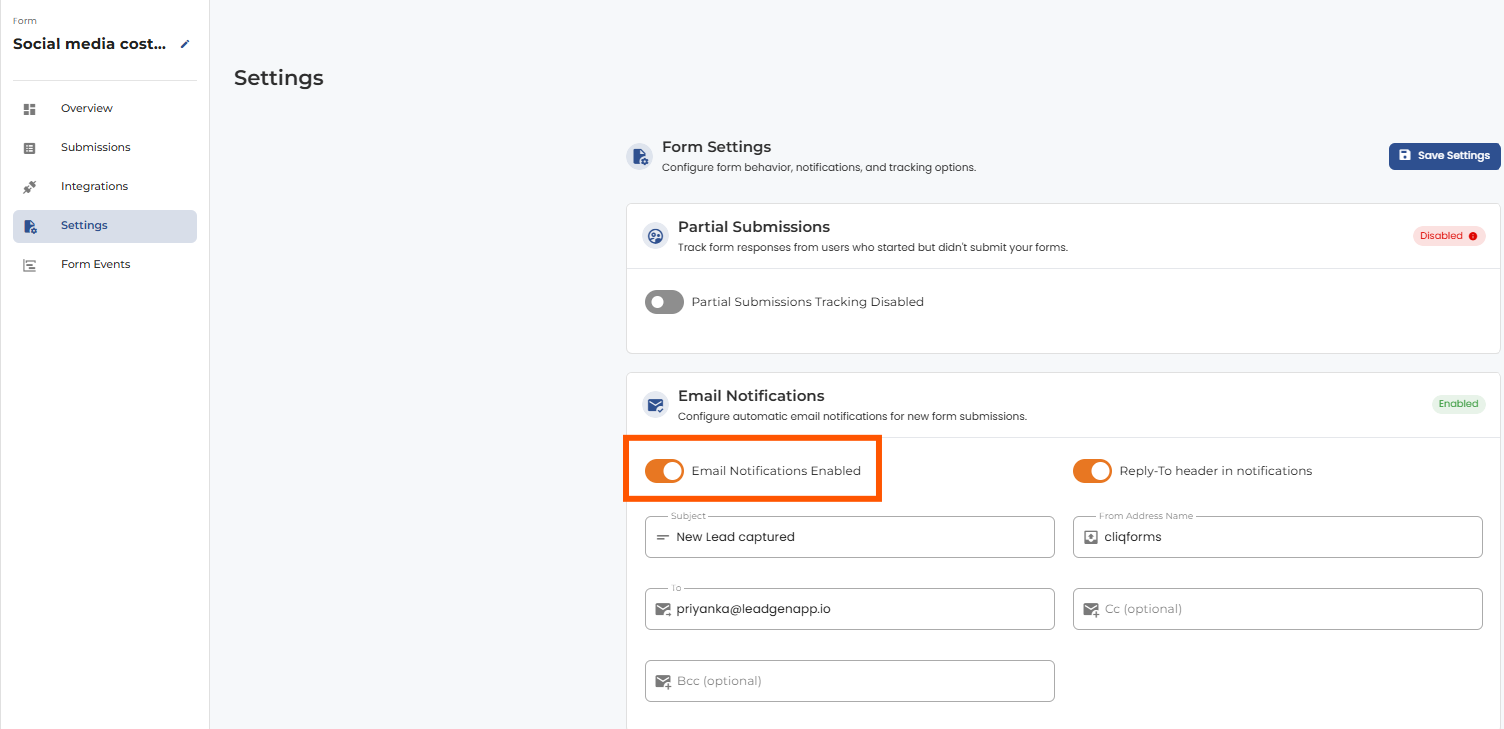
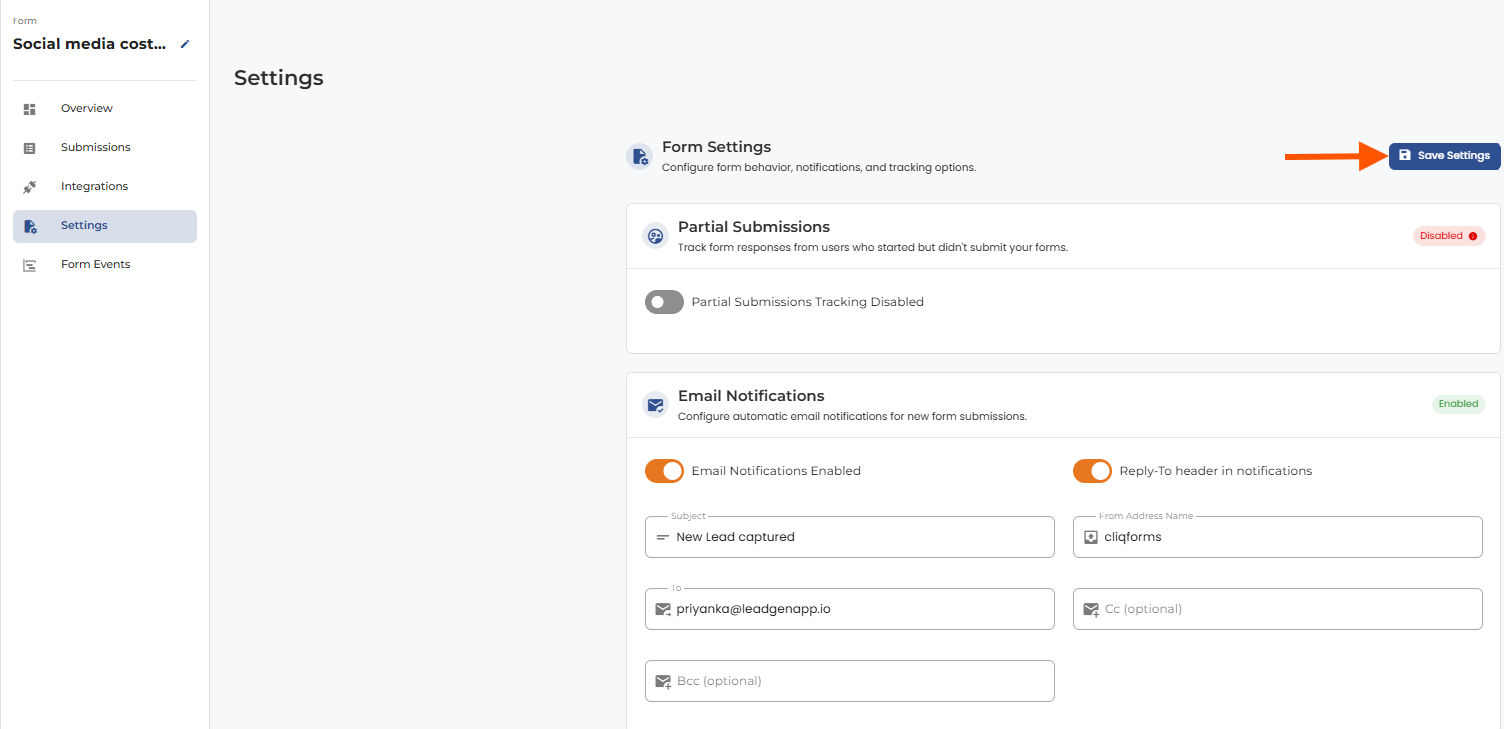
Open up the form overview page in LeadGen and go to form settings. In settings, there’s an option to simply enable/disable email notifications. You can set the recipient email addresses, CC and BCC addresses, subject title, and from sender name.


.png)
