
update - collect payments in your forms with the new payment type field

Published On:
April 28, 2026
Removing the CliqForms branding is a straightforward process. Here are the steps to white-label your lead notifications.
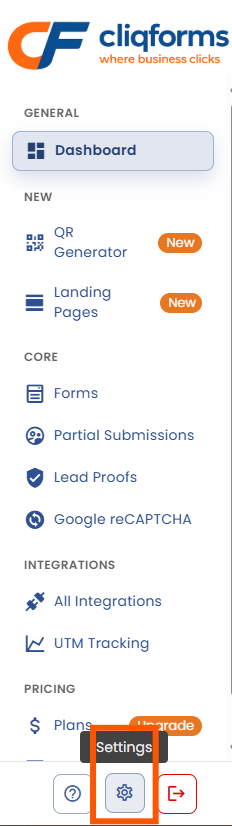
1. Dashboard – click on Settings.
2. Click on the switcher and then click "Save."
3. Show the difference in emails (I will generate one email with the switcher off and then generate another one with the switcher on).
Removing the CliqForms branding is a straightforward process. Once you log in, click on “Settings” in the sidebar.
Here you will find a switch called “Enable White Labeling." When it’s turned off, like in the print screen below, the CliqForms branding will be visible in the emails. If you want to remove it, click on it and then click on “Save”.

Enable the toggle and click on “Save Settings” button.
Here is what an email notification looks like when the cliqforms branding is present.
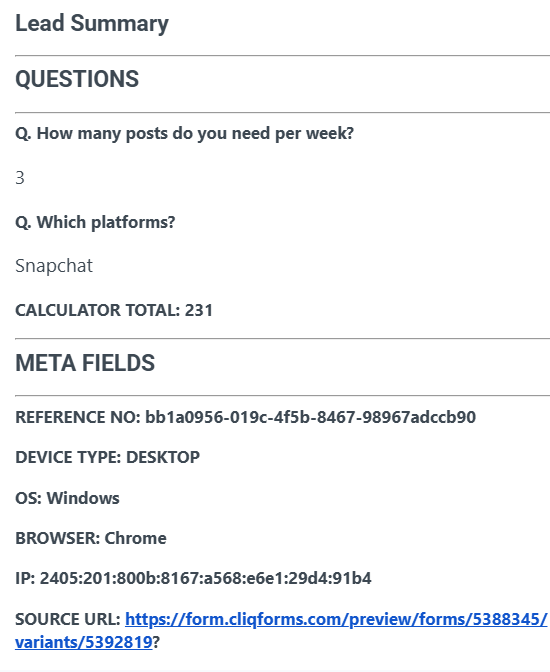
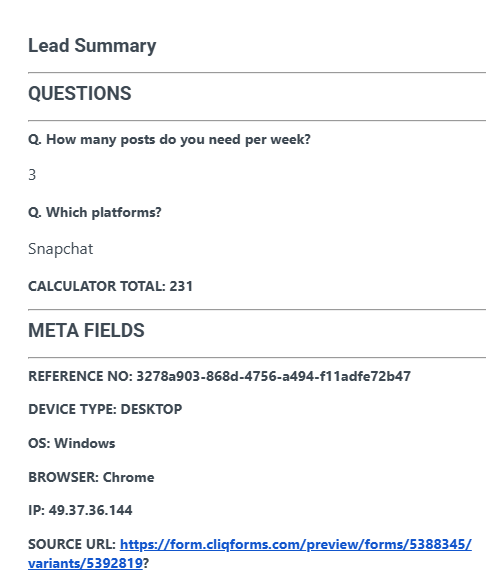
When you turn on the white label, the header and the button at the end of the email will disappear.


.png)
