
update - collect payments in your forms with the new payment type field, now includes Paypal

Published On:
April 29, 2026
Here is how you can present to visitors a randomized order of options in multiple-choice questions, e.g., for reducing order biases in surveys.
This is useful when you are gathering information and you want to remove the primacy bias – the tendency for respondents to pick one of the first options presented to them. Showing the options in a different order every time will increase the trust in the result of the survey.
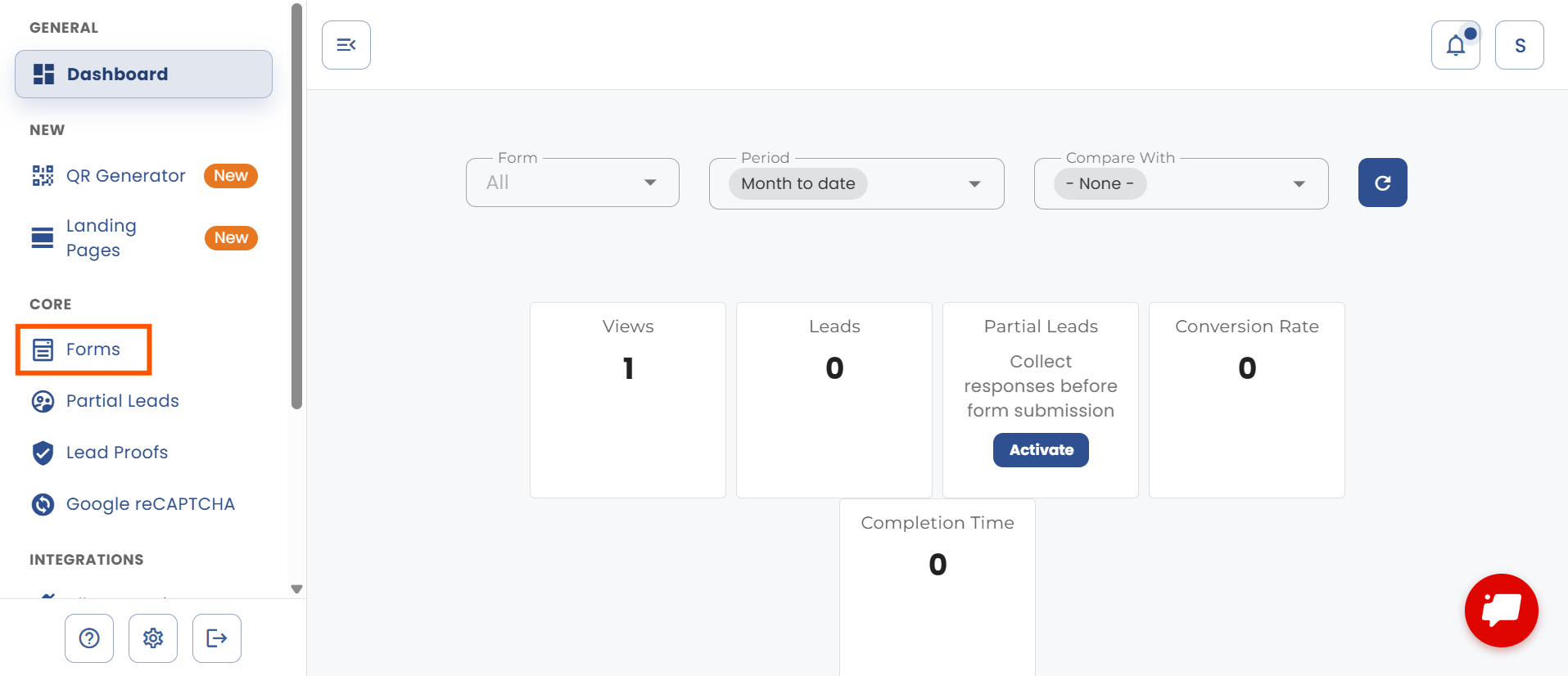
Open the “Forms” page using the sidebar menu.
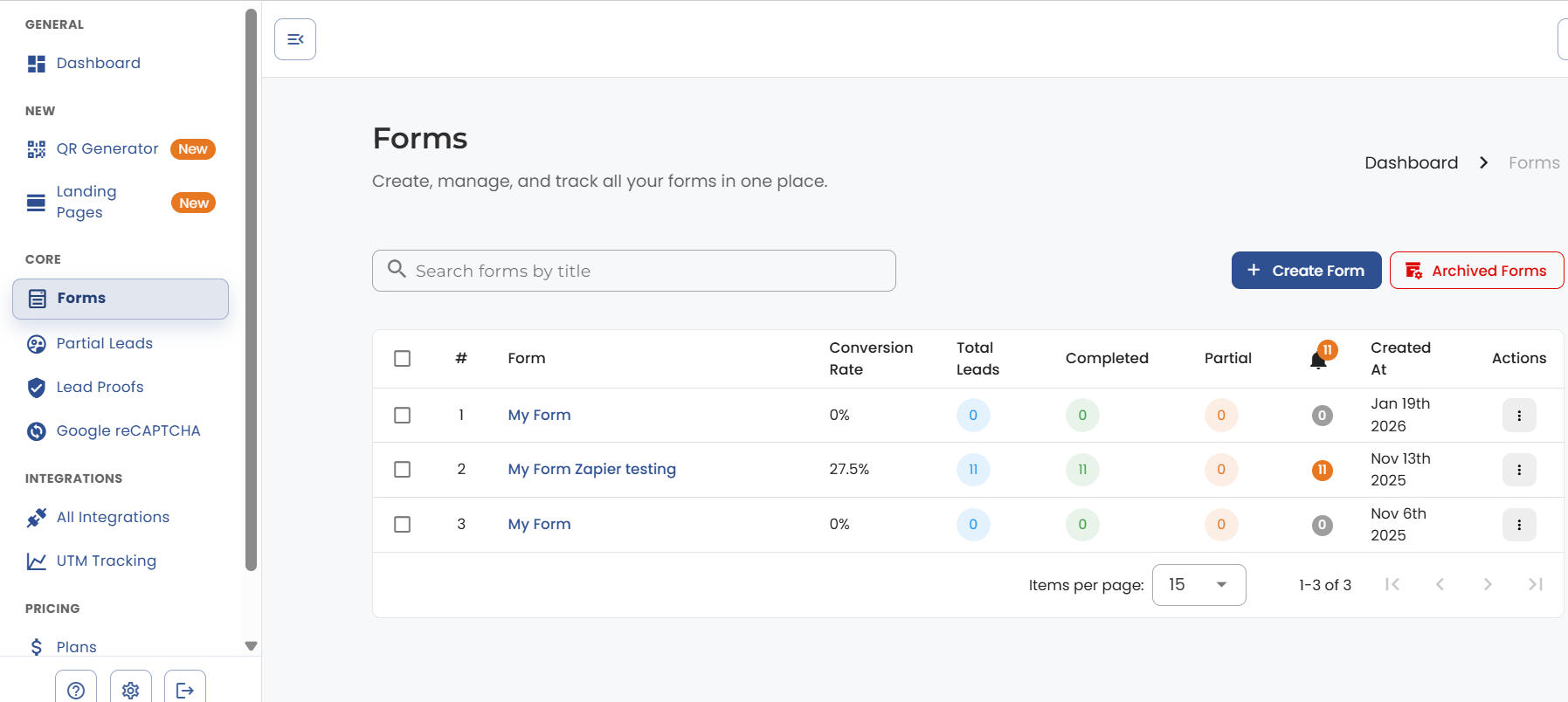
Open the form you want to edit.
Add a multi-select question, enable the “Random Choice Order” toggle and save the changes.

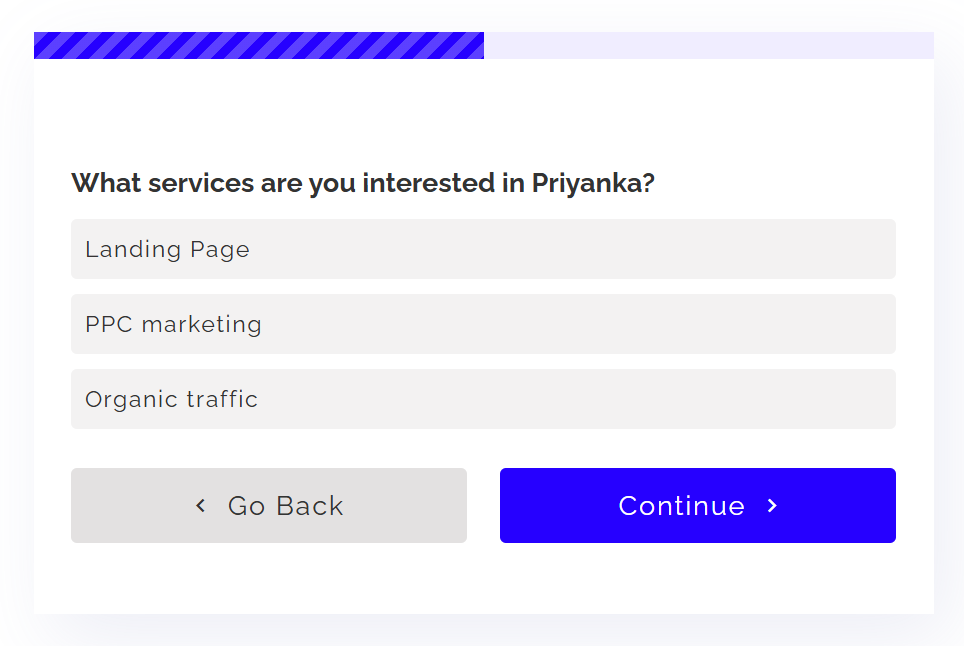
Click on preview in the top right corner to see the options randomized.
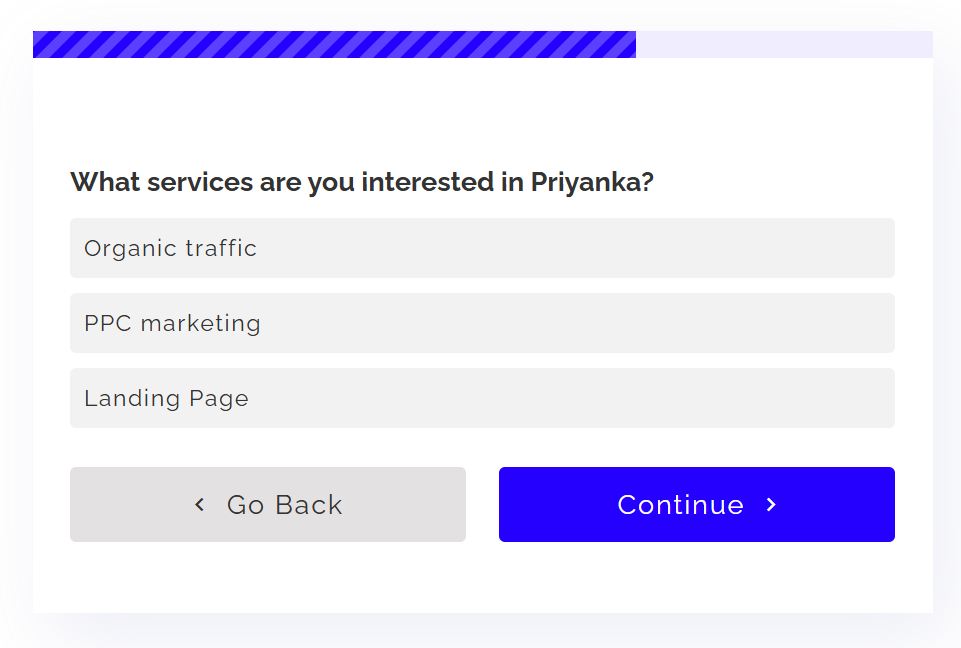
Here is another preview.


.png)
