
update - collect payments in your forms with the new payment type field

Published On:
May 4, 2026
Here you can see how you can make the form background transparent.
It’s possible to make the form background transparent.
To set this up, open up your form and go to the Design section. Then click on UI Elements, Form, and Form Background.
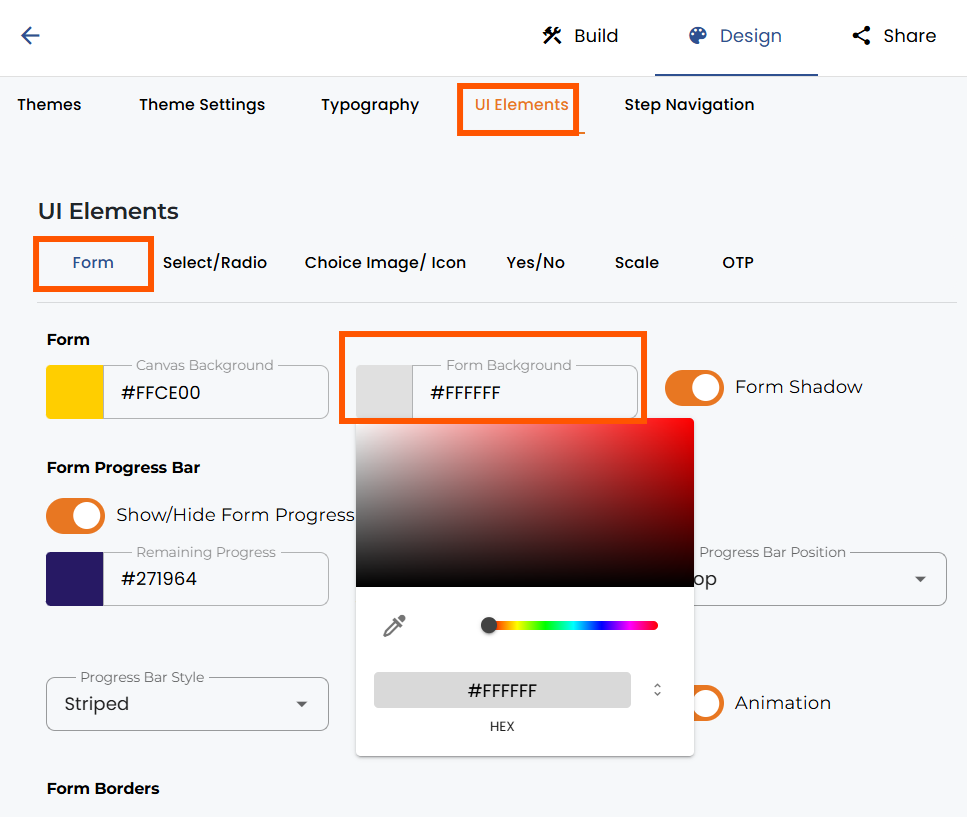
Click into the form background. Color setting and move the second selector to the left.
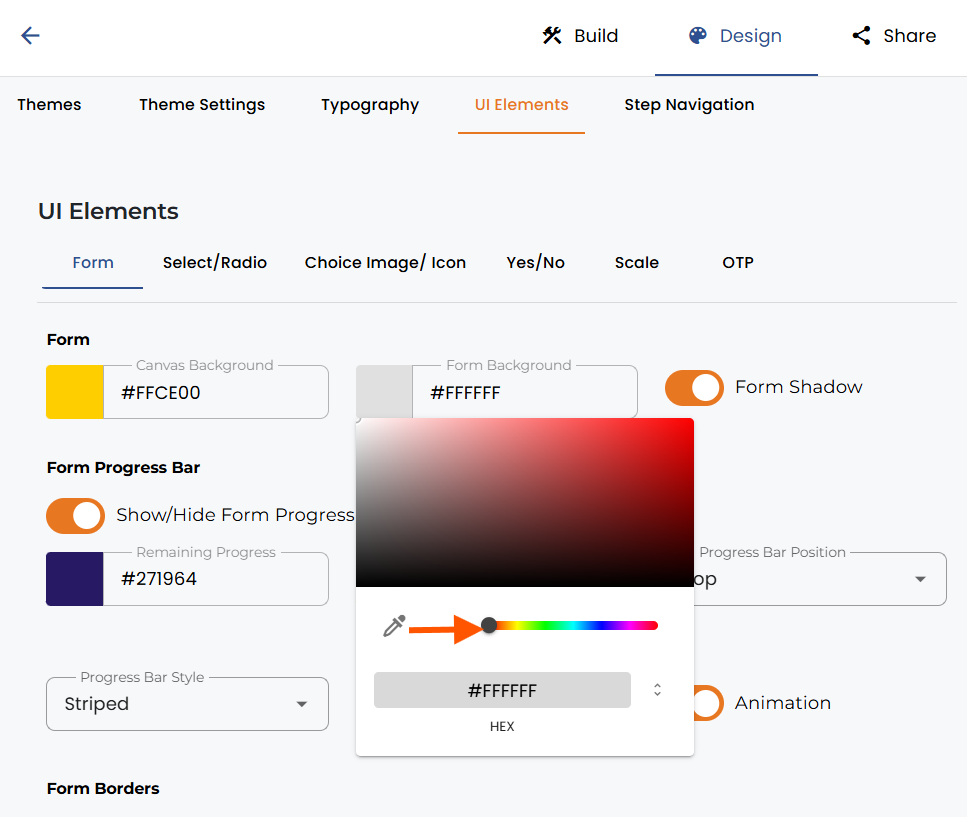
Simply move the range selector to a position left or right to make your form background more or less transparent. Close the color selector again and save your changes. When you embed the form, it will appear with the transparent background settings.


.png)
