
update - collect payments in your forms with the new payment type field

Published On:
April 29, 2026
Sometimes you may want to delete leads upon customer request or to clean up your data. Here is how you can delete leads and response data in the form.
First open up your form and click on "Submissions."
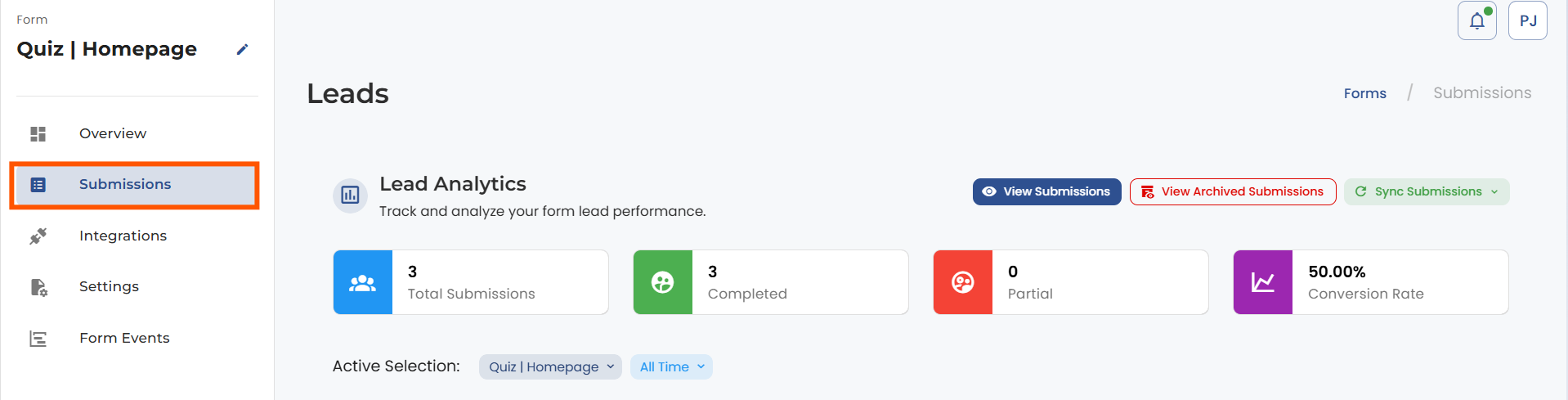
Click on the “View submissions” button to see your lead list and choose the lead you want to delete.
You cannot delete the lead directly from the leads list.
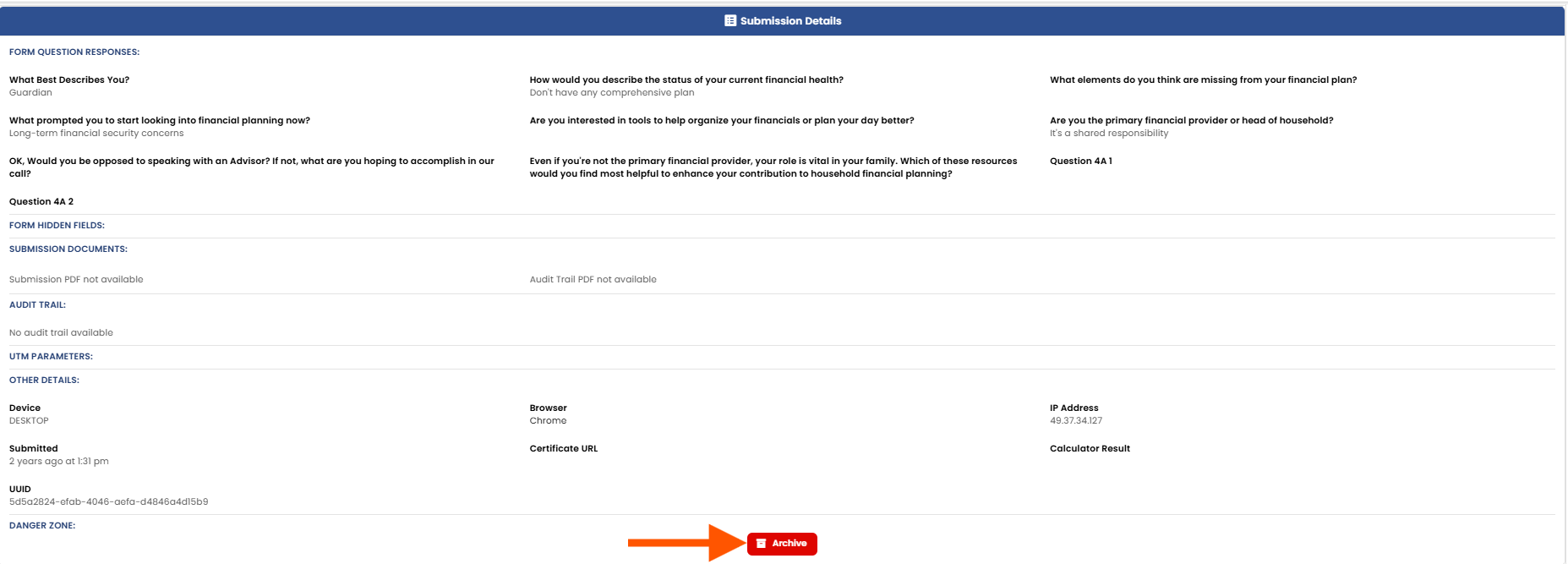
Click on the Archive button to add the lead to the archived list.
You can still see your archived lead data and can also delete the lead permanently.
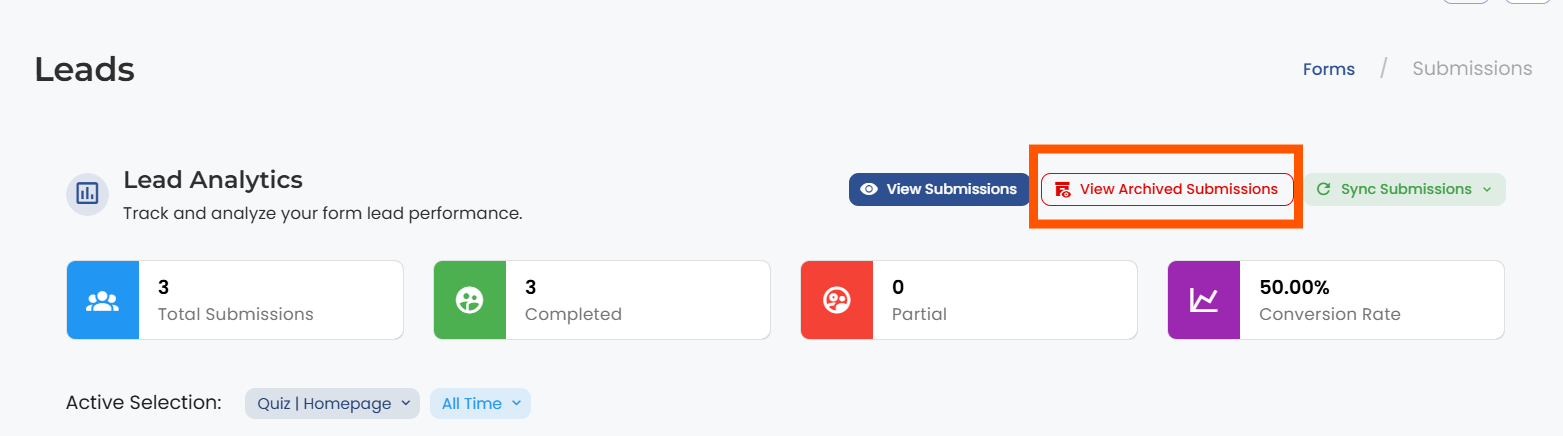
If you want to delete the lead permanently, go back to the lead section and click on the “View Archived Leads” button.
Next, open the lead that you wish to delete and hit the delete button.
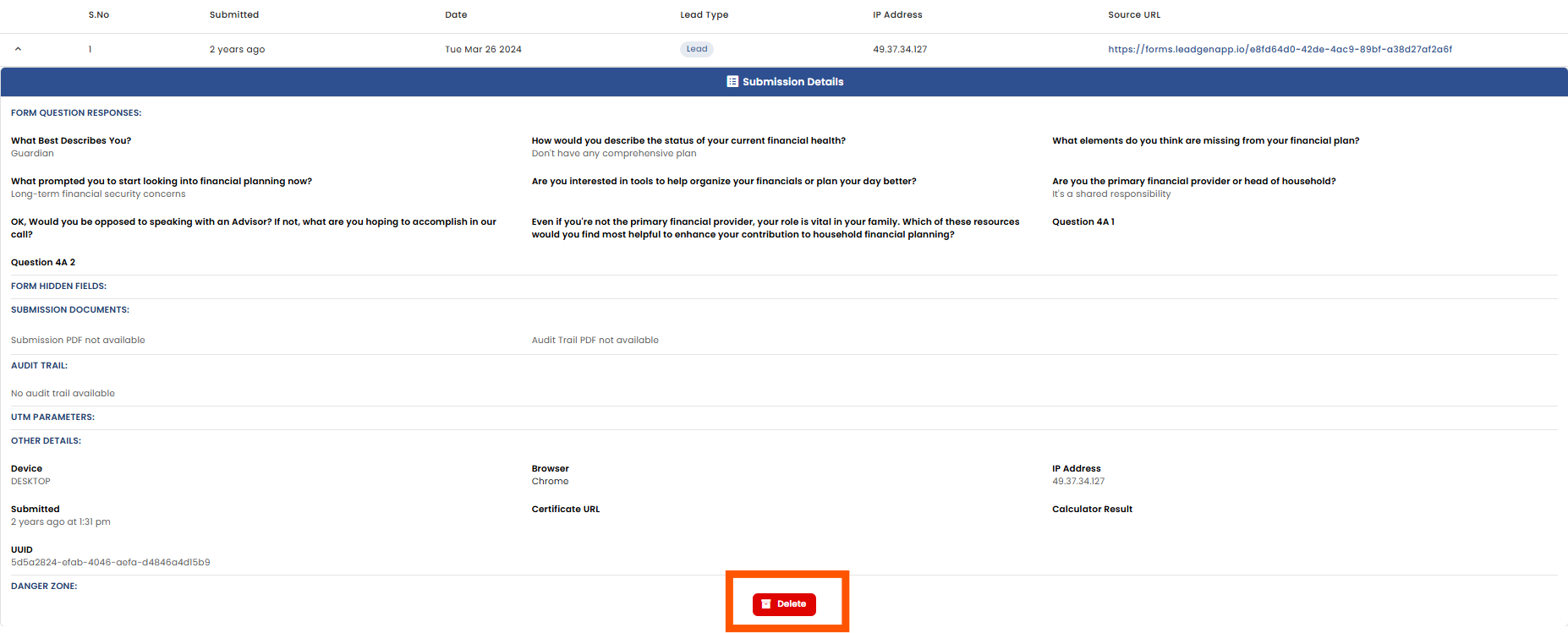
Please note that deleted data from the leads section cannot be recovered.


.png)
