
update - collect payments in your forms with the new payment type field

Published On:
April 24, 2026
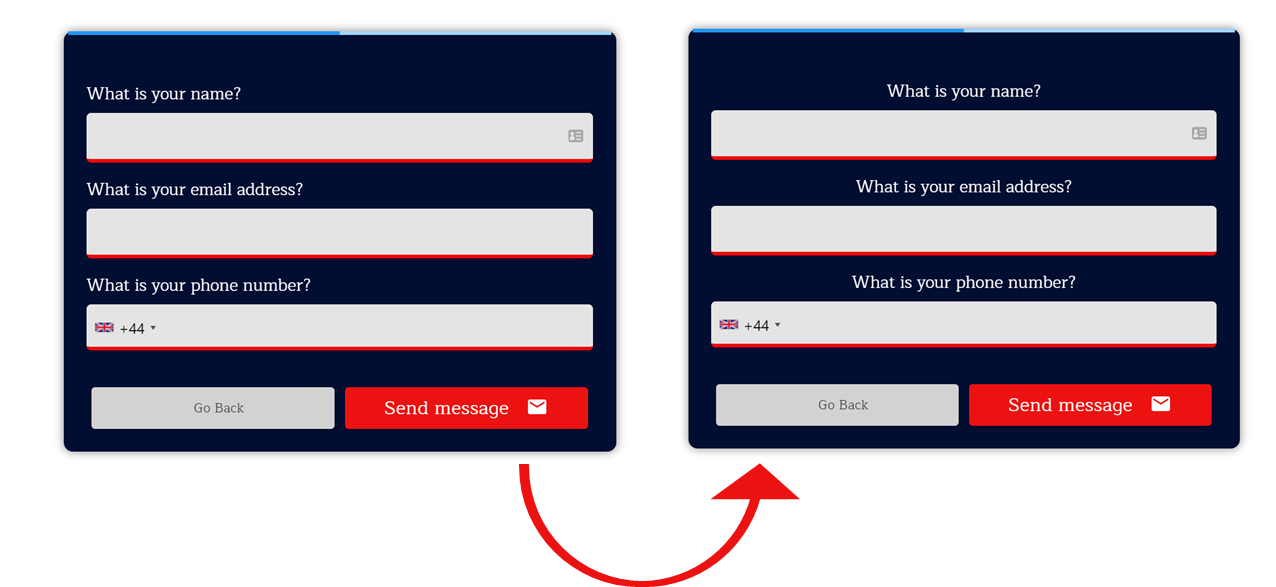
It’s possible to give your form a unique look by centralizing the question title and description elements. Here’s how to set it up quickly:
Left-aligned content Centralized content
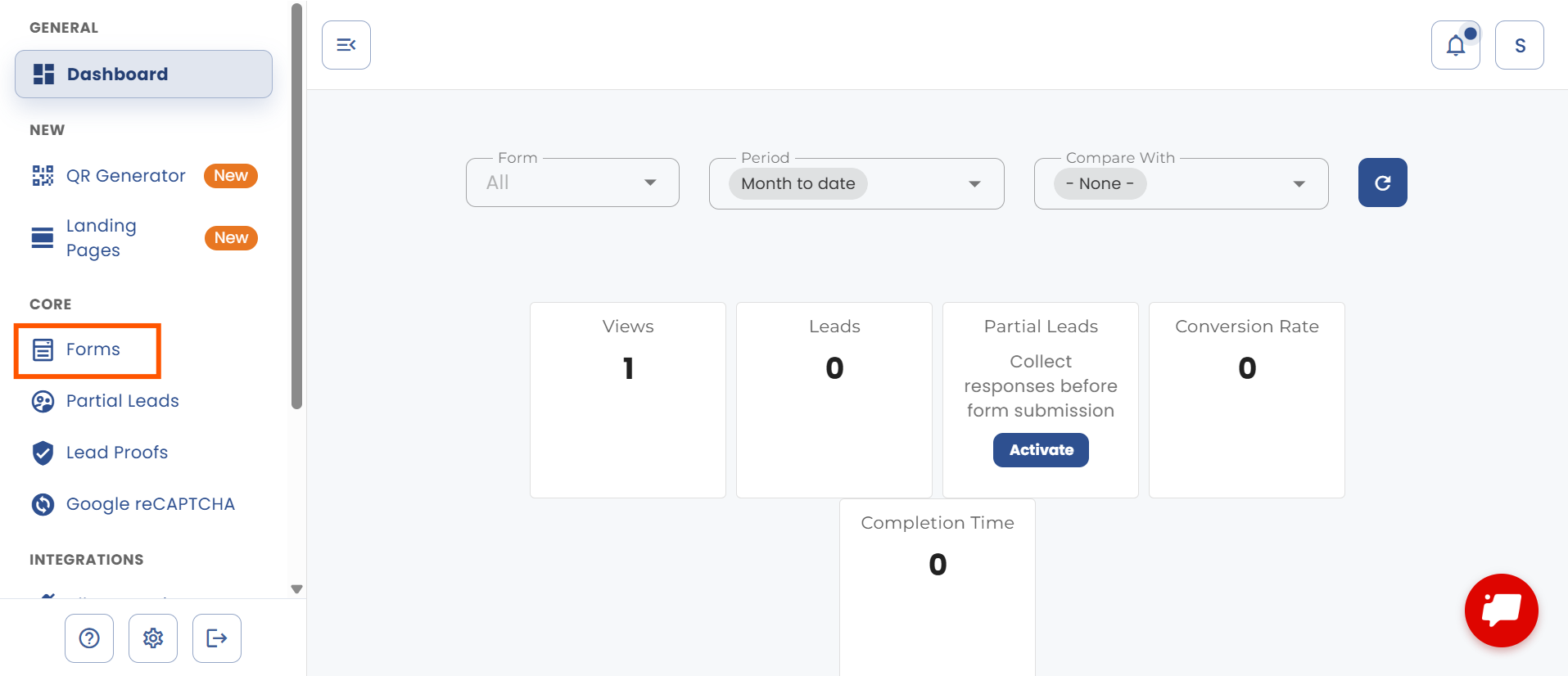
Go to “Forms” after logging in.
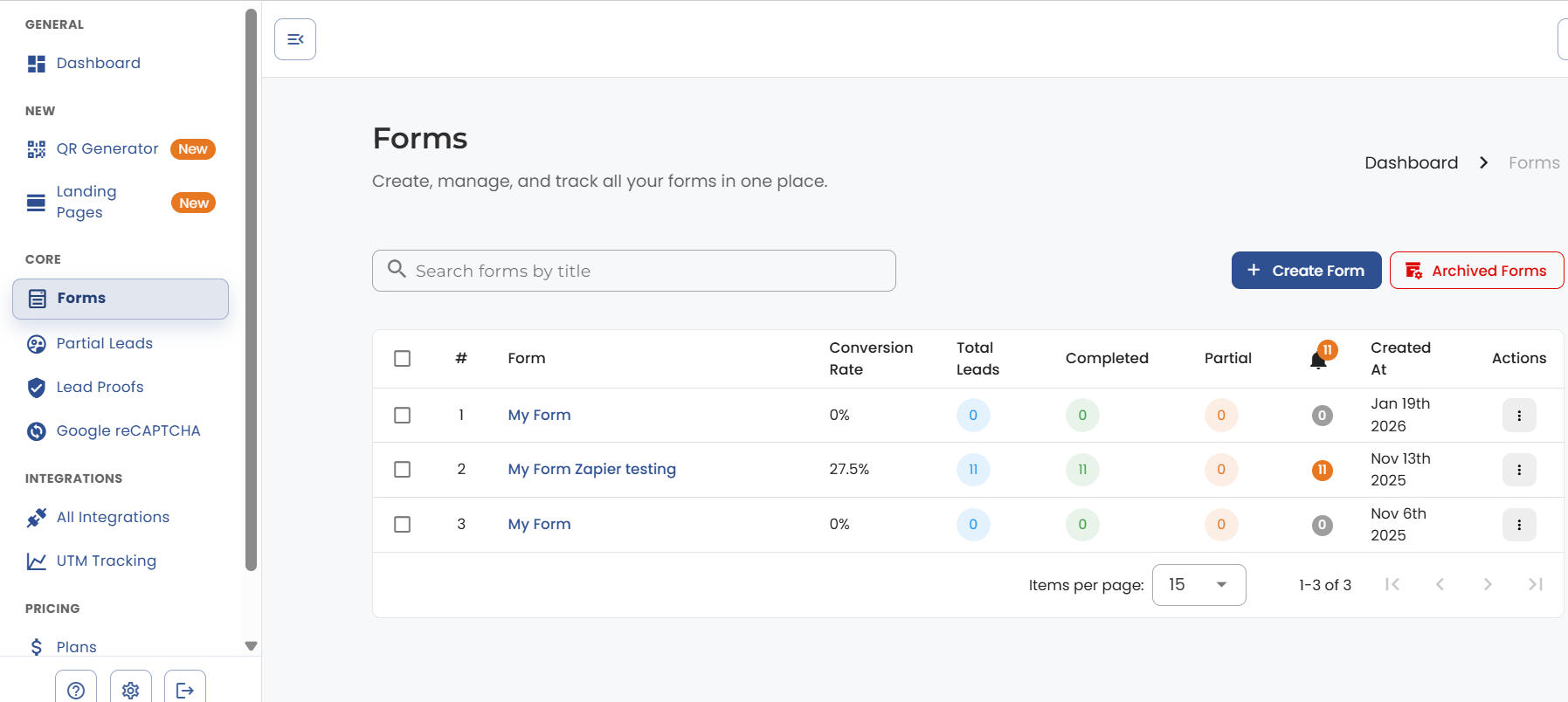
Click on the name of the form you want to edit.
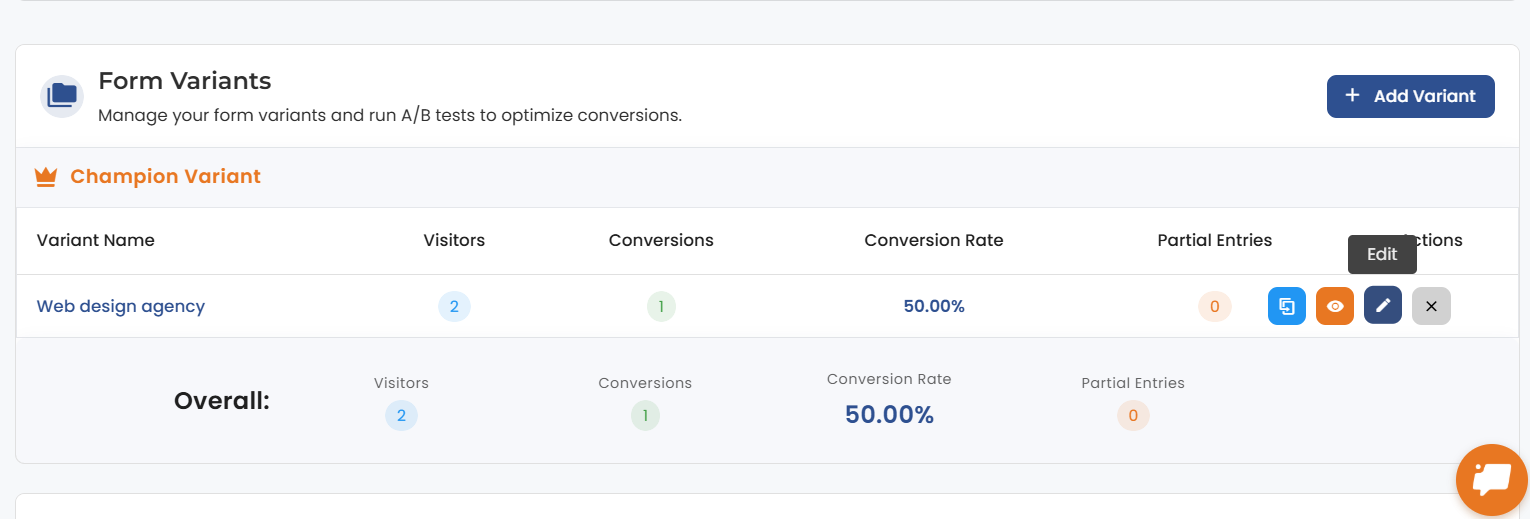
Click on the form and go to the action button.
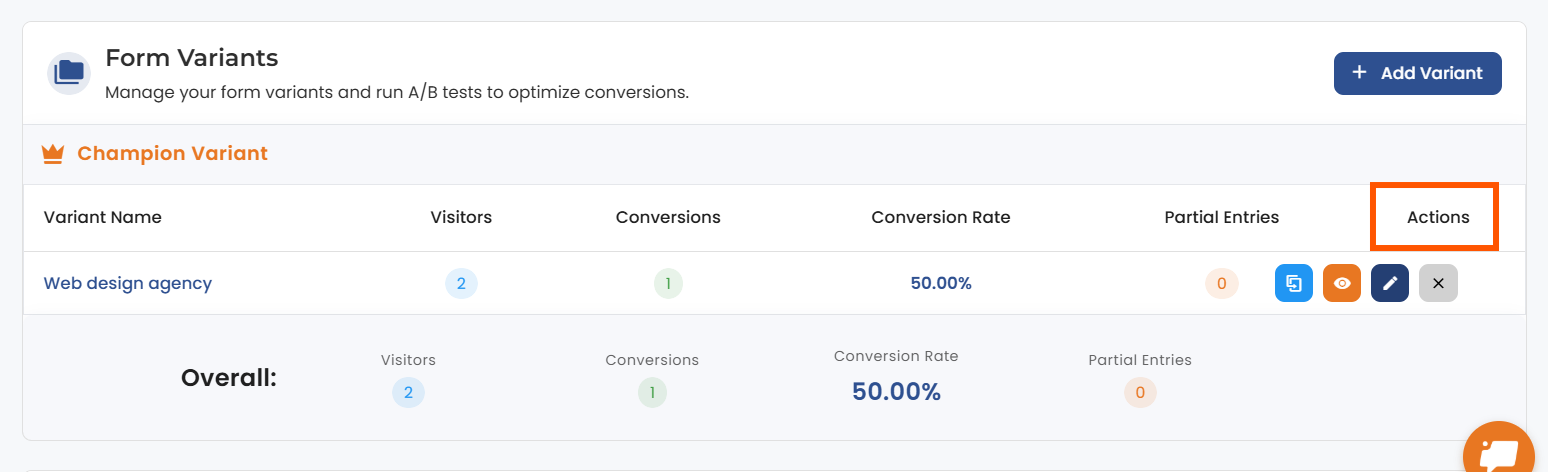
Now, click on the edit button.
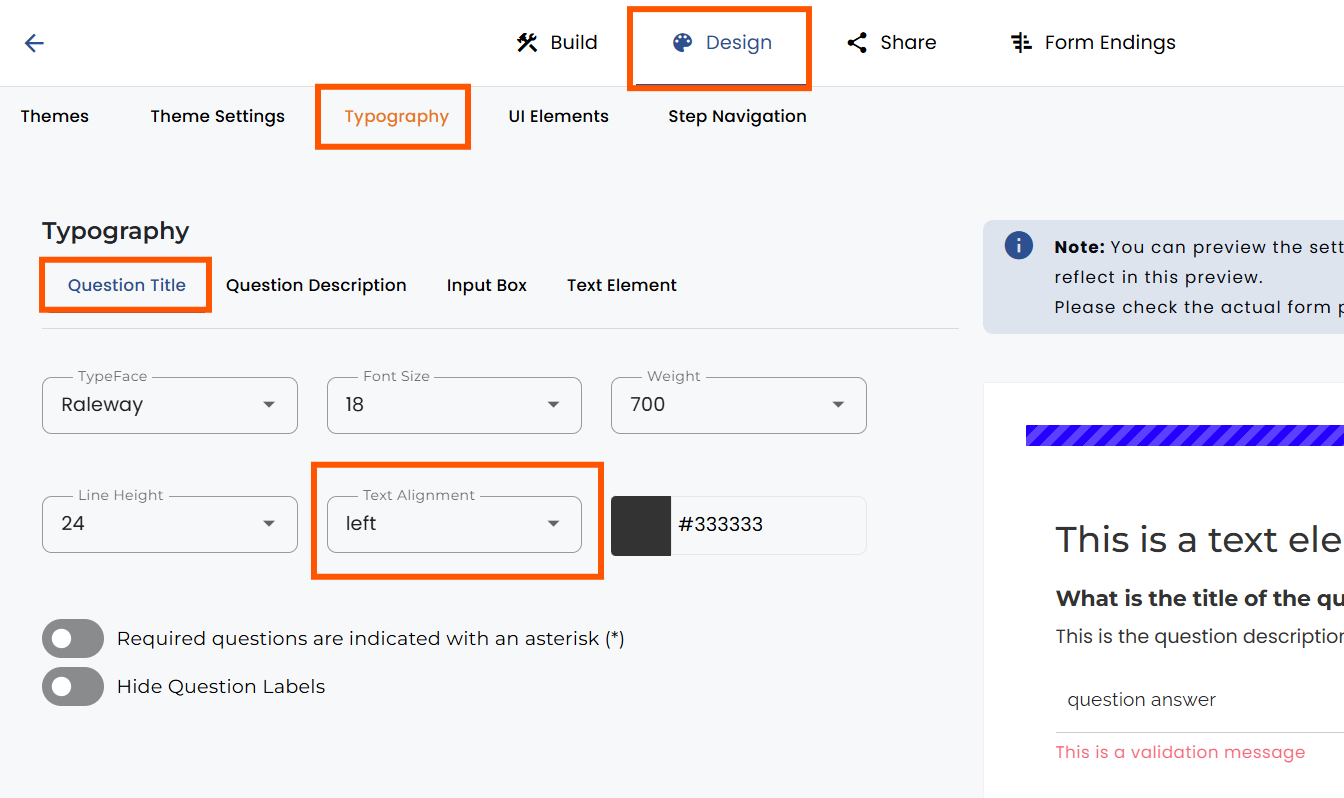
In the header, select “Design”.
In the top bar, go to “Typography” and for each element from the form, you will see the option called “Text Alignment”. This includes:
Click on the section you want to change and select the alignment you want to use from the dropdown menu.
Click “Save” in the top right corner when you’re finished.


.png)
