
update - collect payments in your forms with the new payment type field

Published On:
June 30, 2026
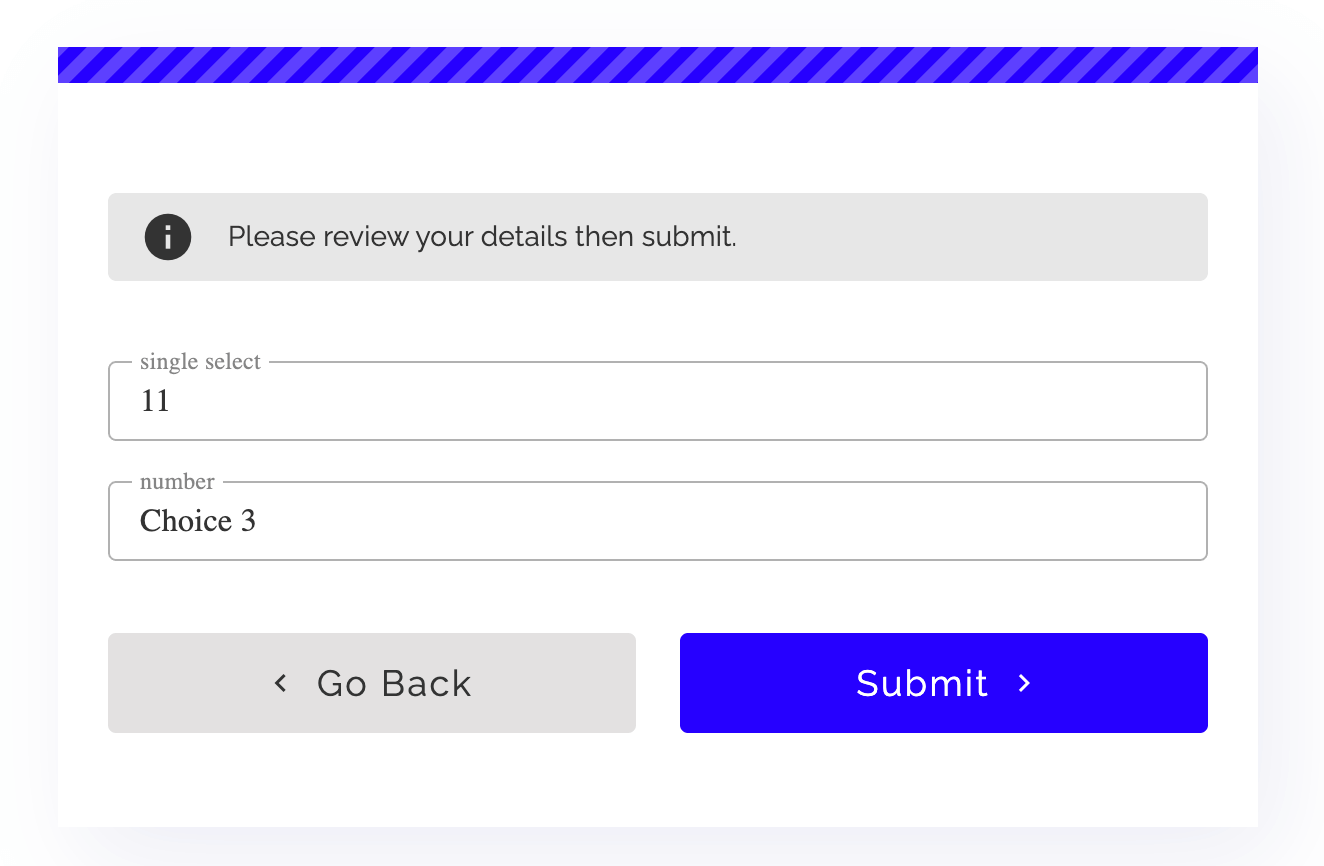
Adding a summary step to a form is useful in running surveys, briefing/feedback forms, or questionnaires. Here’s how you can quickly enable it in your forms.
Use this function if you want to show the respondents an overview of the survey, with all the questions and their answers.
The summary step is particularly useful when you are creating a longer survey that takes more time to complete or has questions that are connected. This way, before submitting, you can make sure that the respondent goes over their selected choices one more time before submitting the form.
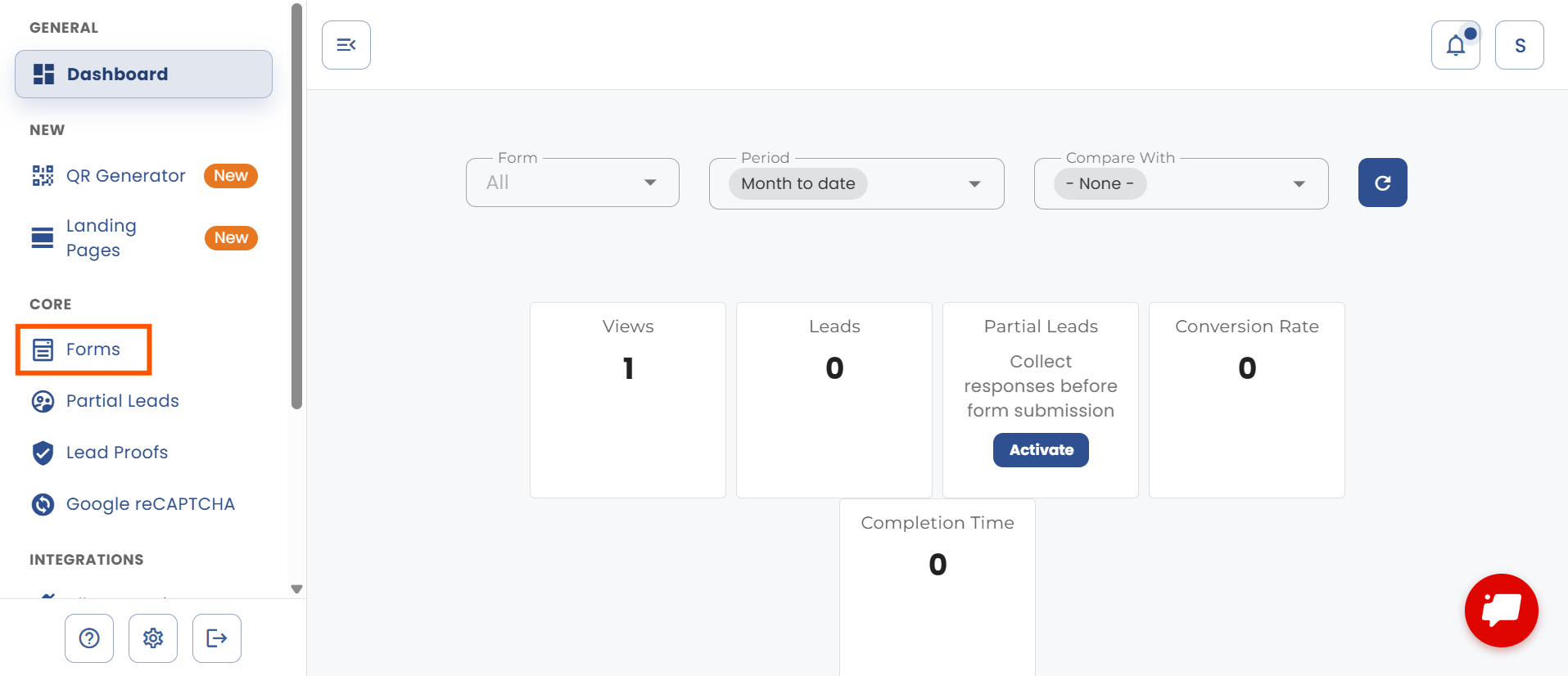
Go to “Forms” in the sidebar.
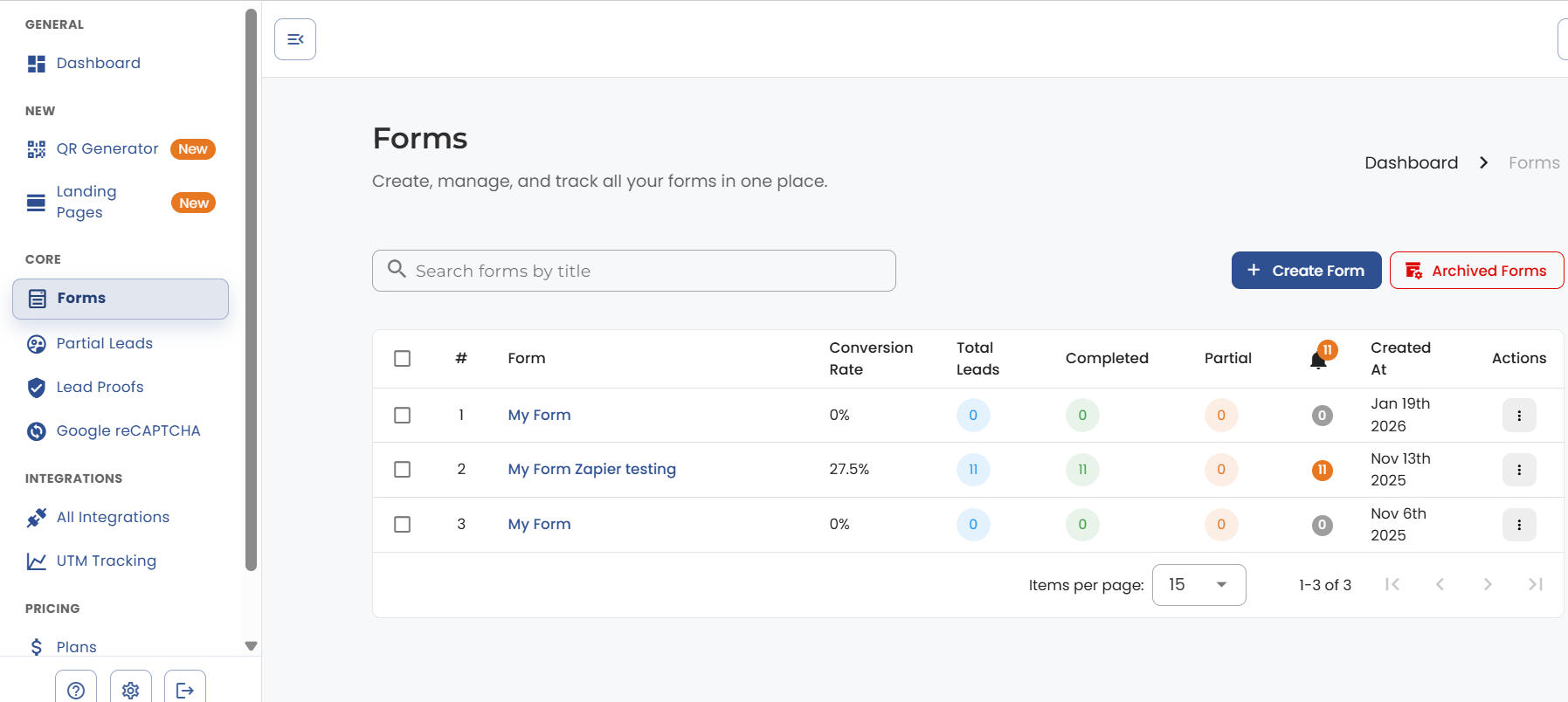
Select the name of the form you want to edit.
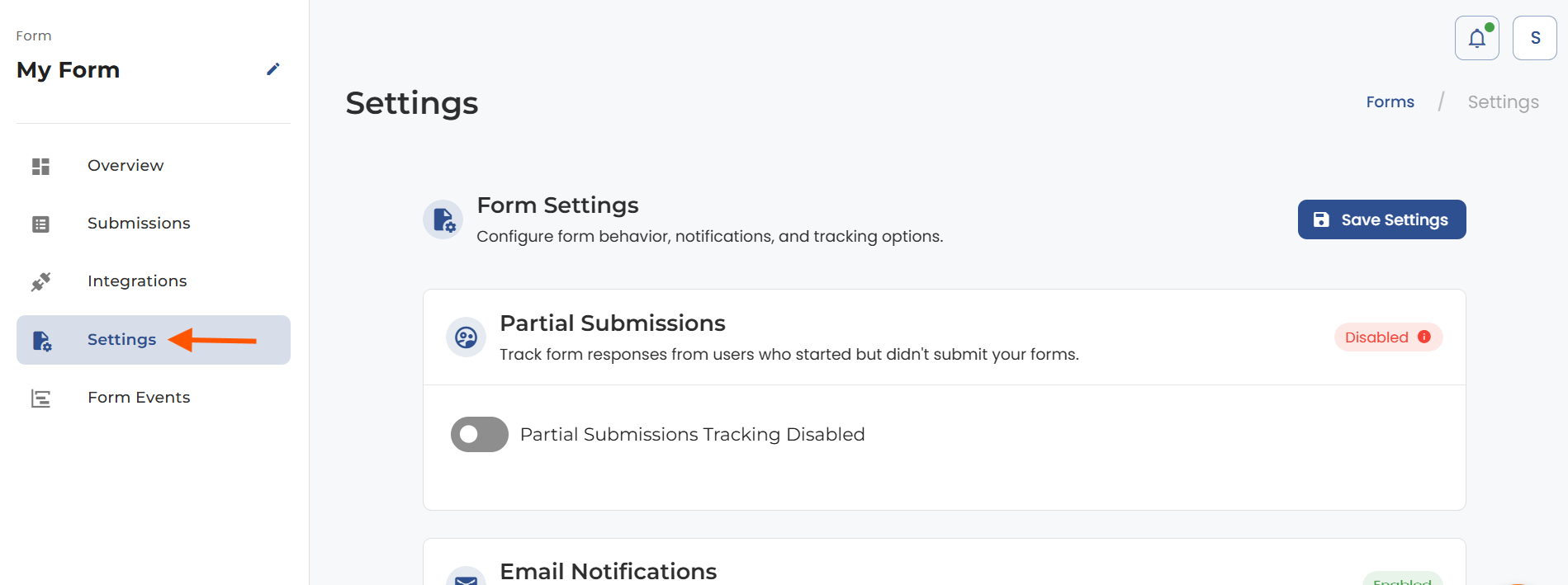
Click on “Form Settings” at the bottom of the screen.
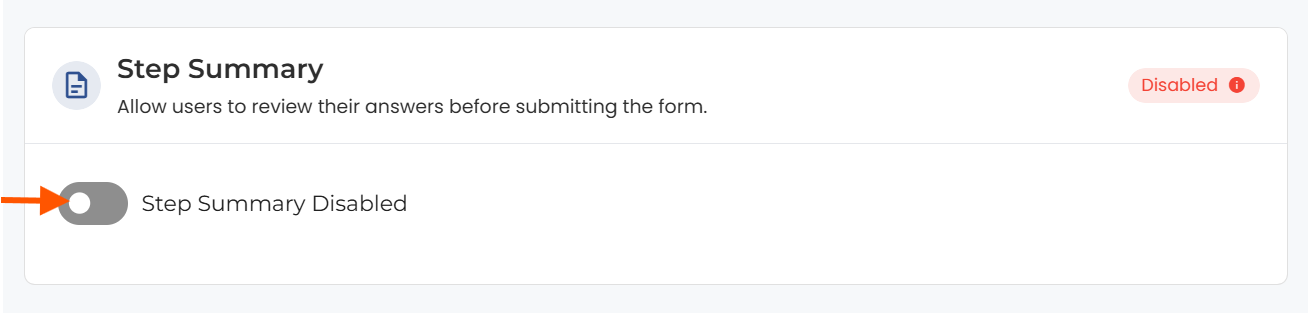
On the settings screen, scroll down to the “Summary Step” and click on the slider to enable it. Make sure you click “Save Settings” at the bottom of the page after that.
Here is an example of the summary step on a form.


.png)
