
update - collect payments in your forms with the new payment type field, now includes Paypal

Published On:
April 29, 2026
This article is about how you can execute different events using JavaScript in Cliqforms.
With our Tracking Events feature, you can execute JavaScript code snippets on different form events such as form load, step change, successful submission, etc. With this feature, you can fire events like ads, alerts, prompts, and more.
Note: It is expected that the user has a fair knowledge of JavaScript. This feature only allows you to execute scripts on various form events. For tracking, you can use our Google Analytics integration.
1. Select the form from the list you want to track the events for. You’ll see a new tab, “Tracking Events."
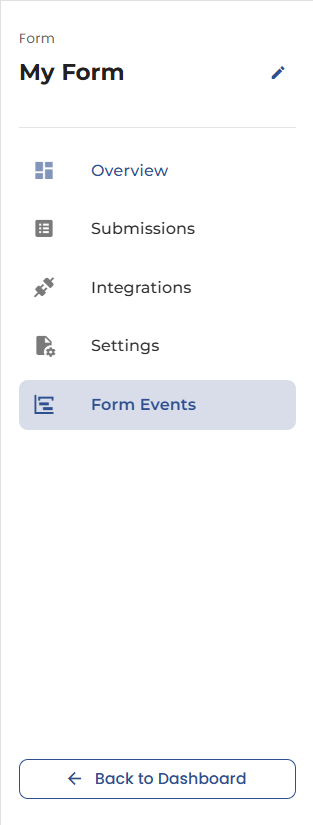
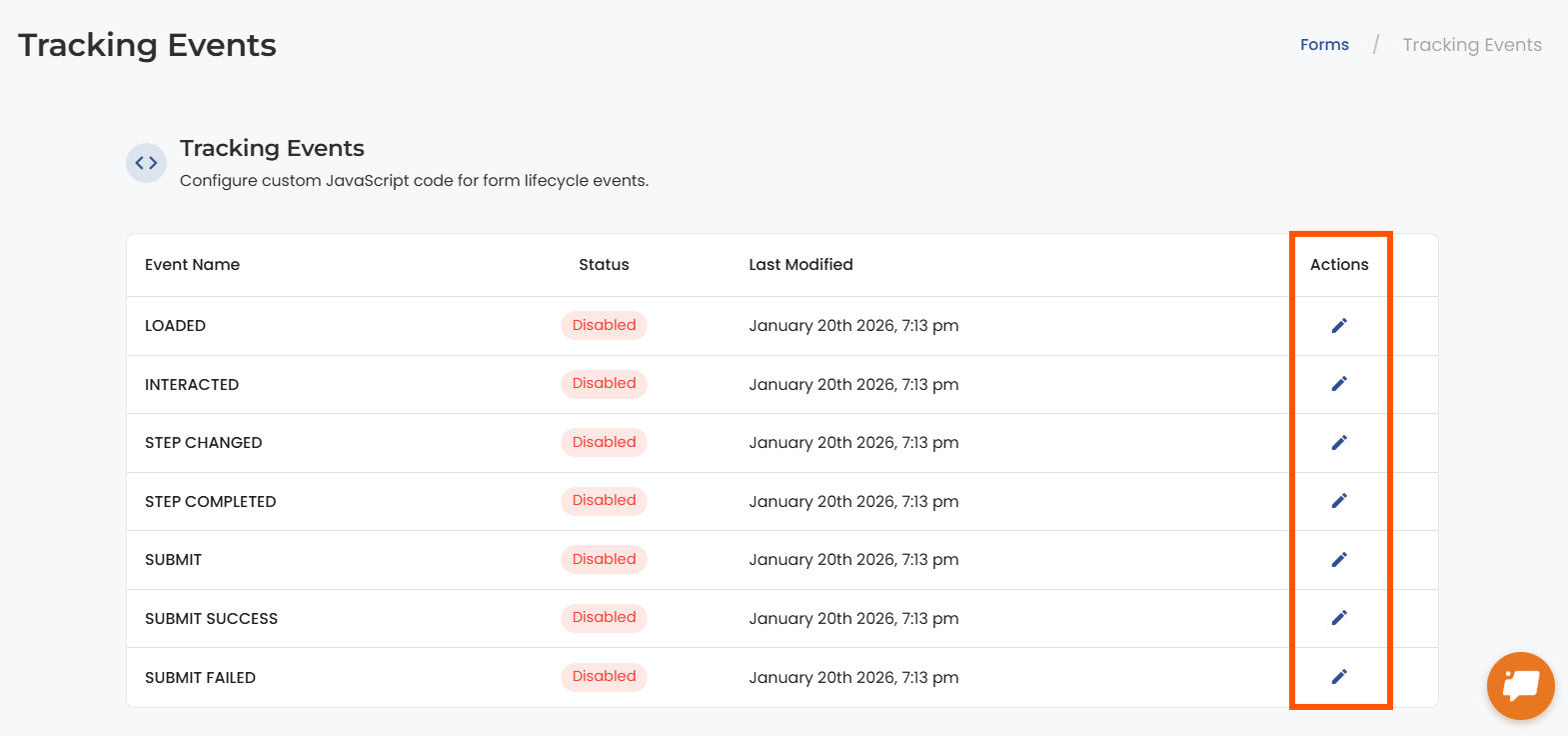
2. Under the Tracking Events tab, you’ll see a list of form events you can configure. Select the event from the list that you want to configure. Click the Edit icon and add the script in the modal as shown below. Set the toggle active and hit the save button.
3. In this example, let’s configure the event 'Loaded.' I have added the script for a YouTube video, which I want my users to see whenever the form loads.
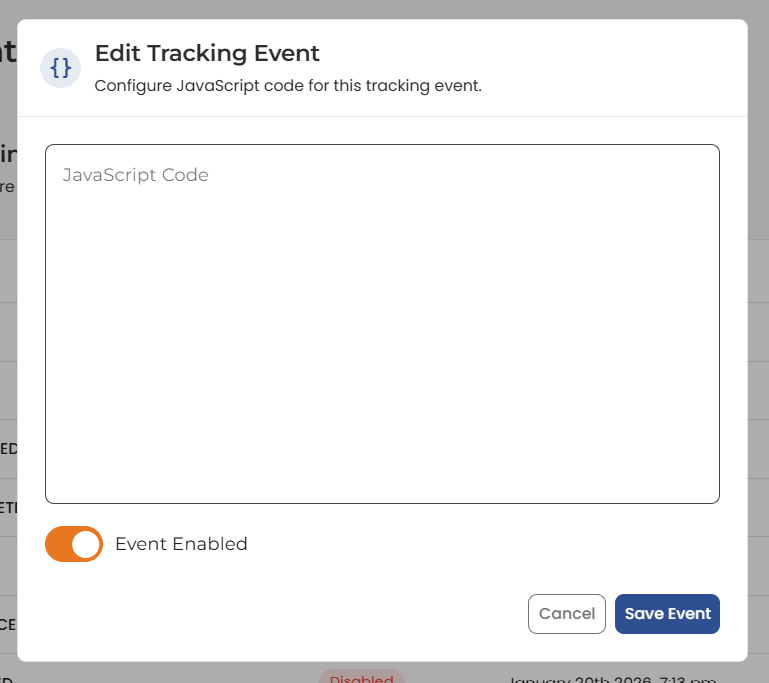
Note: The code snippet should be exclusive of script tags “<script> </script>”.
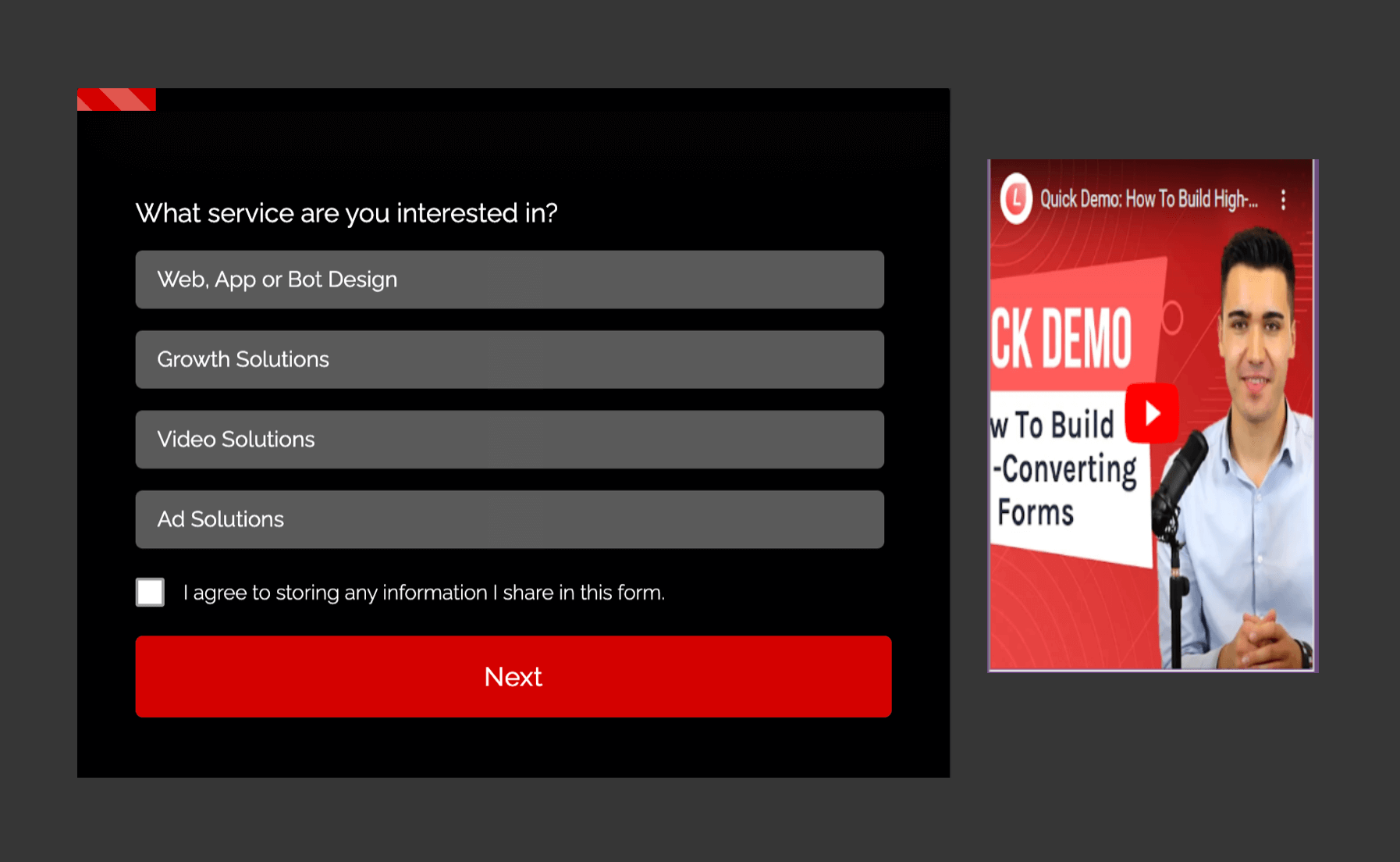
4. Embed the form on your landing page. This is how the form looks in the live view upon loading in our example. The YouTube video will load every single time the form loads up.


.png)
