
update - collect payments in your forms with the new payment type field

Published On:
May 4, 2026
Overview of the design settings inside CliqForms to learn all the different design customization options.
The CliqForms design editor is accessible from inside the form builder.
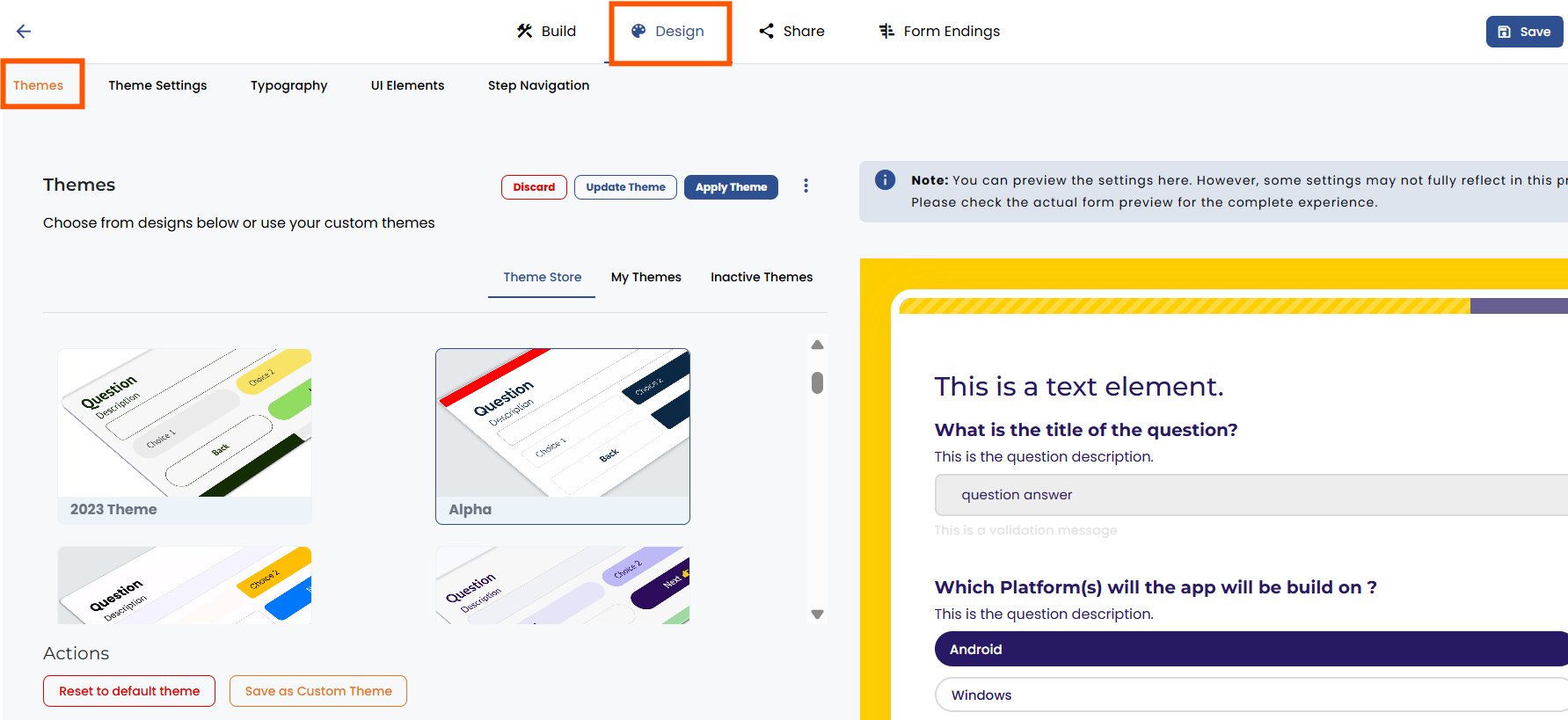
1. Themes allow you to choose from pre-designed form themes that give your form a professional look. Also, you can save your branding as a custom theme and upload it in other forms.
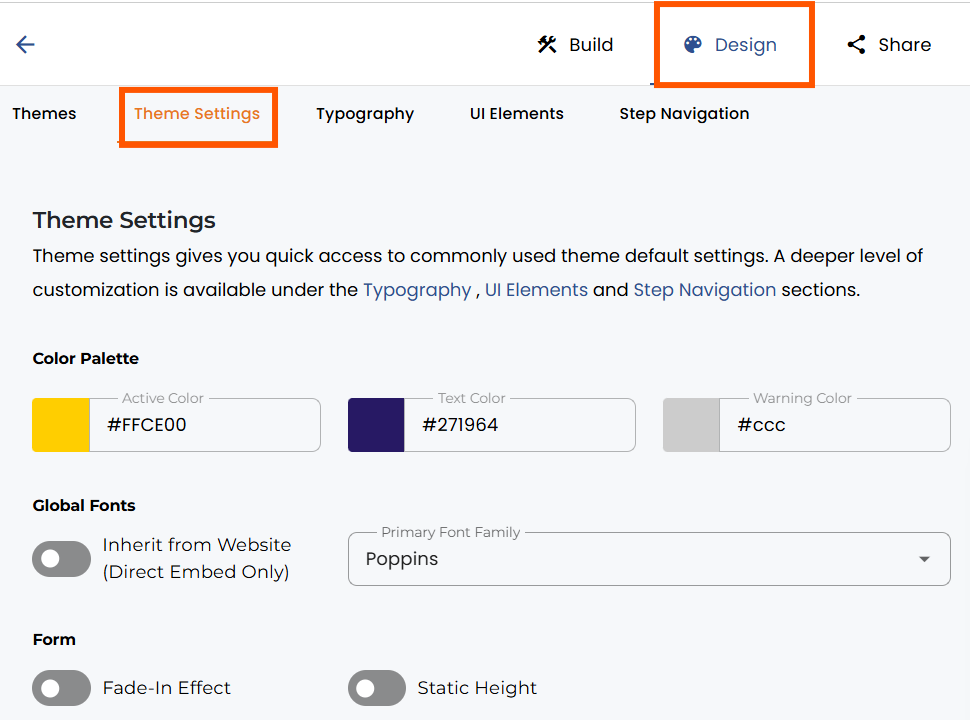
2. Theme Settings provides global color and font settings of the form (which can be customized further for different form elements in Typography).
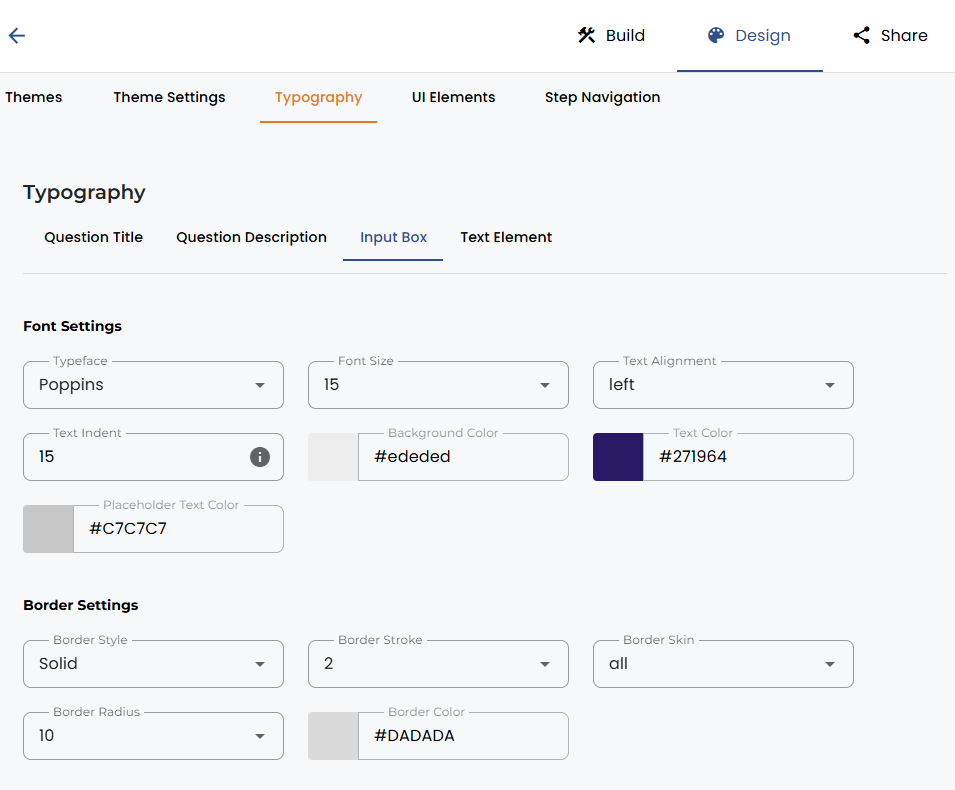
3. Typography allows you to change question title, description text, input box, and textbox elements in terms of font, height, spacing, colors, and more.
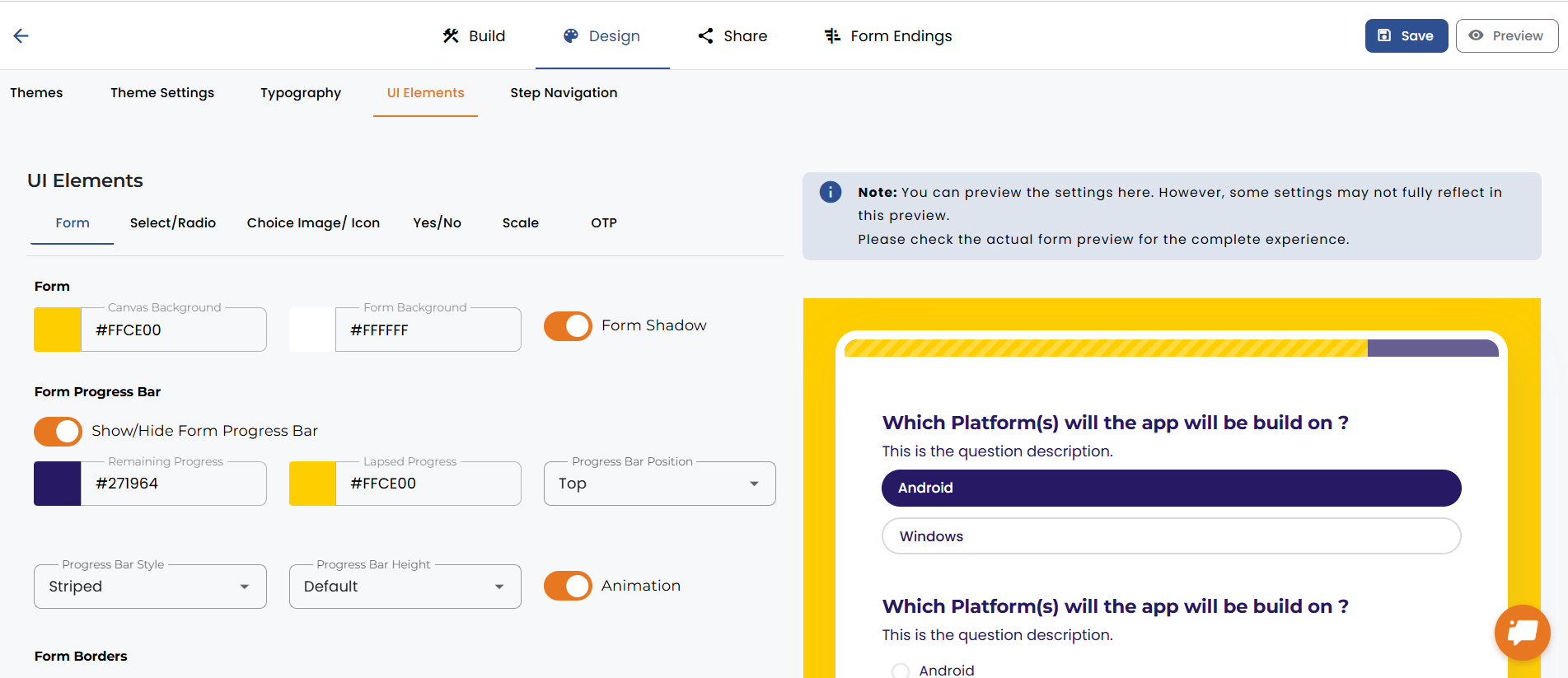
4. UI elements are detailed sections for the form & background design as well as various design elements of the form, incl. question fields, customization of radio, select buttons, and visual image/icon questions.
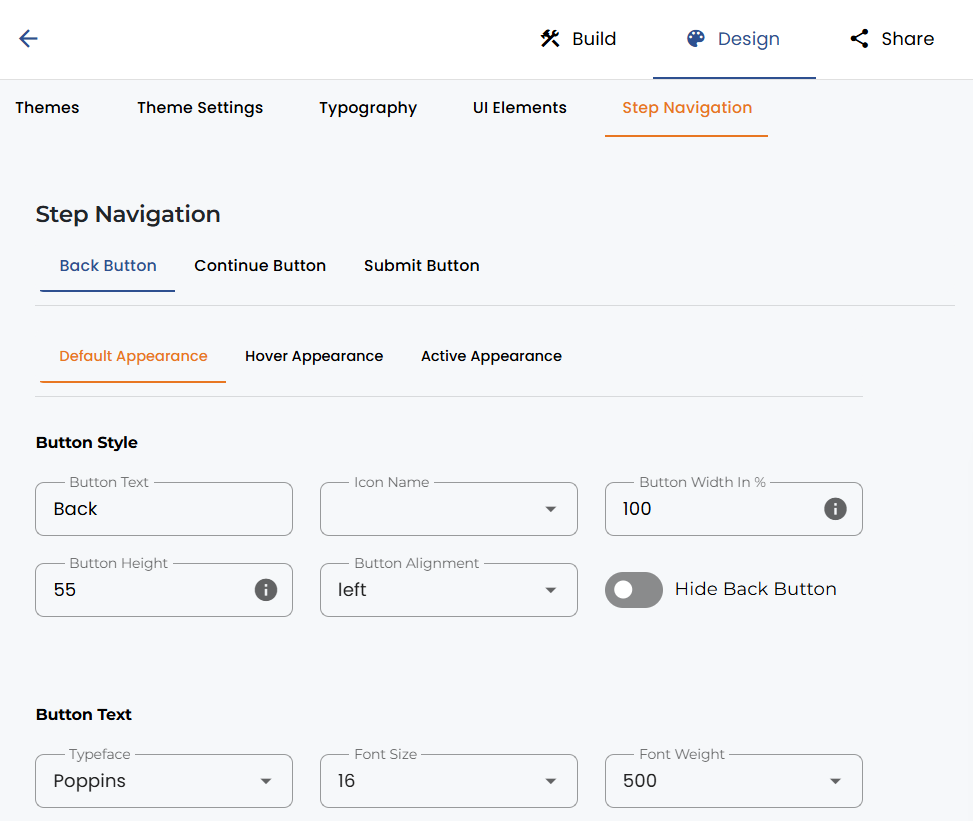
5. Step navigation provides you with all the options to change the Back, Continue, and Submit button settings, for example, Call-to-action text, button sizing, and behaviour on hover and submit.


.png)
