


Quick Answer — Best Lead Generation Tools for SMEs
The best lead generation tools for small businesses in 2026 are CliqForms (best all-in-one), HubSpot (best CRM integration), Typeform (best conversational UX), LinkedIn Lead Gen Forms (best for B2B), and OptinMonster (best for pop-ups). For most SMEs with limited time and budget, CliqForms delivers the fastest results with the lowest friction.
The Problem With Most Lead Generation Tools

"I've tried tools that promise leads, but none of them work for my kind of business."
If that sounds familiar, you're not alone. The lead generation software market is flooded with products built for enterprise marketing teams not for a plumber in Manchester, a consultant in Melbourne, or a boutique agency owner in Chicago.
Here's the real issue: most tools aren't the problem. How they're being used is the issue.
A CRM built for a 50-person sales team will overwhelm a solo operator. A pop-up tool designed for high-traffic e-commerce sites won't move the needle for a local service business getting 400 visitors a month.
This guide focuses specifically on lead generation tools for small businesses, not enterprise platforms that cost thousands per month.
We've evaluated the most widely used lead generation tools specifically through the lens of small and medium-sized businesses, looking at ease of setup, realistic ROI, and actual use cases from SME owners.
What Is a Lead Generation Tool?
A lead generation tool is any software that helps you capture contact information or buying intent from potential customers. This includes forms, landing page builders, pop-ups, chatbots, email capture widgets, and CRM-connected data capture systems.
The best lead gen tools for small businesses share three qualities:
i) Fast to set up—no developers needed
ii) Mobile-friendly—over 60% of SME website traffic is mobile
iii) Actionable data—you can follow up immediately, not in a week
Lead Generation Tools Comparison: At a Glance
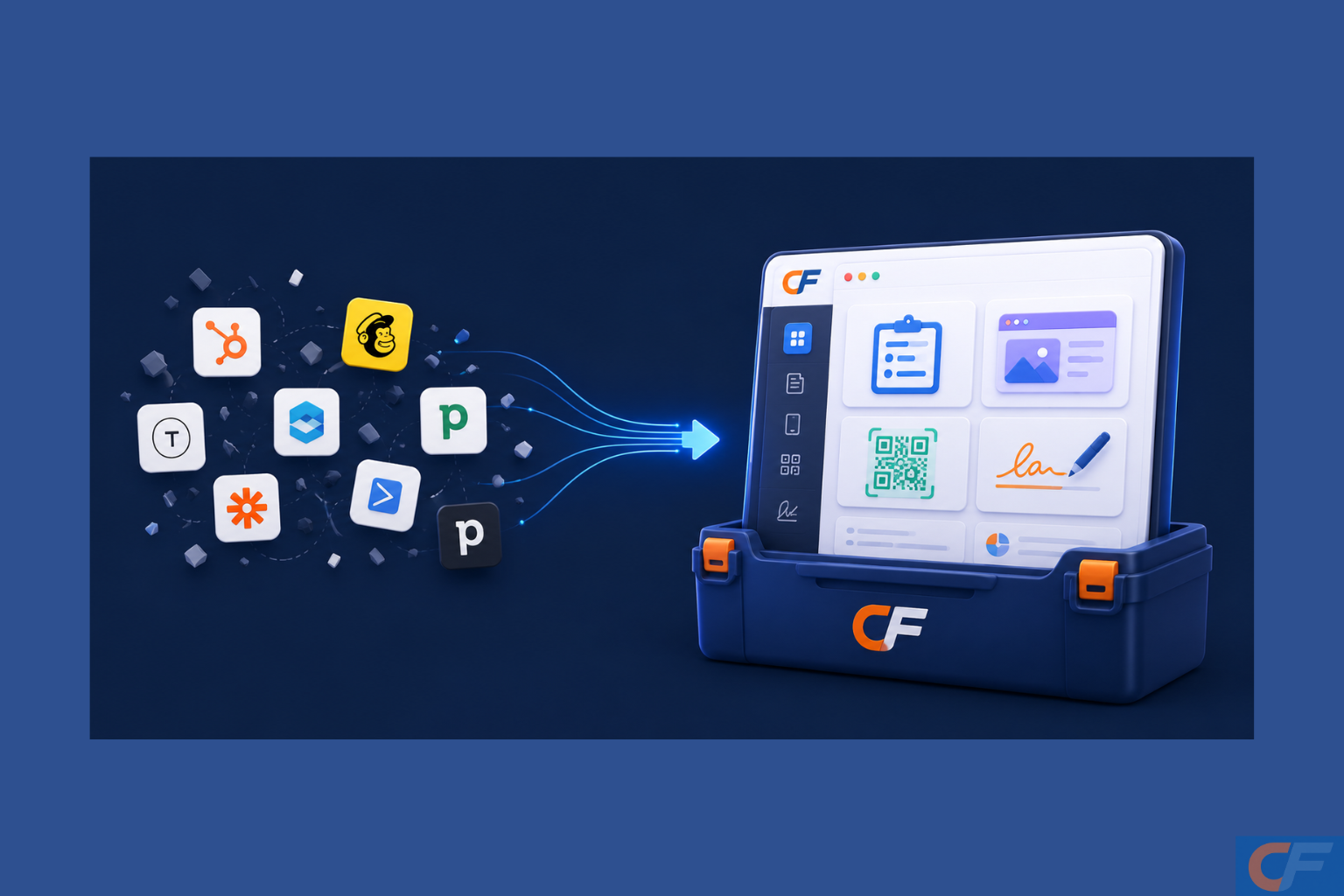
Here is how the leading tools compare for SME lead generation:
1. CliqForms—Best All-In-One for SME Lead Capture
Best for: Small businesses wanting forms, landing pages, QR codes, E-signatures, and analytics in one place
Pricing: Free plan available; paid plans for advanced features
CliqForms is purpose-built for exactly the audience that other tools ignore: business owners who need to capture leads without a marketing team, a developer, or a six-figure software budget.
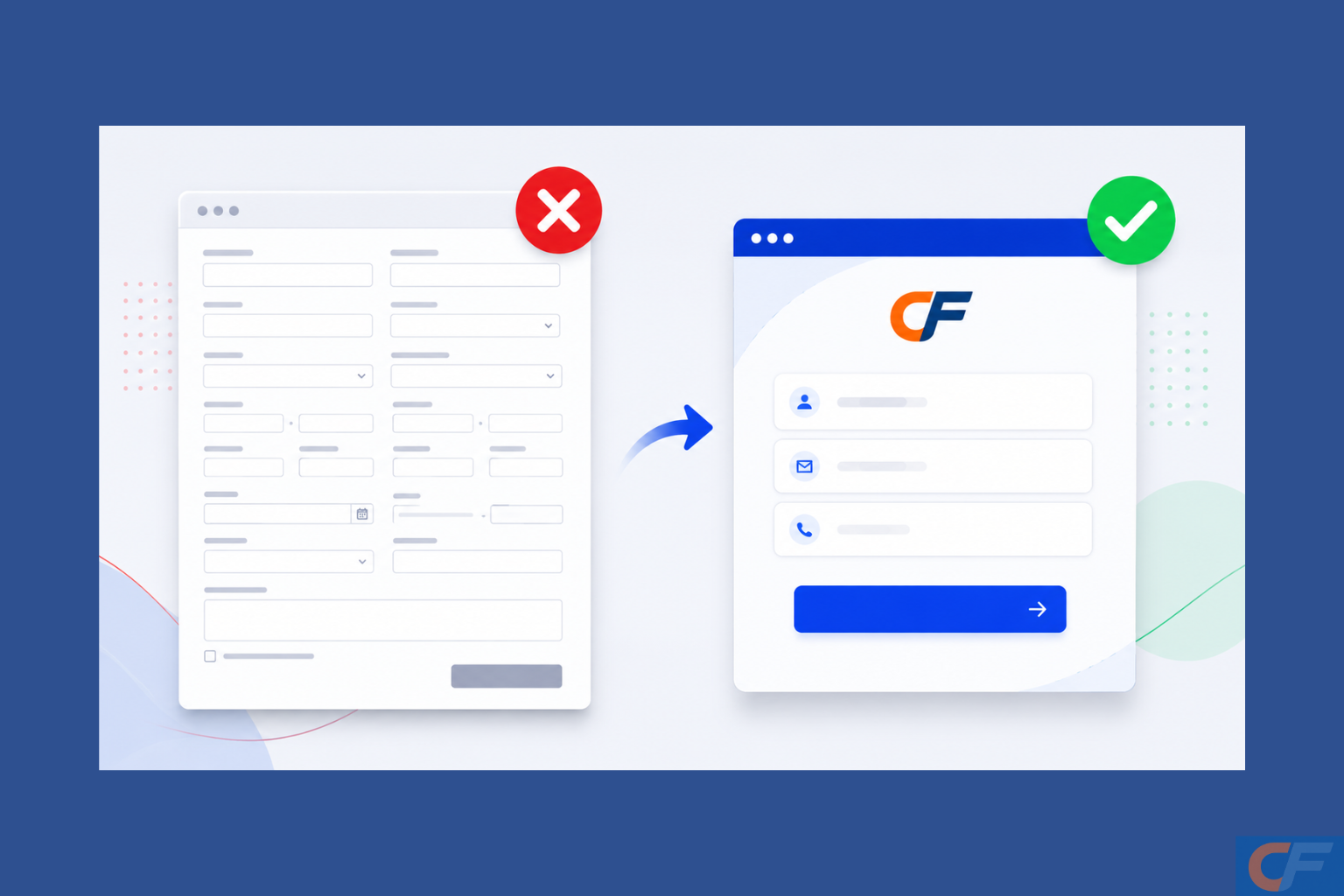
What sets CliqForms apart is its breadth without complexity. You can build a smart multi-step lead capture form, embed it on your website, connect it to your CRM, and have an AI-generated landing page live all in the same afternoon without touching a single line of code.
Key Features
i) Smart forms with conditional logic—show only relevant fields based on user answers, reducing drop-off
ii) AI landing page builder—generate a conversion-ready page from a description in minutes
iii) NPS surveys capture customer feedback and automatically route promoters to leave Google or Trustpilot reviews
iv) Partial lead capture—collect contact details even when someone does not finish the form
v) Built-in analytics—track completions, drop-off points, and conversion rates
vi) A/B testing—compare form versions to find what converts best
Real Use Case
A home services company embeds a CliqForms booking request form on its website. The form uses conditional logic to ask different questions for different service types. Partial lead capture means even incomplete submissions are captured. Within 30 days, the form completion rate increases by 40%, and the owner spends zero hours on manual follow-up setup.
Verdict: The strongest overall pick for SMEs. No other tool on this list gives you smart forms, landing pages, NPS surveys, and analytics under one roof at this price point.
2. HubSpot — Best for CRM-Connected Lead Nurturing
Best for: Businesses ready to invest in a full sales and marketing pipeline
Pricing: Free CRM; paid Marketing Hub starts at $800+/month for full features
HubSpot is the gold standard of inbound marketing platforms. Its free CRM is genuinely useful, and the form builder integrates directly with contact records, email sequences, and deal pipelines.
The challenge for SMEs is cost and complexity. The features that make HubSpot powerful lead scoring, email automation, and ABM are locked behind pricing tiers that small businesses rarely justify. Many SME owners pay for HubSpot and use 10% of it.
Real Use Case
A B2B consultancy uses HubSpot's free forms to capture inquiries, then uses the free CRM to track follow-ups. This works well. The moment they try to add email automation or lead nurturing, they hit a paywall.
Verdict: Excellent if you're ready to grow into a full CRM. Over-engineered and expensive for most SMEs just starting with lead capture.
3. Typeform — Best for Conversational Form UX
Best for: Brands where user experience and on-brand design are top priority
Pricing: Basic free plan; paid plans from $25/month
Typeform pioneered the one-question-at-a-time format, and it remains one of the most visually engaging form experiences available. Completion rates on well-designed Typeforms consistently outperform static alternatives.
The limitations for SMEs are analytics depth and integration flexibility on lower tiers. The free plan caps responses at 10 per month — essentially unusable for active lead generation.
Real Use Case
A coaching business uses Typeform as an application form for discovery calls. The conversational format reduces drop-off, and the responses give the coach genuine pre-call context. For this use case, it works brilliantly.
Verdict: Best UX in the market for forms. Limited by pricing and response caps for SMEs doing active lead generation at volume.
4. Mailchimp — Best for Email List Building
Best for: Businesses whose primary lead gen strategy is email newsletter growth
Pricing: Free up to 500 contacts; paid from $13/month
Mailchimp is primarily an email marketing platform that added landing pages and forms as secondary features. For pure email list building, it remains one of the best-value tools available.
Where it falls short is in form flexibility. Mailchimp forms are basic, not easily brandable without code, and lack conditional logic. If your lead gen strategy goes beyond email capture, you will outgrow it quickly.
Real Use Case
A local bakery uses a Mailchimp sign-up form embedded on their website to grow their weekly newsletter list. Simple, free, effective for this purpose. Trying to use it as a booking form or feedback tool is where it struggles.
Verdict: Strong for email list growth, weak for anything beyond basic form capture. Works best as part of a stack rather than a standalone lead gen solution.
5. OptinMonster — Best for Pop-Up and Exit-Intent Capture
Best for: Businesses with existing website traffic wanting to capture more of it
Pricing: From $9/month (billed annually)
OptinMonster specializes in converting existing website visitors through behavior-triggered pop-ups, slide-ins, and banners. It works well when you already have traffic — the tool helps you stop losing visitors who would otherwise leave without converting.
The important caveat: OptinMonster needs traffic to work. It is a conversion tool, not a traffic tool. For SMEs with under 1,000 monthly visitors, the ROI can be hard to justify.
Real Use Case
An online fitness instructor uses OptinMonster's exit-intent pop-up to offer a free 7-day workout plan in exchange for an email address. The pop-up fires when a visitor moves to close the tab. The email list grows by 18% in 60 days.
Verdict: Effective for traffic-heavy SME websites. Less relevant for businesses still building their audience. Best paired with a separate form tool rather than used alone.
6. LinkedIn Lead Gen Forms — Best for B2B Lead Capture

Best for: B2B businesses targeting professionals and decision-makers
Pricing: Pay-per-lead via LinkedIn Ads; minimum budgets apply
LinkedIn Lead Gen Forms are native forms that pre-fill with a user's LinkedIn profile data, removing the friction of manually entering contact details. For B2B lead generation,generation they are genuinely powerful; the lead quality is consistently higher than most paid channels because you are reaching people in a professional context.
The barrier is cost. LinkedIn advertising is expensive relative to other channels, and lead costs of $50 to $150 per lead are common for SMEs in competitive sectors.
Real Use Case
A small HR consultancy runs a LinkedIn Lead Gen campaign targeting HR directors at companies with 50 to 200 employees. They offer a free compliance checklist. Cost per lead averages $85, but deal sizes justify it; three leads convert into retainer clients in the first month.
Verdict: Excellent for B2B SMEs with a clear ICP and budget for paid acquisition. Not suitable as a first lead gen channel for businesses still testing their offer.
7. Google Forms — Best for Zero-Budget Internal Data Collection
Best for: Internal surveys, event registrations, and simple data collection
Pricing: Free
Google Forms is free, reliable, and connected to Google Sheets. For internal use, research collection, or very simple external surveys, it works perfectly well.
For lead generation specifically, it falls short on every dimension that matters: no branding, no conditional logic, no analytics beyond response counts, no CRM integration, and no partial lead capture. It looks like a Google form, which signals low investment to prospects.
Verdict: Use it for internal operations. Do not use it as your primary lead capture tool. The lack of branding and zero conversion features will cost you leads.
Which Lead Generation Tool Is Right for Your Business?
Use this simple decision framework:
a) You need everything in one place with no code: CliqForms
b) You're a B2B business with a clear ICP and ad budget: LinkedIn Lead Gen Forms
c) You want the best form UX and design: Typeform
d) You already have traffic and want to convert more of it: OptinMonster
e) Your strategy is email list growth: Mailchimp
f) You're ready to invest in a full CRM and sales pipeline: HubSpot
g) You need something free for internal use: Google Forms
.png)
Frequently Asked Questions
What is the best free lead generation tool for small businesses?
CliqForms offers a free plan with smart form building, conditional logic, and basic analytics, making it the strongest free option for SMEs focused on lead capture. Google Forms is free but lacks the branding and conversion features needed for professional lead generation.
What is a lead generation tool?
A lead generation tool is software that helps businesses capture contact information or buying intent from potential customers. This includes form builders, landing page creators, pop-up tools, and CRM-connected capture systems.
Do lead generation tools work for small businesses?
Yes, but the tool needs to match the business. Enterprise tools like full HubSpot or Salesforce are often overkill for SMEs. Tools designed specifically for small businesses, like CliqForms, deliver faster results with less setup friction.
How many lead generation tools do I need?
Most SMEs do best with one primary tool that handles forms, landing pages, and basic analytics. Adding a second tool (like Mailchimp for email) is sensible once your capture is working. Avoid building a complex stack until your basic lead flow is proven.
What is the difference between a lead generation tool and a CRM?
A lead generation tool captures leads. A CRM manages them after capture, tracking conversations, deals, and follow-ups. You need both eventually, but start with lead capture. CliqForms integrates with most CRMs, so captured leads flow directly into your existing system.
Final Thoughts
The best lead generation tool is the one you will actually use consistently. For most small businesses, that means something fast to set up, easy to understand, and connected to the tools you already use.
CliqForms checks all three boxes and adds smart form intelligence, AI landing pages, and NPS capture that no other tool at this level provides.
Stop losing leads to friction. Start with the right tool.




.png)