
Innovating Lead Generation, Serving Businesses & Marketers Worldwide

Published On:
April 7, 2026
cliqforms provides A/B testing of your forms and automatically splits traffic between two form variants. All you need are two different variants and a page in which the form is embedded. To start A/B testing, firstly make sure that you have form variants created. Open up your form and on the overview page, find the settings for your champion variant and click the icons for more settings right next to the preview button. Alternately, you can just click on the "Add Variant" button and create a variant of your champion form.
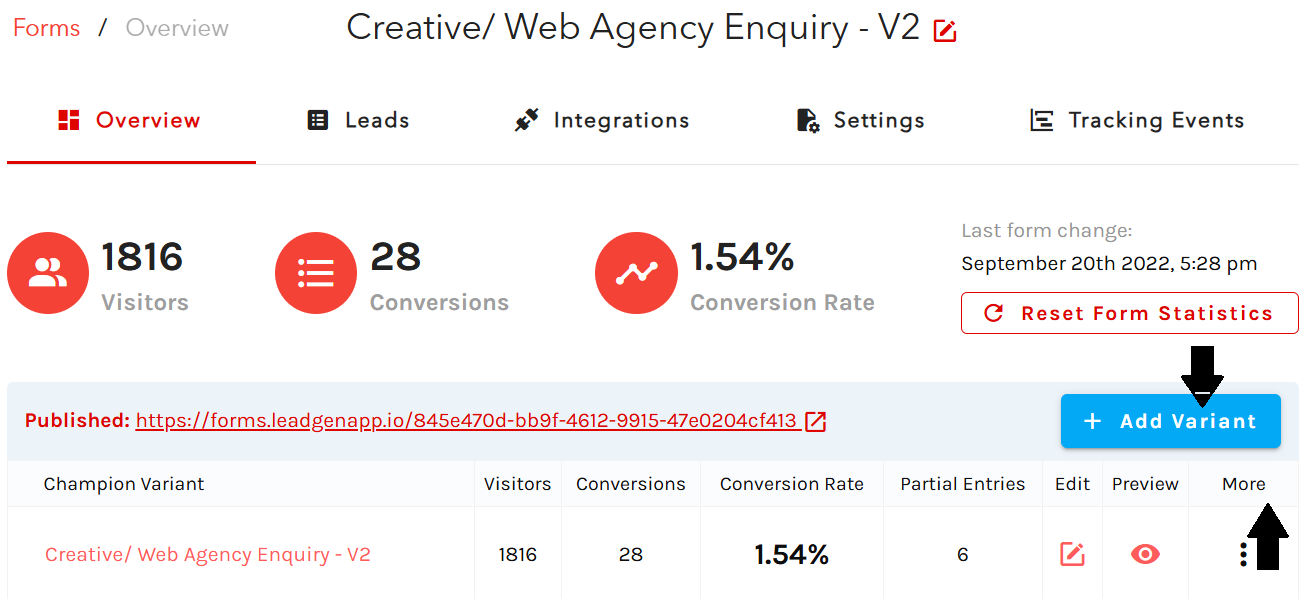
Before you start the experiment, make sure that you edit your second form variant and for example change the question order, colors, button text, etc. to gather reliable results and to find out which variant performs better.
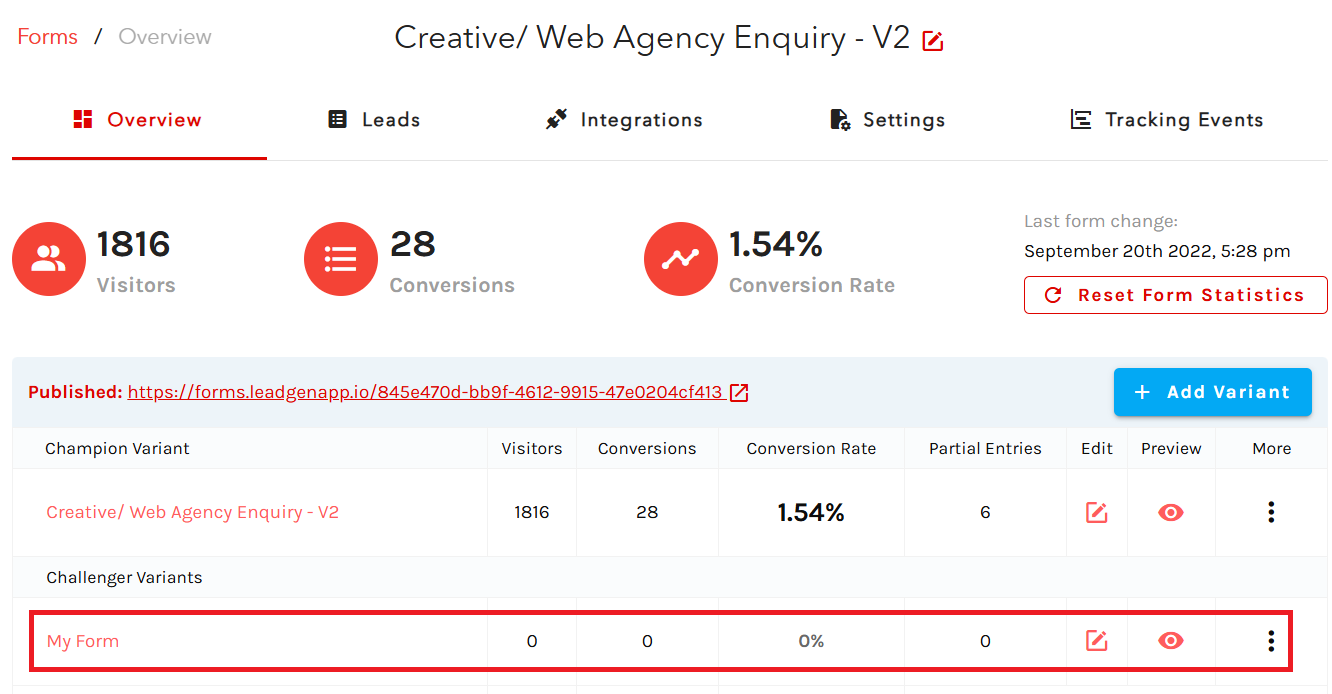
Next, go to the bottom section of your form overview page, and click on
“A/B test”
.

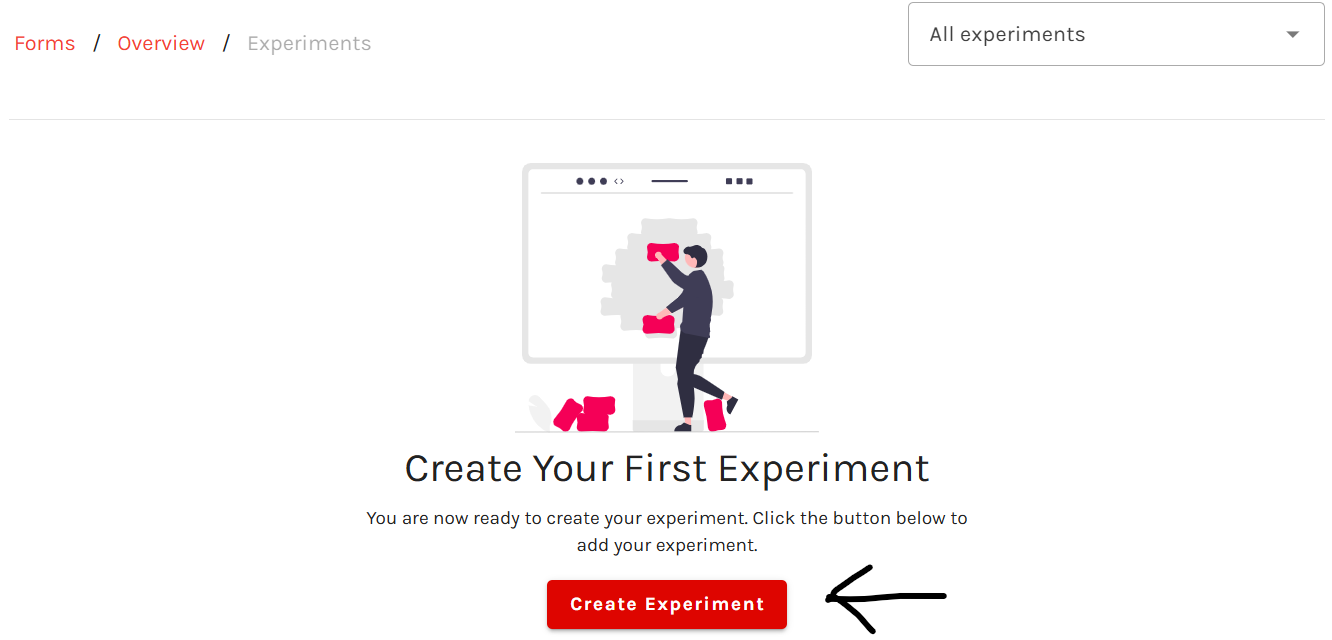
Click on the
“Create Experiment”
button.
In the popup, define your test settings. Simply give your experiment a unique title and set your challenger variants that you want to use to challenge your existing champion variant.
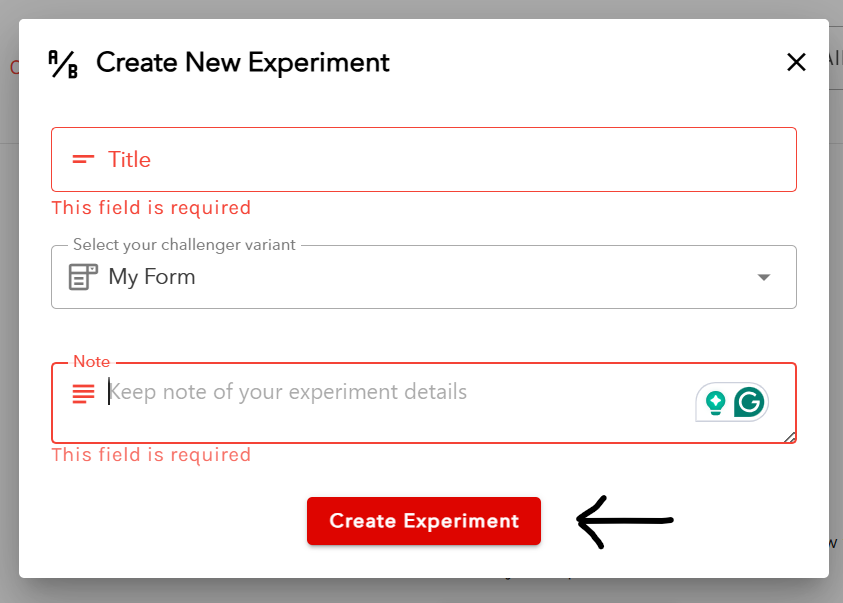
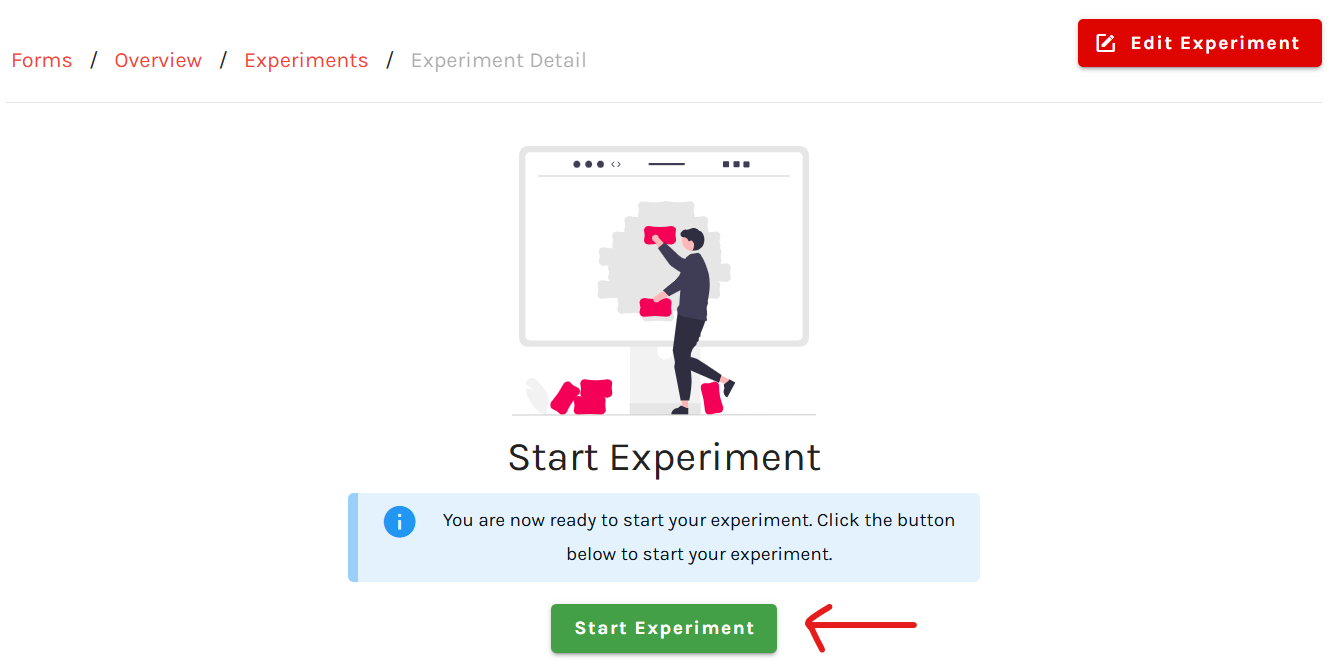
Finally, once you have defined the settings, click on
“Start experiment,”
which will make your AB test go live. CliqForms will then automatically split traffic between the two variants on your embed form.
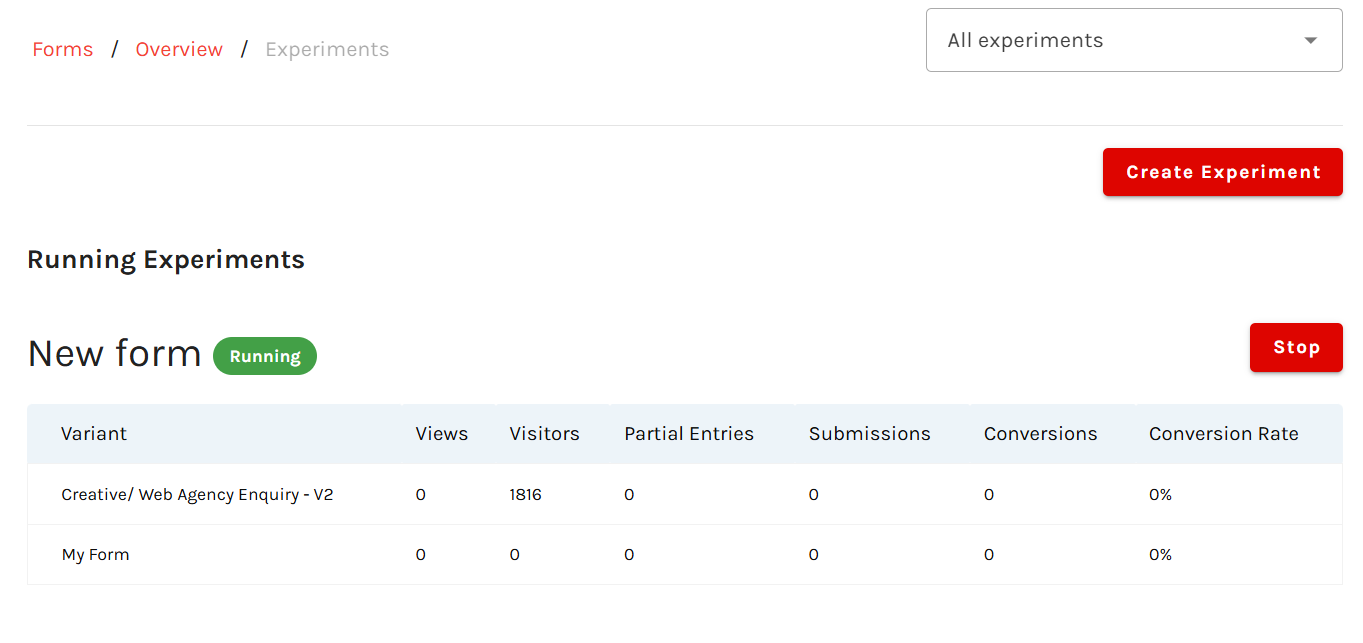
Your experiment is now running, and you can enter the tracking dashboard again at any time by opening up the experiments section on the form overview page.


.png)
